
Teaching CS Fundamentals: Teaching Problem Solving

The lesson emphasizes the importance of effective problem-solving skills in learning computer science, introducing a four-step method called the Puzzle Solving Recipe. The steps include understanding the problem, making a plan, executing and refining the plan, and checking the work, which collectively help students tackle challenges and enhance their learning experience. By mastering these steps, students can apply problem-solving techniques not only in computer science but also in various aspects of their daily lives.
Studying alone at home? Take a #CodeBreak!
In this lesson, students are encouraged to take a break from their usual study routine by participating in a fun and interactive coding session, featuring special guests like actor and author Hello Harper. The session aims to spread positivity and foster a collaborative learning environment, where participants can explore computer science concepts together, such as creating algorithms, and engage in challenge questions to reinforce their learning. Students are invited to include family and friends in this exciting opportunity to make coding a collective and enjoyable experience.
Unplugged – Relay Programming
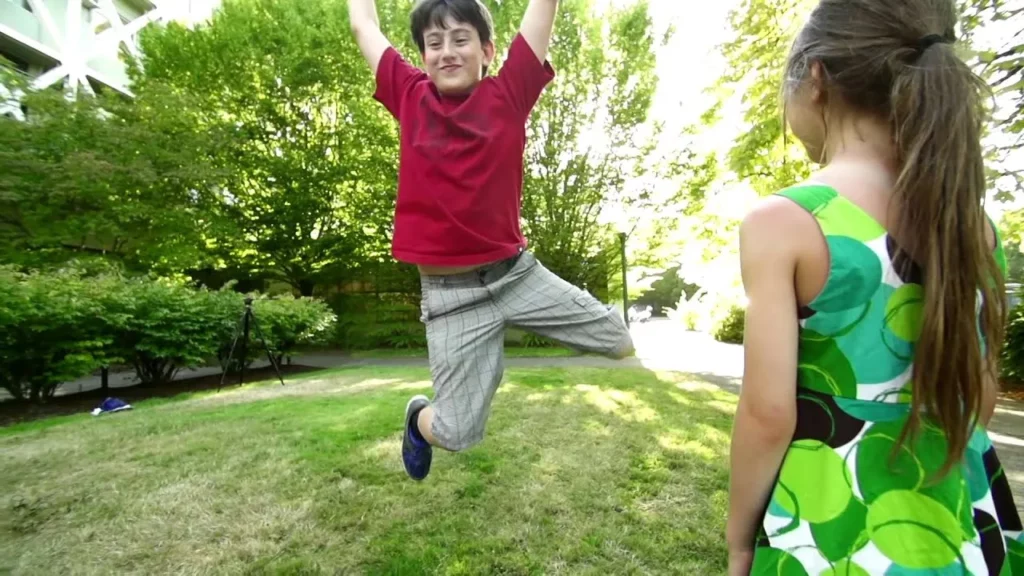
In this lesson, Anna introduces relay programming, a team-based activity that combines problem-solving with elements of a relay race, where participants take turns checking and fixing each other’s work. The lesson emphasizes the importance of debugging—finding and correcting mistakes—by likening it to a detective process, illustrated through a personal story about perfecting a back handspring. Overall, the lesson highlights teamwork and the value of learning from errors to enhance problem-solving skills.
Helpful Hints: Lesson 11.7 Part 1 – Making Honey
In Lesson 11.7 Part 1, students engage in a puzzle-solving game where they search for honeycombs along a path, with the goal of making honey as a reward. The lesson also introduces the real-life process of honey production by bees, highlighting their role in pollination and their unique communication method, the “waggle dance.” Through this interactive approach, learners gain insights into both the game mechanics and the fascinating world of bees.
Bee Loops

In the lesson “Bee Loops,” students learn about the concept of loops through the analogy of bees collecting nectar from flowers. A loop is defined as the repetition of an action, and the lesson illustrates how both bees and programmers can use loops to simplify tasks, such as using a “repeat block” in coding to efficiently gather nectar. By understanding loops, students recognize their importance in saving time and making repetitive tasks easier in various contexts.
Getting Started – Basic Features of Code.org
In this lesson, Jess from Code.org provides educators with a comprehensive guide to navigating the platform’s essential features, including accessing the teacher homepage, managing classroom sections, and exploring course content. Educators learn how to monitor student progress, utilize lesson plans, and access additional teaching resources to enhance their instructional practices. The guide emphasizes the importance of familiarizing oneself with the platform to effectively support student learning in coding.
Unplugged – Conditionals with Cards
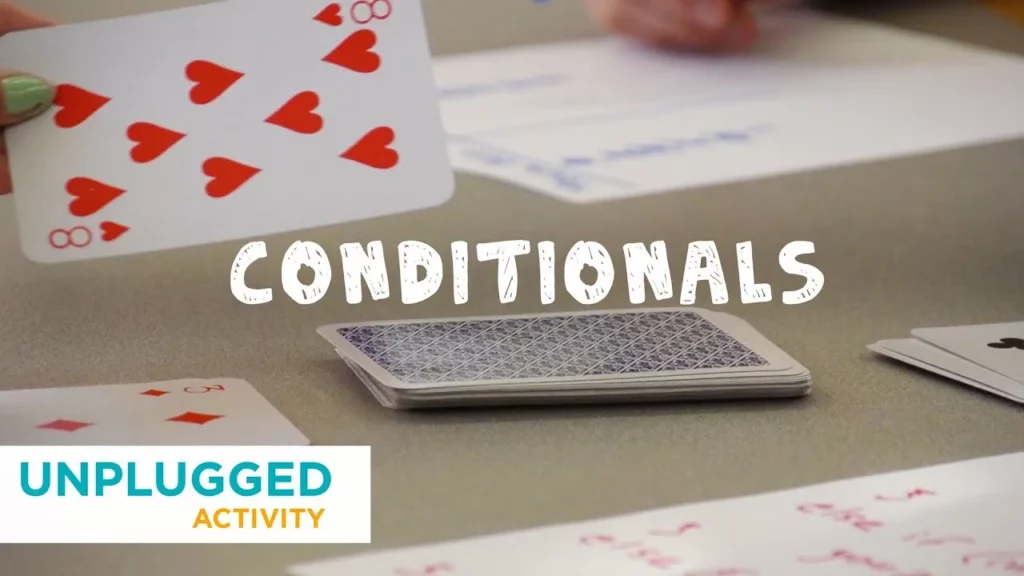
The “Coding with Cards” lesson introduces the concept of conditionals in programming through an engaging card game. Participants learn to create simple “if statements” using playing cards to make decisions, simulating how computers evaluate conditions to determine actions. This hands-on activity not only makes learning fun but also helps build foundational programming skills by encouraging critical thinking and creativity.
Minecraft: Voyage Aquatic Conditionals
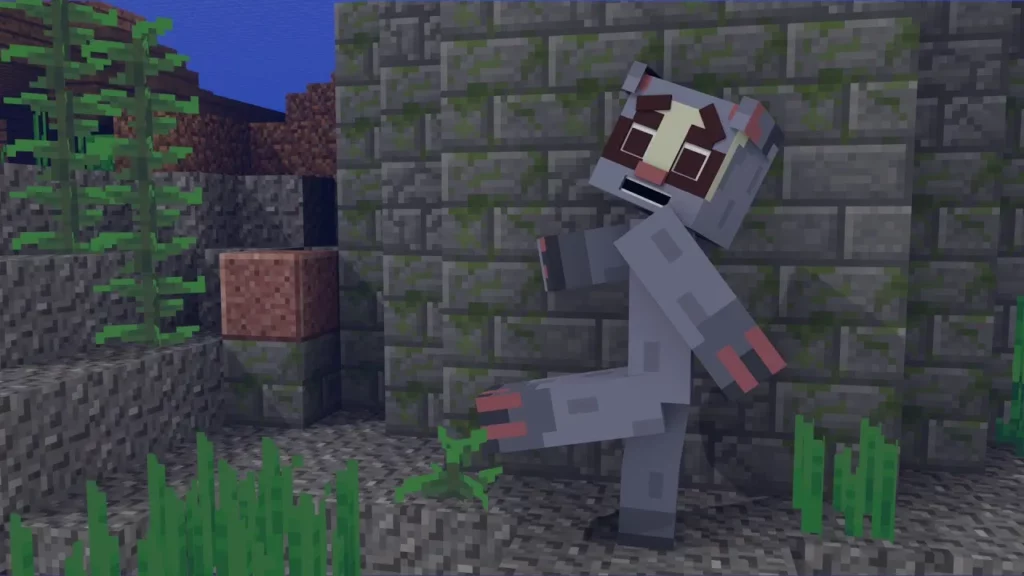
In this lesson, students embark on an underwater adventure in Minecraft, where they learn about coding through the use of conditionals. Guided by Netty, they discover how “if” statements can help make decisions based on specific conditions, such as navigating paths or solving puzzles. By applying these concepts, learners practice coding skills while exploring the mysterious ruins and enhancing their problem-solving abilities.
CSA: Writing a Method
In this lesson, Jevon explains the concept of methods in programming, using the example of creating a “square” method for a robot that can only move forward and turn left. He outlines the process of defining a method’s signature, including its accessibility, return type, name, and parameters, and emphasizes the importance of methods for encapsulating commands, promoting code reuse, and improving programming efficiency. By implementing the “square” method, learners can enhance their coding skills and create more organized programs.
Careers in Tech: My Name is Polina
In her lesson, Polina Guskova, a data scientist at Electronic Arts, emphasizes the importance of following one’s passions, particularly in the gaming industry and technology. She shares her journey from early inspiration in a robotics lab to her fascination with machine learning, highlighting the potential for personalized gaming experiences. Polina encourages everyone to explore coding skills, as they are valuable across various fields and can lead to innovative opportunities.