
How To Connect a PS4 Controller to PC
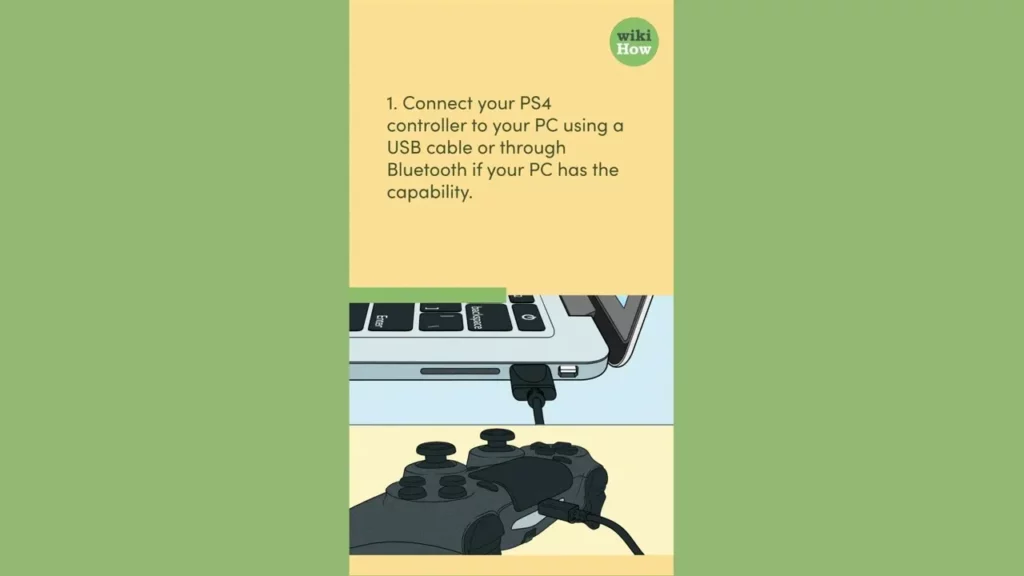
This lesson provides a straightforward guide on how to connect a PS4 controller to a PC, either via USB cable or Bluetooth. It outlines the necessary steps, including connecting the controller, installing drivers if needed, and configuring the controller settings for optimal gaming. Additionally, it offers tips for enhancing the gaming experience, such as keeping the controller charged and considering third-party software for customization.
How To Connect a Xbox Controller to PC
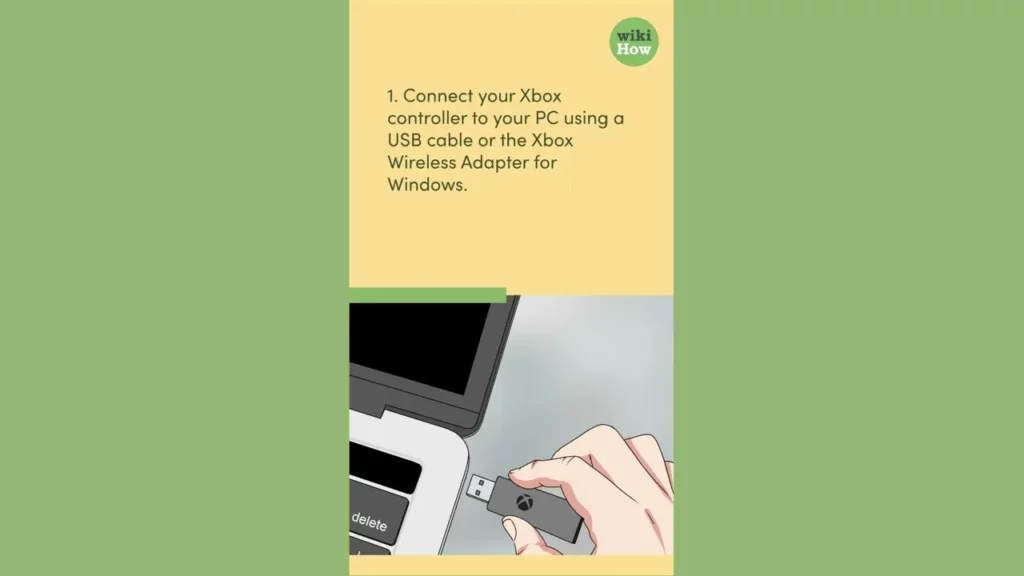
This lesson provides a straightforward guide on how to connect an Xbox controller to a PC, offering two methods: using a USB cable or the Xbox Wireless Adapter. For a wired connection, simply plug the USB cable into both the controller and the PC, while for a wireless setup, connect the adapter and sync the controller by pressing their respective sync buttons. The lesson encourages seeking additional help if needed, ensuring a smooth gaming experience.
How To Connect Firestick Remote
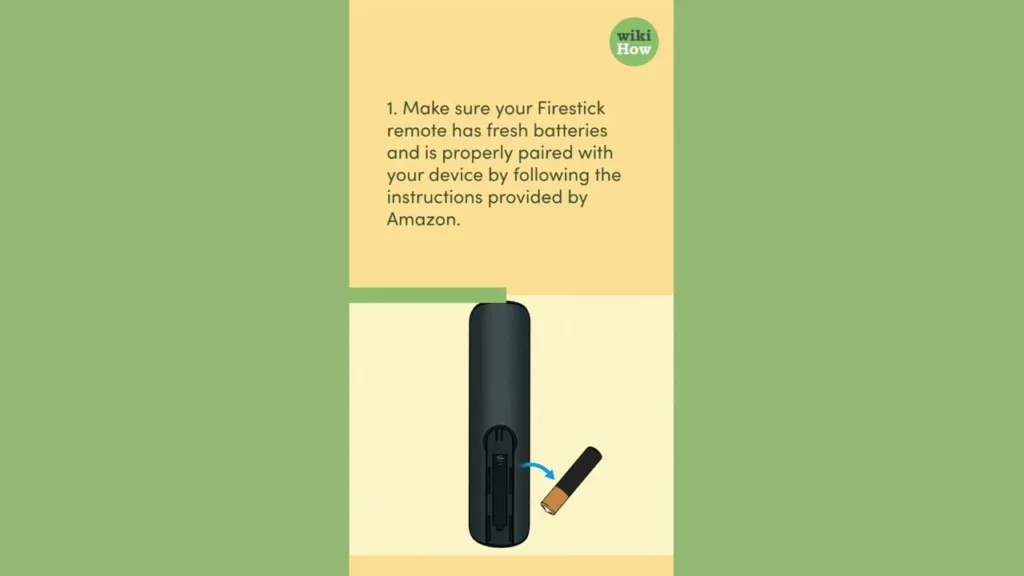
This lesson provides a step-by-step guide on how to connect a Fire Stick remote that is not working. Key steps include checking and replacing the batteries, pairing the remote with the Fire Stick, ensuring there are no obstructions blocking the signal, and resetting the Fire Stick if necessary. Following these instructions can help restore functionality to the remote and enhance your viewing experience.
How To Connect Laptop to TV
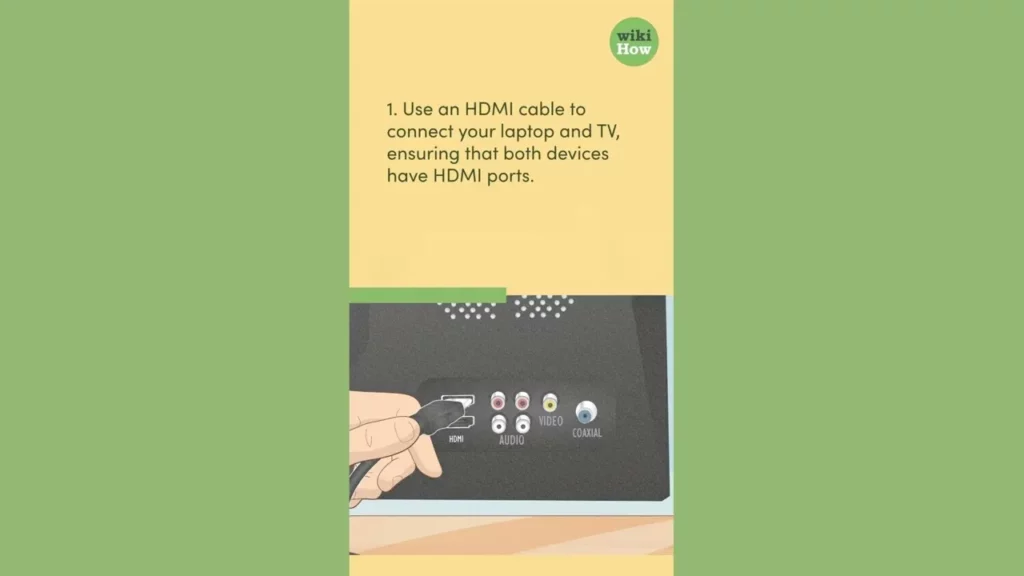
This lesson provides a straightforward guide on how to connect your laptop to your TV, either through an HDMI cable or wirelessly using screen mirroring or casting. It outlines the necessary steps for both methods, including checking for HDMI ports, switching input channels, and adjusting display settings for optimal viewing. By following these instructions, you can easily enjoy your favorite content on a larger screen.
How To Connect Two AirPods to One Phone
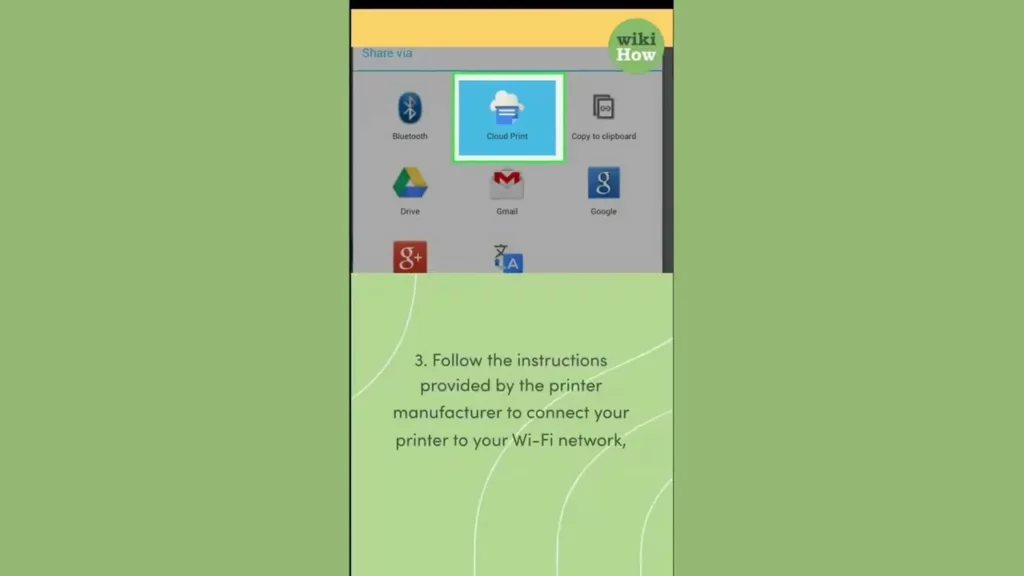
In this lesson, you learned how to connect two sets of AirPods to one phone, allowing you to share music or podcasts with a friend. The process involves checking device compatibility, connecting the first pair of AirPods, using the audio sharing feature to connect the second pair, and adjusting the volume for each set individually. Additionally, you can easily disconnect the second pair when you’re done sharing.
How To Contact Google Support
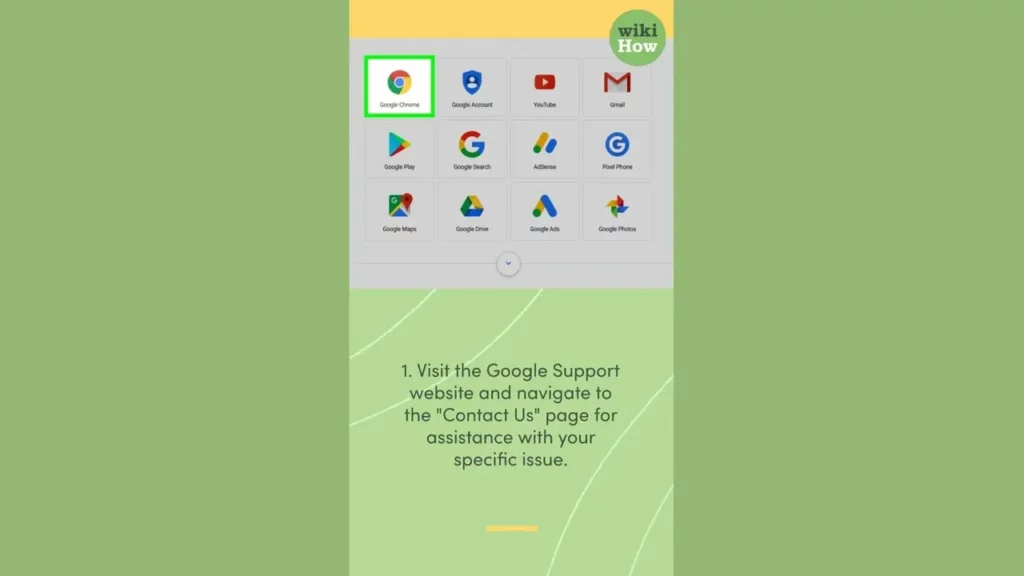
This lesson outlines effective strategies for contacting Google support, emphasizing the importance of utilizing the Google Support website and Help Center for self-help resources. It also encourages engaging with Google forums and community support for additional assistance, while highlighting the need for clear communication about issues to facilitate better support. Patience and persistence are essential when navigating technical challenges.
How To Contact IRS
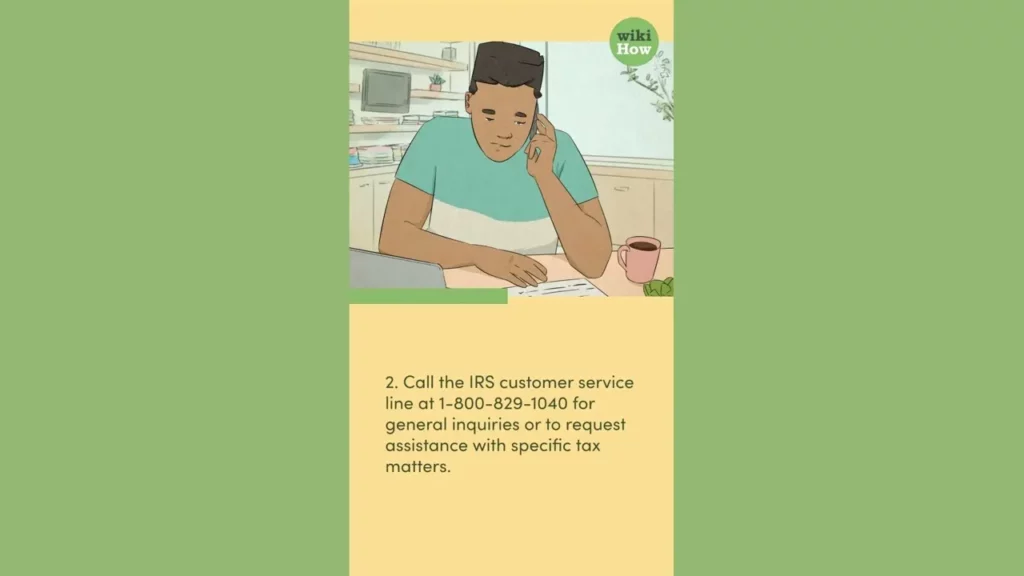
This lesson outlines effective methods for contacting the IRS to resolve tax-related questions or issues. Key approaches include visiting the official IRS website for comprehensive resources, calling the customer service line for assistance, and scheduling in-person appointments at local IRS offices for complex matters. It also emphasizes the importance of preparation by gathering necessary documents and exploring online resources before reaching out.
How To Force Shut Down iPhone
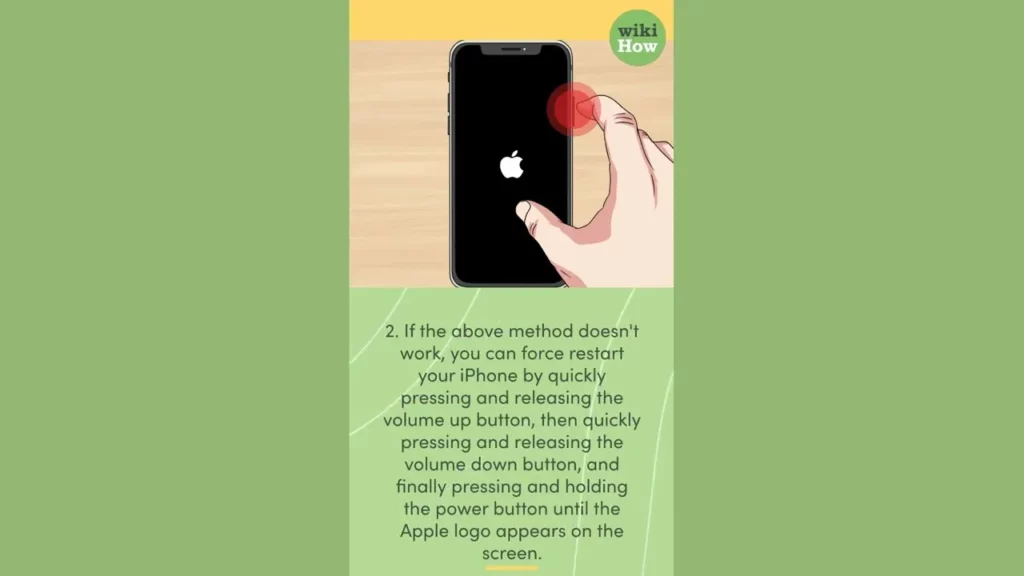
This lesson provides step-by-step instructions on how to force shut down an unresponsive iPhone using three different methods: using the power and volume buttons, performing a force restart, and shutting down while connected to a power source. It emphasizes the importance of keeping the iPhone updated to prevent issues and suggests contacting Apple Support if problems persist.
How To Forget a Network on Mac
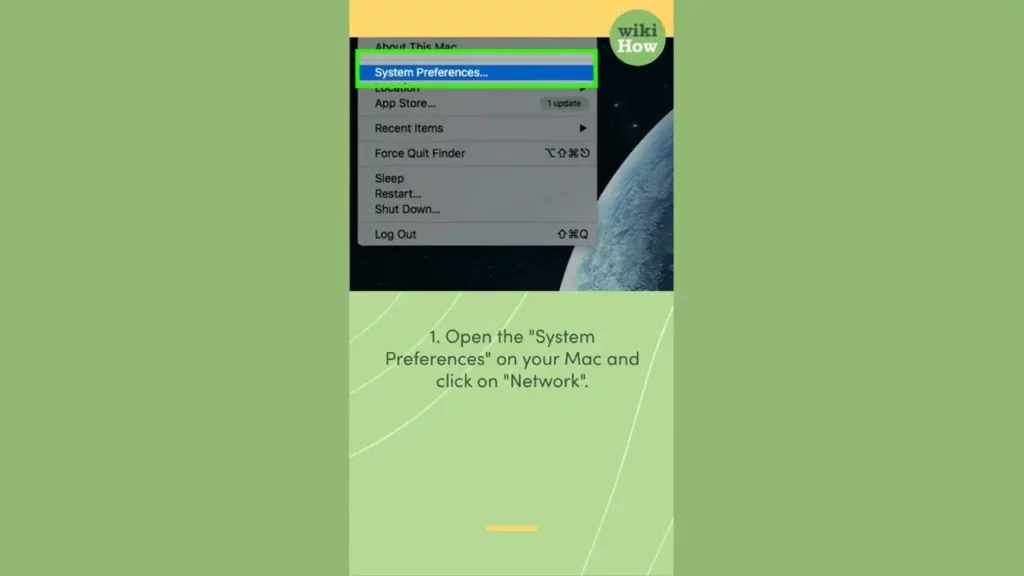
This lesson teaches you how to forget a Wi-Fi network on your Mac, which can be useful for managing your network connections and ensuring security. By following four simple steps—opening System Preferences, accessing Network settings, selecting the network to forget, and confirming its removal—you can easily prevent your Mac from automatically connecting to unwanted networks. Additionally, it offers a tip on how to reconnect to a forgotten network if needed.
How To Frame a Puzzle
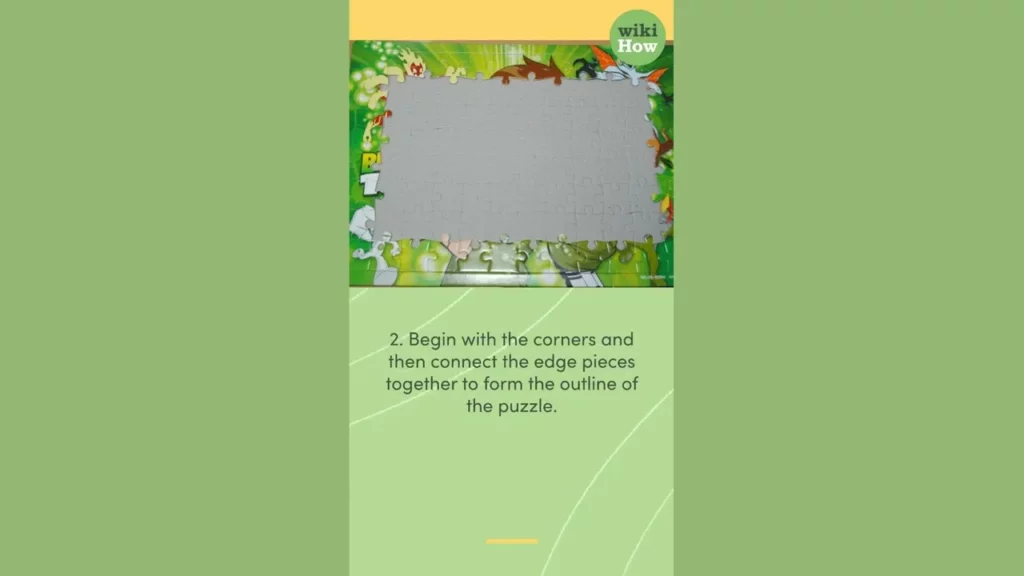
This lesson teaches you how to frame and complete a puzzle by following three main steps: sorting the pieces, building the frame with edge and corner pieces, and filling in the interior by grouping pieces by color and shape. Additional tips encourage working in a well-lit area, taking breaks when needed, and involving others for a more enjoyable experience. Enjoy the process of piecing together your beautiful picture!