
How To Connect AirPods
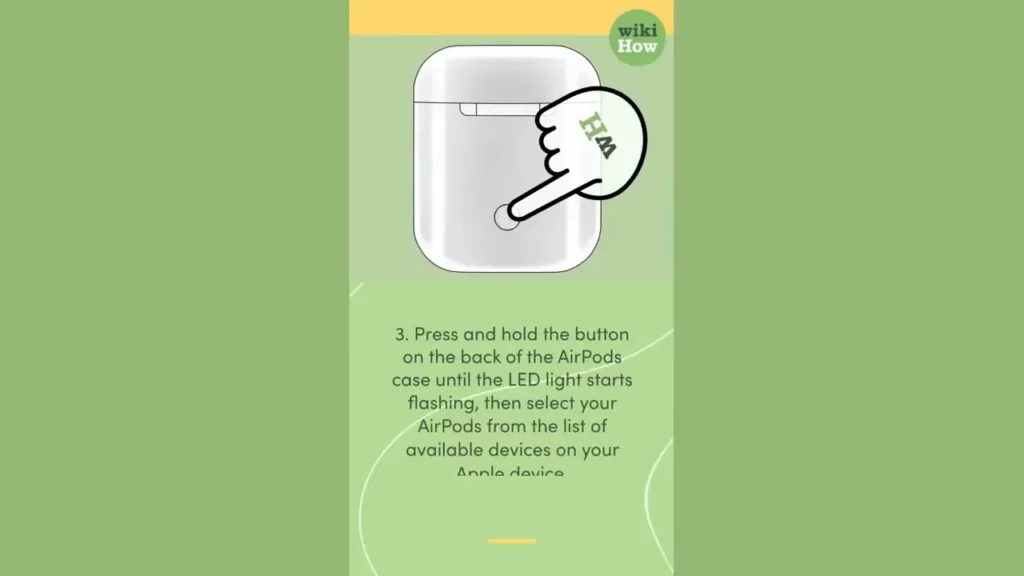
This lesson provides a straightforward guide on how to connect AirPods to an Apple device. It outlines essential steps, including checking the AirPods’ charge, enabling Bluetooth on the device, and pressing the button on the AirPods case to initiate the connection. Additionally, it highlights the versatile features of AirPods, such as making phone calls and using Siri, while also offering tips on maintenance for optimal performance.
How To Deactivate Facebook
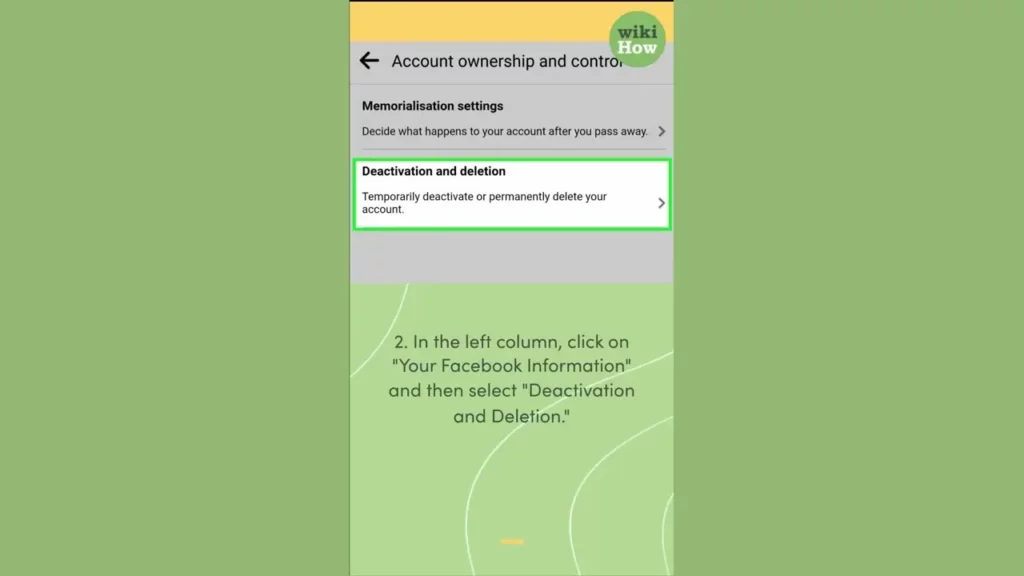
This lesson provides a step-by-step guide on how to deactivate your Facebook account, allowing you to temporarily hide your profile and content from others. It emphasizes the difference between deactivation and deletion, highlighting that deactivation is a reversible option for those looking to take a break from social media. Ultimately, the lesson encourages users to take control of their online presence based on their personal needs and circumstances.
How To Deactivate Instagram
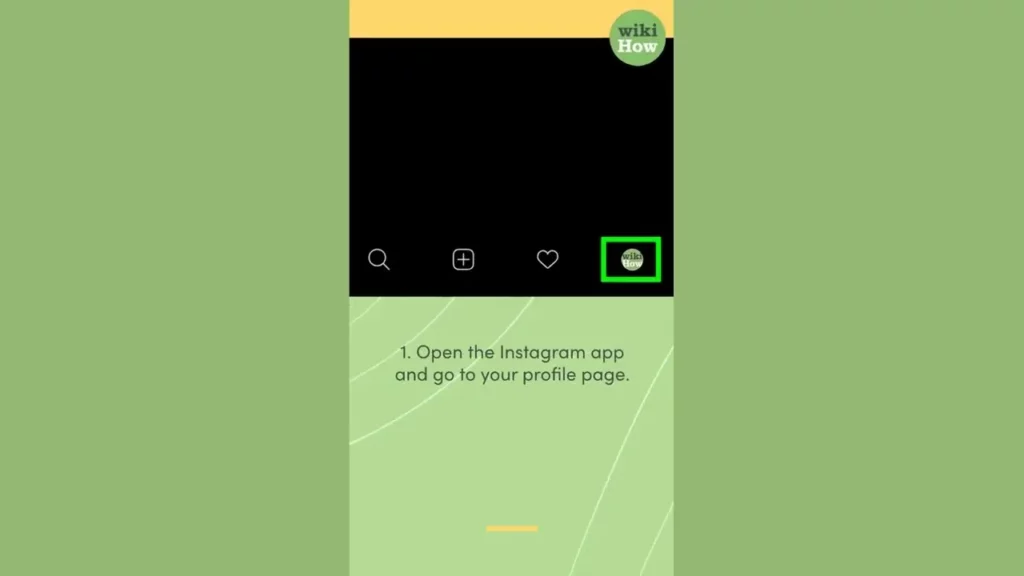
This lesson provides a straightforward guide on how to temporarily deactivate your Instagram account, allowing you to take a break from social media without permanently losing your profile. It outlines the steps to access your account settings and disable your account, emphasizing the benefits of stepping away to focus on other activities and self-care.
How To Recall an Email in Outlook
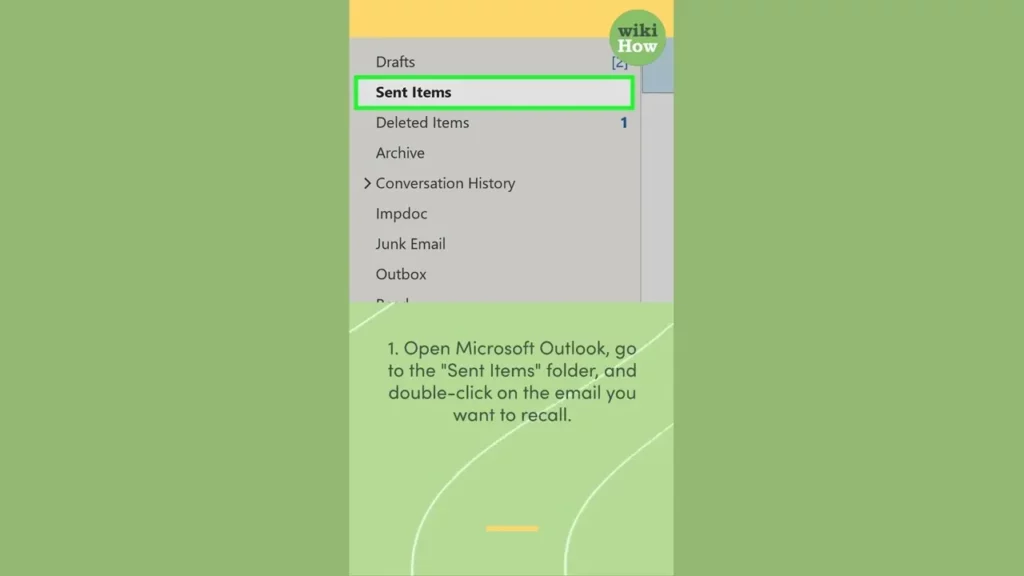
This lesson provides a step-by-step guide on how to recall an email in Microsoft Outlook, which can be helpful when a message is sent by mistake or needs modifications. It outlines the process of accessing the Sent Items folder, initiating the recall through the Actions tab, and confirming the recall option, while also highlighting factors that affect the success of the recall and offering additional tips for better outcomes. By following these instructions, users can effectively manage their emails and minimize the consequences of unintended messages.
How To Unpair Apple Watch
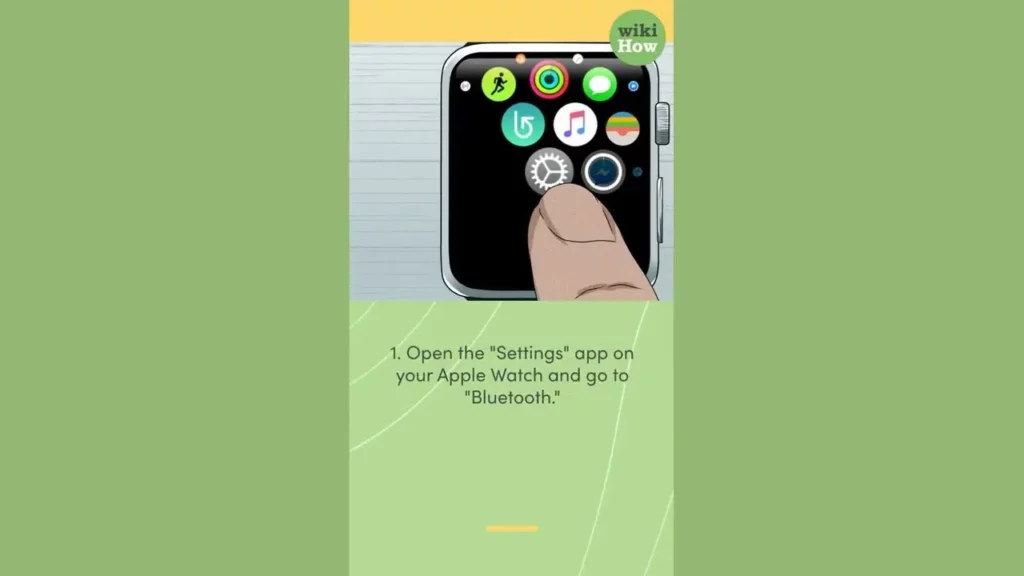
This lesson provides a straightforward guide on how to unpair your Apple Watch from a device by following four simple steps: accessing the Settings app, navigating to Bluetooth, selecting the device to unpair, and confirming the action. Unpairing is beneficial for managing connections, troubleshooting issues, or switching to a new device. The lesson also includes a tip for re-pairing the Apple Watch if needed in the future.
How To Block Your Number
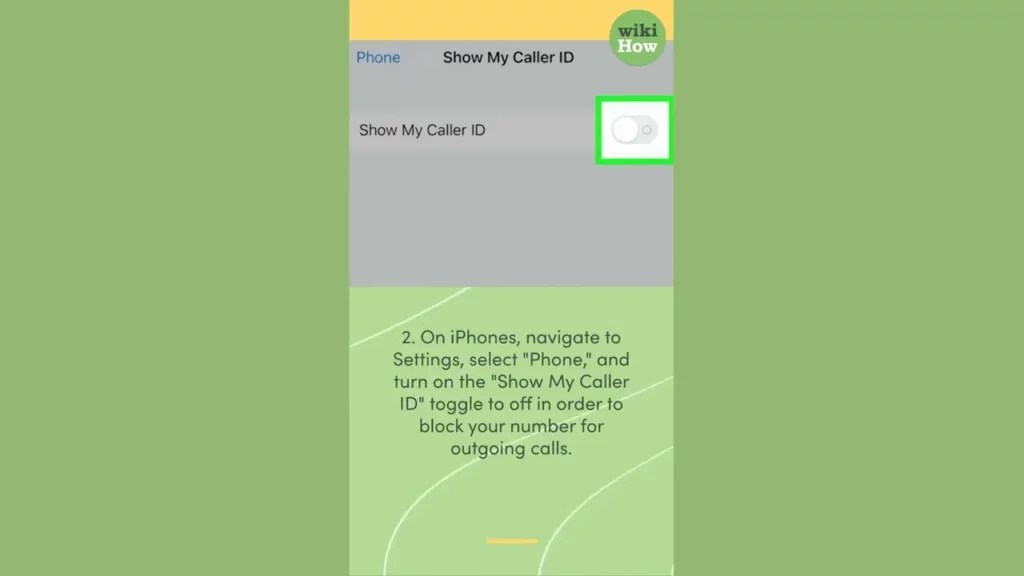
This lesson explains how to block your phone number when making outgoing calls, providing specific instructions for both Android and iPhone users. It also includes a method for blocking your number on a per-call basis using the code *67. The lesson emphasizes the importance of privacy when making calls, while also noting that some recipients may not answer calls from blocked numbers.
How To Change Your Name on Facebook
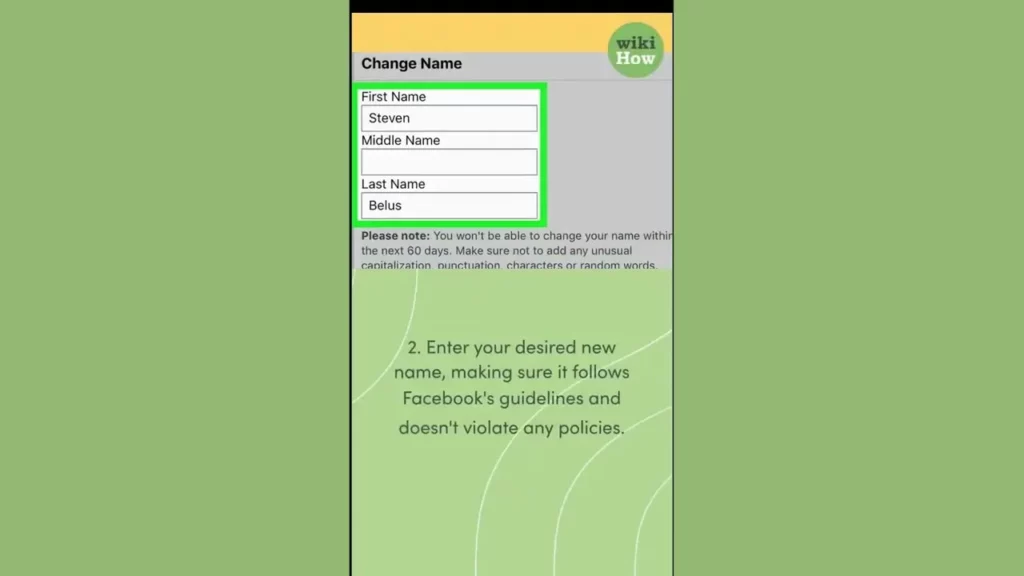
This lesson provides a step-by-step guide on how to change your name on Facebook, starting from accessing your profile settings to editing your name. It emphasizes the importance of following Facebook’s naming guidelines and includes tips on the frequency of name changes and where to find additional help if needed. By the end of the lesson, users will be equipped to update their profiles easily and effectively.
How To Clean AirPods
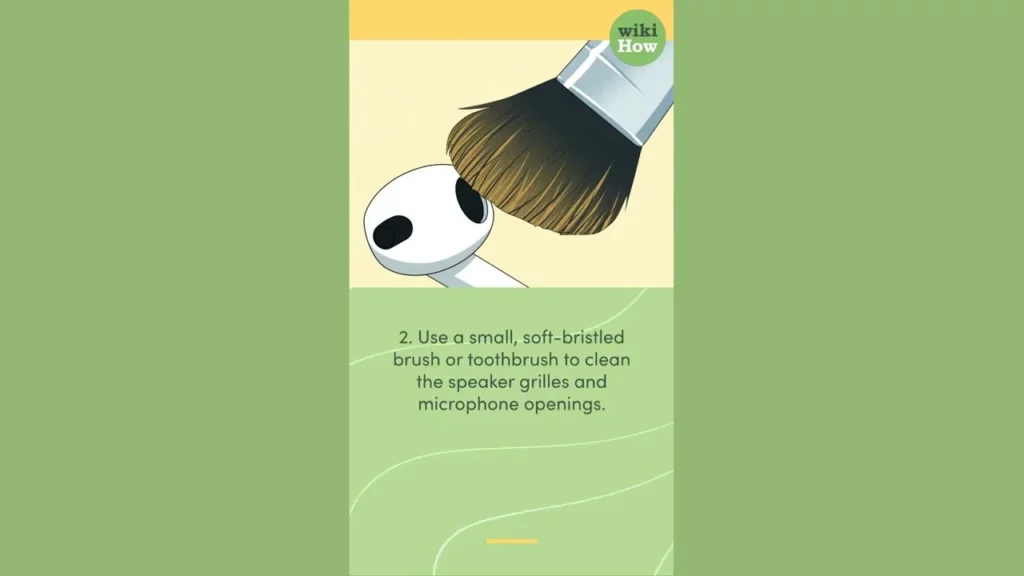
This lesson provides simple and effective tips for keeping your AirPods clean and in excellent condition. It emphasizes the importance of gently wiping the exterior, using a soft brush for the speaker grills, and avoiding liquids, while also offering additional care tips like proper storage and maintaining the charging case. By following these steps, you can ensure your AirPods remain looking and sounding great.
How To Win Fortnite
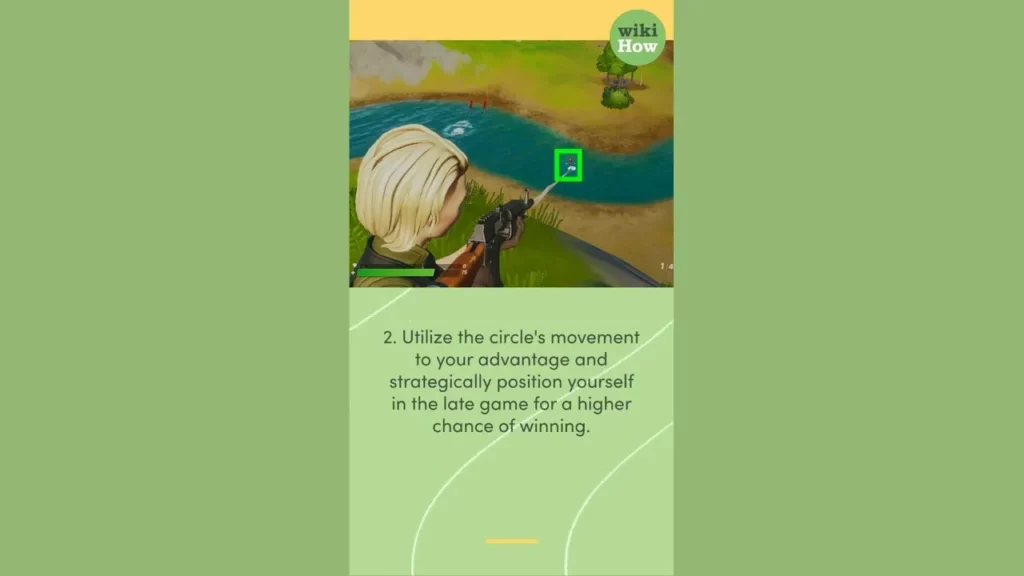
This lesson provides essential strategies for excelling in Fortnite, emphasizing the importance of building skills, strategic positioning within the storm circle, and maintaining awareness of your surroundings through sound cues. Additionally, it encourages players to practice regularly and collaborate with friends to enhance their gameplay. By mastering these techniques, players can significantly improve their chances of achieving Victory Royale.
How To Add Music to Instagram Story
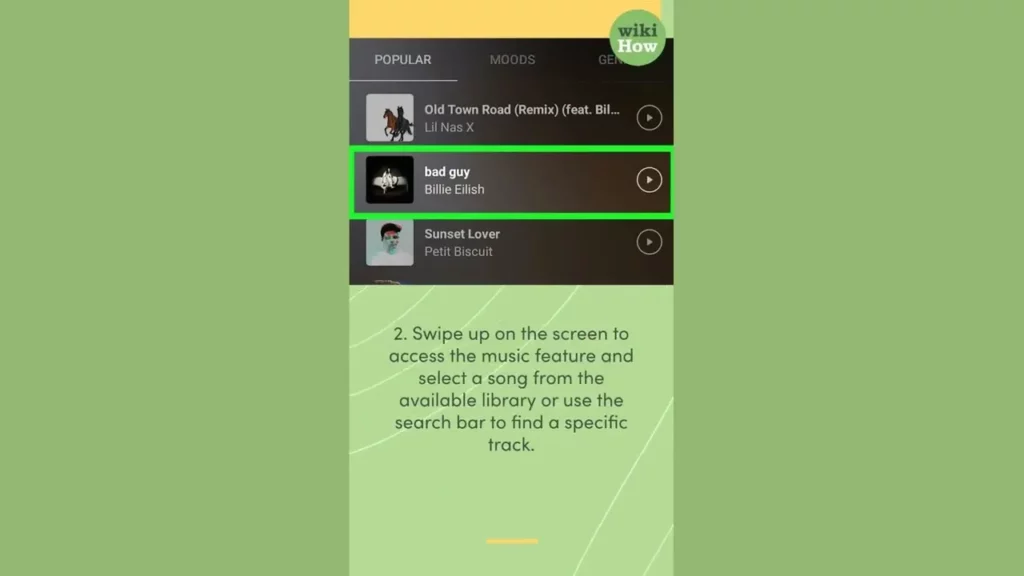
In this lesson, you will learn how to enhance your Instagram stories by adding music, making them more engaging and fun. The process involves opening the Instagram app, selecting a photo or video, accessing the music feature to choose a song, and customizing it to fit your story. Additionally, you are encouraged to explore other creative features like filters and stickers to further personalize your content.