
IF – Coding Concepts Explained for Kids
In this lesson, kids learn about “if statements,” which are coding commands that execute actions only when a specified condition is true. Using relatable examples, such as deciding whether to bring an umbrella when it rains or how a goat and monkey interact with frozen bananas, students understand how to implement these statements in their coding projects. The lesson encourages creativity and experimentation with if statements, making coding fun and accessible.
Mouse Move Events – Coding Concepts Explained for Kids
In the lesson “Who Moved My Mouse,” kids learn about mouse move events and how they can be used to create interactive animations on the computer screen. By using the `onMouseMove` function, students can control objects like a monkey or a crocodile to follow the mouse cursor, utilizing x and y coordinates to track the cursor’s position. The lesson encourages hands-on experimentation, allowing kids to create fun scenarios by moving objects and interacting with them using keyboard inputs.
Boolean – Coding Concepts Explained for Kids
In this lesson, we explored the concept of Booleans, which are values in coding that can only be true or false, similar to simple yes or no answers. We learned about boolean operators, specifically “and” and “or,” which help combine boolean values to make decisions; “and” requires both conditions to be true, while “or” only needs one to be true. Through fun examples involving a monkey and a goat, we practiced applying these concepts to real-life scenarios, encouraging hands-on experimentation with booleans in coding.
Block-Based Coding Explained for Kids | What is Block-Based Programming? | Block Coding for Kids
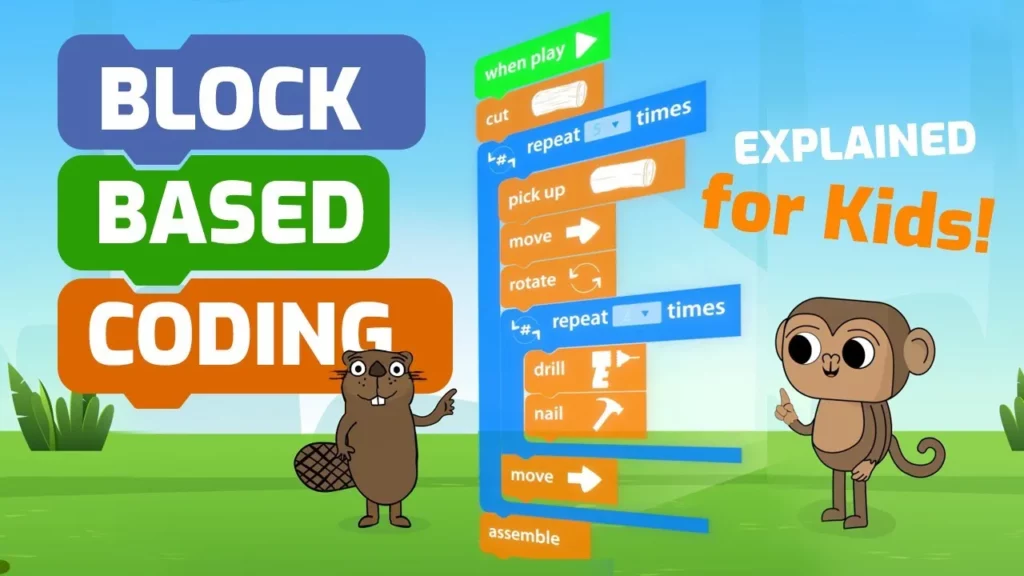
Block-based programming is an engaging and accessible way for kids to learn coding by using colorful blocks that fit together like puzzle pieces. This method allows young learners to create games, animations, and other projects easily, encouraging experimentation and creativity. With immediate visual feedback and a hands-on approach, block-based programming makes coding fun and approachable for children.
How to Code: Tutorial on functions, turning and walking backwards
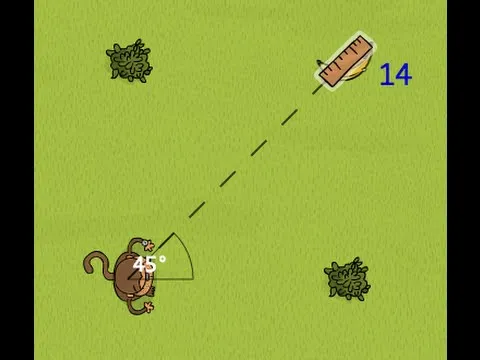
In this lesson, students learn about coding objects and their functions, focusing on how to make a monkey character turn and walk backwards. They explore three methods for turning the monkey—turning right or left, using degrees, and turning towards another object—while also discovering how to make the monkey walk backwards by using negative values in the step function. The lesson encourages hands-on practice and highlights helpful coding tips, making the learning process engaging and fun.
Array Indexing – Coding Concepts Explained for Kids
In this lesson, we explored the concept of array indexing, which allows us to organize and access multiple items, like numbers or objects, stored in a special box called an array. We learned that indexing starts at zero, meaning the first item is accessed with “array[0],” and practiced with examples involving bananas and beavers to see how we can manipulate and reference items within arrays. Now it’s your turn to apply what you’ve learned and have fun with array indexing!
Variables – Coding Concepts Explained for Kids
In this lesson, we explored the concept of variables in coding, likening them to boxes that hold different types of information, such as numbers and words. We learned how to assign values to variables using an equal sign and saw practical examples of how changing these values can affect the behavior of a program, such as controlling a monkey’s movements in a loop. Finally, we encouraged students to experiment with variables in their own coding projects to reinforce their understanding.
Objects – Coding Concepts Explained for Kids
In this lesson, kids learn about objects in programming, which are essential components in languages like Python, Java, and CoffeeScript. Through a fun example involving a monkey and a turtle in a game, students discover how to use objects to solve challenges and create interactions in their code. The lesson emphasizes the importance of object-oriented programming in making coding more organized and enjoyable.
Getting Started with Coding Adventure – A Guide for Students
The “Getting Started with Coding Adventure” lesson introduces students to Code Monkey’s interactive Coding Adventure course, where they will learn programming basics by helping a monkey retrieve stolen bananas through coding challenges. The course is structured into three parts with over 200 challenges, guided by a character named Gordo, and emphasizes problem-solving and debugging skills. Students will engage in a game-based environment, using CoffeeScript to complete tasks and earn star scores based on their coding proficiency.
Functions – Coding Concepts Explained for Kids
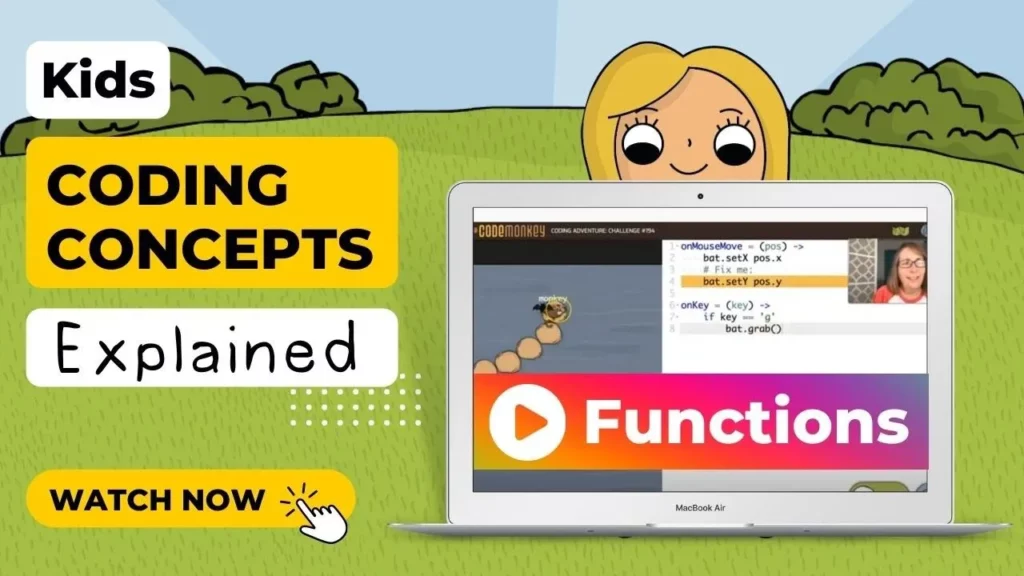
In this lesson, students learned about functions in coding, which are special tools that allow you to group instructions under a name for repeated use, similar to casting a magic spell. Through examples like the `spin` and `go_to` functions, they discovered how parameters can customize these functions, making coding more organized and efficient. The lesson emphasized the importance of creating functions before using them and encouraged students to practice using functions to enhance their coding skills.