
Sequencing – Coding Concepts Explained for Kids
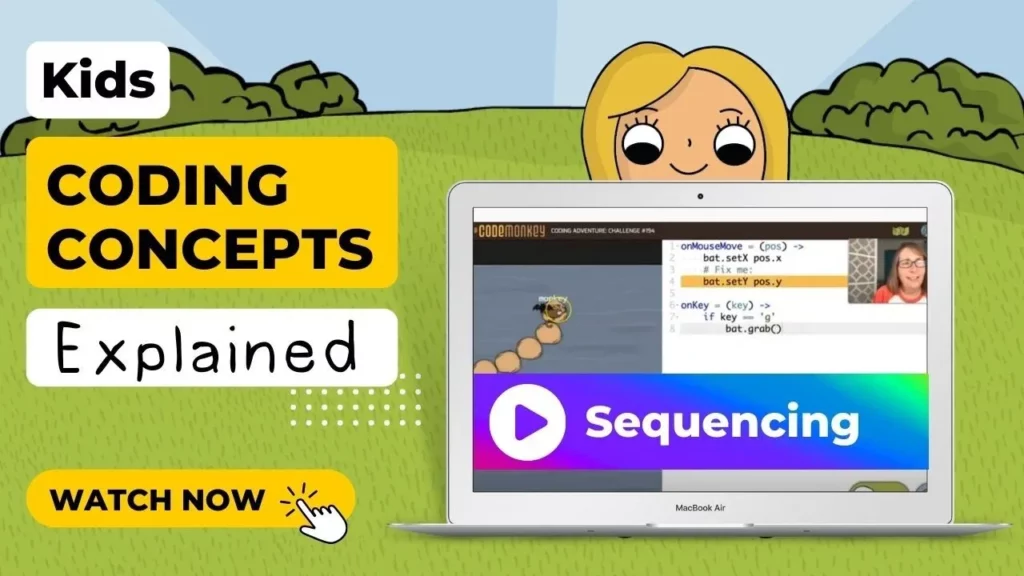
In this lesson, students learn about sequencing, which involves arranging actions in the correct order, similar to a daily routine. The concept is illustrated through a fun example of guiding a monkey to collect bananas, emphasizing that the order of commands in coding is crucial for achieving the desired outcome. By understanding sequencing, students are encouraged to apply this knowledge in their own coding adventures.
AI Explained for Kids | What is Artificial Intelligence? | How AI can help us?
The lesson “AI Explained for Kids” introduces the concept of artificial intelligence (AI) as a helpful tool that learns and assists us in various tasks, much like a new friend. It explains how AI differs from simple programming by being able to learn on its own, and highlights its applications in everyday activities such as shopping and organizing information. The lesson encourages kids to explore AI further through interactive games on the Code Monkey website, emphasizing that while AI can be very useful, it can also make mistakes just like humans do.
Python Explained for Kids | What is Python Coding Language? | Why Python is So Popular?
In this lesson, we learned that Python is a beginner-friendly coding language known for its simplicity and readability, making it an excellent choice for kids interested in coding. We explored the concept of functions as specific sets of instructions that perform tasks when needed, and discovered that Python is versatile, being used in various fields such as data analysis and software development. The lesson encourages young learners to embark on their Python journey with available resources like coding courses.
Coding for Kids Explained | What is Coding | Why is Coding Important
This lesson introduces coding as the process of giving instructions to computers, similar to following a recipe. It explains the importance of coding in creating everyday technology, such as video games and websites, and encourages kids to learn programming languages to bring their ideas to life. By starting with basic coding skills, children can eventually develop their own apps and games, fostering creativity and problem-solving abilities.
How to Make a Shop in Scratch – Part 2 | Tutorial
In this lesson, Zenia guides us through enhancing a shop in Scratch by adding new features such as a “Speed Boost” item that alters gameplay, items that can be purchased multiple times (like cabbages), and exclusive items that can only be bought once. Additionally, she demonstrates how to improve the shop interface by making buttons interactive based on the player’s coin balance and adding visual effects when the mouse hovers over them. This part builds on the foundational code from the previous lesson, allowing for a more dynamic shopping experience in the game.
How to Make a Platformer with Ground Detection in Scratch | Platformer Tutorial Part 2
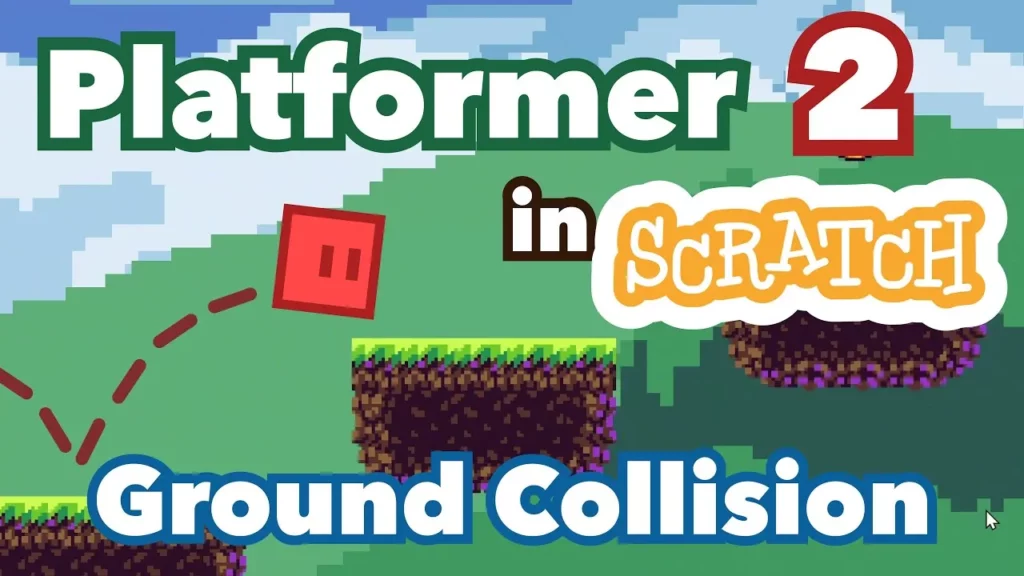
In this lesson, Zenia teaches how to create a platformer game in Scratch, focusing on ground detection and character interactions. Students learn to implement ground collision by using conditional blocks to prevent the character from falling through the ground and to restrict jumping to when the character is on the ground. The lesson also emphasizes organizing code for clarity and preparing for future enhancements like wall jumping and danger areas.
How to Make a Multiplayer Game in Scratch | Two-Player Pong Tutorial
In this lesson, you learned how to create a two-player Pong game using Scratch, enhancing the classic game by adding a second paddle and implementing controls for both players. You set up movement for Paddle One using the up and down arrow keys and Paddle Two with the W and S keys, while also incorporating a scoring system that tracks points for each player when the ball passes their respective lines. By the end of the tutorial, you were able to start the game with scores reset to zero, allowing you to challenge a friend in your newly created game.
How to Make a Maze Game in Scratch | Tutorial
In this lesson, you will learn how to create a maze game in Scratch by following four simple steps: designing a maze, programming a character to move, preventing the character from walking through walls, and adding multiple levels to enhance gameplay. By the end of the guide, you’ll have a fully functional maze game that allows for creativity and exploration in coding and game design. Enjoy the process and have fun creating your unique mazes!
How to Make a Choose Your Own Adventure Game in Scratch | Tutorial
In this lesson, Zia teaches how to create a Choose Your Own Adventure game using Scratch, breaking the process down into three simple steps. First, you design a backdrop and formulate an initial question for the player. Next, you create interactive options for the player to choose from, and finally, you set up navigation to new scenes based on their choices, allowing for a dynamic storytelling experience.
How to Make Collectible Items in Scratch | Tutorial
In this lesson, Zia teaches how to create collectible items in Scratch, guiding users through the process of selecting a main character and background, adding a collectible item, and programming it to play a sound and disappear when collected. The tutorial also covers how to enable character movement using arrow keys and randomize the collectible item’s position at the start of the game, ensuring an engaging gameplay experience.