
How to Make a Jumping Game in Scratch | Tutorial
In this lesson, we learned how to create a jumping game in Scratch, where a character jumps over moving obstacles. The tutorial guided us through five key steps: making the character jump with the space key, creating and animating a moving obstacle, implementing a game-over condition, adding more obstacles for increased challenge, and keeping track of the player’s score. By the end, we had a fun and interactive game that could be further customized and expanded.
Scratch Video Update: Ep. 16
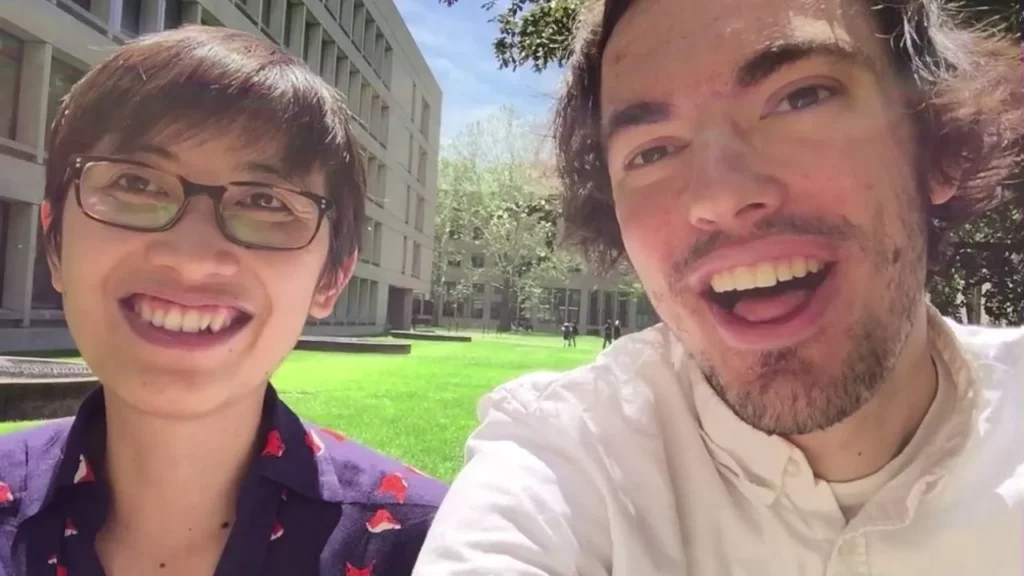
In Episode 16 of the Scratch Video Update, hosts Rick Ross and Eric highlight exciting developments within the Scratch community, including standout projects like a theme song for Gobo and Fruit Salad, and the inspiring “Art Comes to Life” studio. They also introduce fun tutorials such as “Make It Fly” and “Make Music,” and share highlights from the Scratch Day celebration at MIT, which brought together participants from 14 states and featured various engaging activities.
Video Update: Episode 5
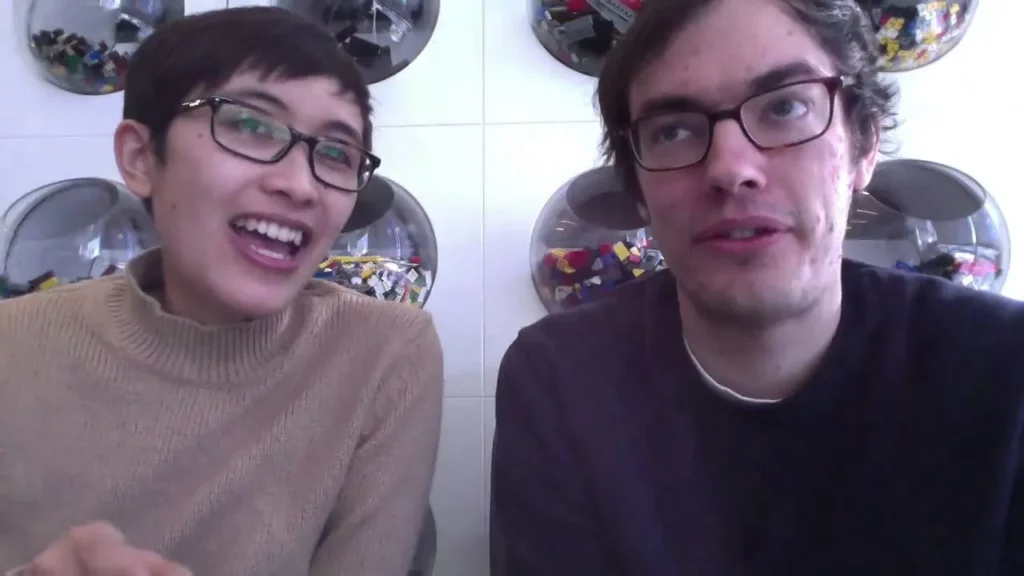
In the fifth Scratch video update, Rick and Eric share exciting projects from the Scratch community, including a historical dress-up game and a pancake-making tutorial. They introduce new Scratch studios, such as “Scratch Around the World” and “Super Pi Day,” showcasing diverse cultural projects and fun activities related to the number Pi. Additionally, Mitch and Natalie from the Scratch team reflect on the platform’s evolution since 2002, highlighting significant changes and improvements over the years.
How to Make a Character Designer in Scratch | Tutorial
In this lesson, Zoë from the Scratch team guides you through creating a character designer game in Scratch, where players can customize their own characters. The process involves selecting a theme, drawing character components using simple shapes, and organizing these components into separate Sprites for easy customization. By the end of the lesson, you’ll have the skills to create a fun and interactive character design experience.
Scratch Video Update Ep. 13
In Episode 13 of the Scratch Video Update, hosts Rick Rose and Eric share exciting news from the Scratch community, including their adventures at the MIT Media Lab and various projects they love, such as a humorous photobombing animation and a multiplayer pillow fight game. They also introduce new Scratch team members, highlight community events like the Scratch Parade, and unveil a new feature that allows users to record their Scratch projects as video files.
Scratch Video Update: Episode 19
In Episode 19 of the Scratch video update, Eric introduces his new co-host, Theo, and highlights exciting projects from the Scratch community, including “Bottle Flip” and “Entertainer.” The episode also discusses upcoming activities for Computer Science Education Week, featuring a collaboration with Cartoon Network and new engaging projects for users, while emphasizing the importance of welcoming new members to the Scratch community.
Scratch Video Update: Episode 17
In Episode 17 of the Scratch Video Update, hosts Rick Rose and Eric highlight exciting projects from the Scratch community, including an animation by Animation Bunny and a 1950s-style project by Jumping Rabbits. They also introduce the “Scratch to the Future” online camp, discuss new features on the Scratch platform that enhance project exploration, and look forward to the upcoming Scratch Conference at MIT.
Scratch Video Update: Episode 22
In Episode 22 of the Scratch video series, Erica and Chad highlight exciting projects from the Scratch community, including the collaborative “Duckling Platformer” and the extensive “Math Studio,” which features numerous Multi Animator Projects. They also encourage viewers to explore creative endeavors like constructing languages and adding themselves to fun projects, emphasizing the importance of collaboration within the Scratch community as they look forward to more collaborative efforts in the new year.
Scratch Video Update: Episode 2
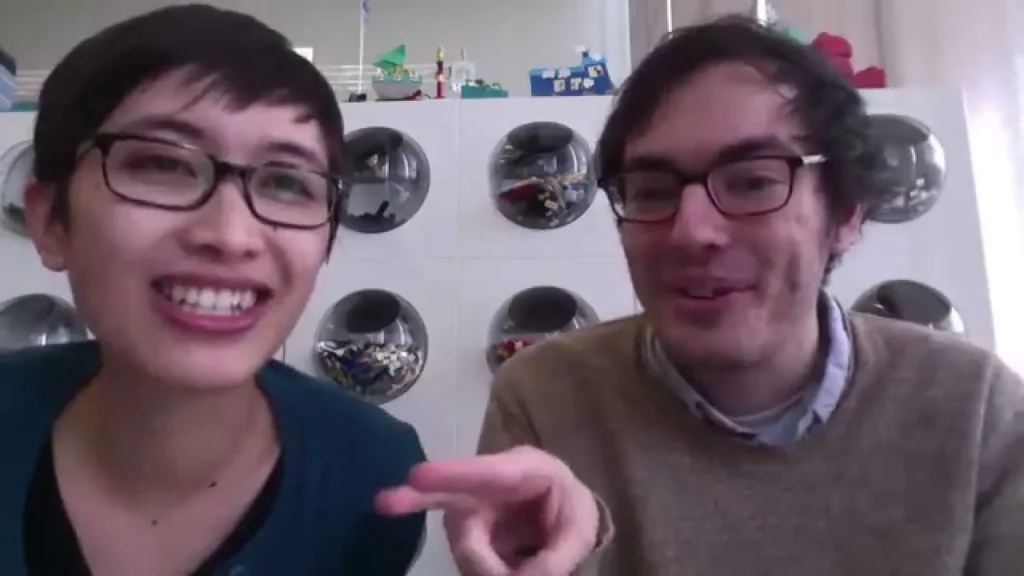
In Episode 2 of the Scratch Video Update, hosts Rick Rose and Eric introduce the newly named show and highlight exciting features within the Scratch community, including engaging studios focused on simulations and a platform for sharing projects. They also present new resources such as sounds and sprites for users to incorporate into their projects, along with a tutorial for creating virtual pets. The episode concludes with a tour of Scratch headquarters, inviting viewers to share their own inspiring studios.
Remix and Re-imagine Scratch Sprites | Tutorial

In this lesson, students learn how to remix and reimagine characters, or sprites, in Scratch by utilizing its drawing modes—Bitmap and Vector. Focusing on Vector mode, they practice modifying an existing sprite named Giga by adding octopus legs, matching colors, and adjusting outlines to create a unique character. The lesson emphasizes creativity and the endless possibilities for sprite customization in Scratch.