
Unlock The Scratch Block: Clone Block
In this lesson, students learn how to use the Clone Block in Scratch to create an interactive project where they can generate and pop colorful bubbles. By following steps to create a ball sprite, position clones randomly, add sound effects, and make the bubbles disappear upon clicking, learners can explore their creativity and develop engaging projects. The lesson encourages experimentation with the Clone Block, opening up endless possibilities for fun and imaginative creations.
How to Make an “About Me” Project in Scratch | Tutorial
In this lesson, students learn how to create an engaging “About Me” project using Scratch, a platform for making stories, games, and animations. They will add sprites to represent their interests, make them interactive by programming them to share fun facts when clicked, and enhance their project with backdrops, sounds, and animations. By the end, students will have a personalized project that showcases their unique personality and interests.
Bring Your Drawings Into Scratch | Tutorial
In this lesson, students learn how to bring their hand-drawn images to life in Scratch by uploading and editing their drawings to create custom sprites. The guide covers essential steps such as uploading image files, utilizing Bitmap and Vector modes for editing, and animating drawings with Scratch’s coding features, encouraging creativity and exploration in animation and game design. With the ability to incorporate personal artwork, learners can unleash their imagination and create unique projects.
Unlock the Scratch Block: Loudness Block
In this lesson, students learn about the Loudness Block in Scratch, which measures sound levels and allows for interactive projects. By integrating the Loudness Block with motion controls, students can make sprites move in response to sound, and they can create engaging effects using conditional sound triggers. This opens up a world of creative possibilities for projects that respond dynamically to audio input.
Scratch Story: Abhi
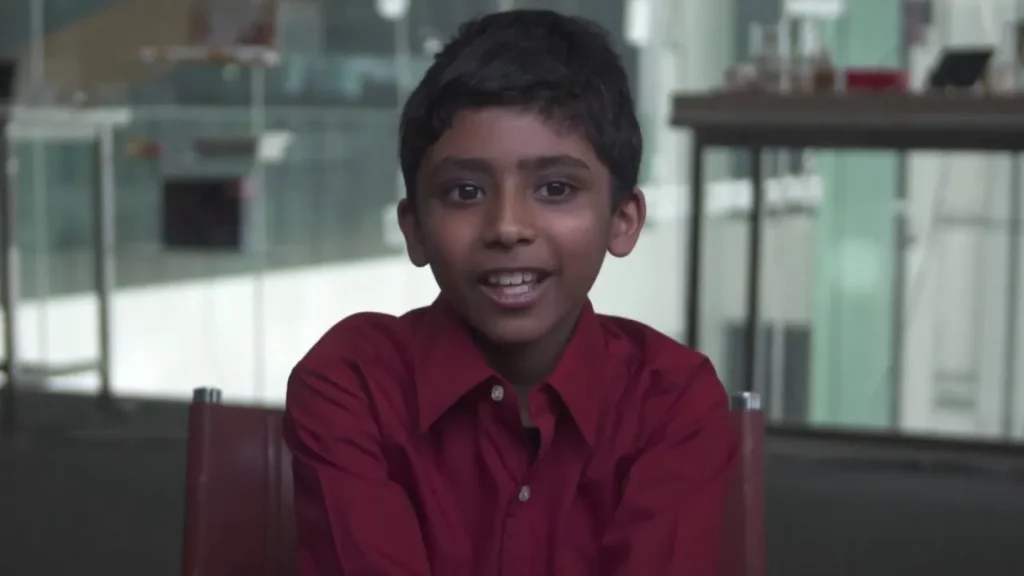
In the lesson about Abhi’s journey with Scratch, we learn how Abhi creatively explores game and animation creation, starting with simple projects like moving animals and progressing to talking animations inspired by dreams. Abhi’s experience highlights the supportive Scratch community and emphasizes the platform’s value in fostering creativity, problem-solving, and collaboration. Ultimately, the lesson encourages others to explore their ideas and dreams through Scratch, unlocking their own creative potential.
Scratch Video Update: Episode 9
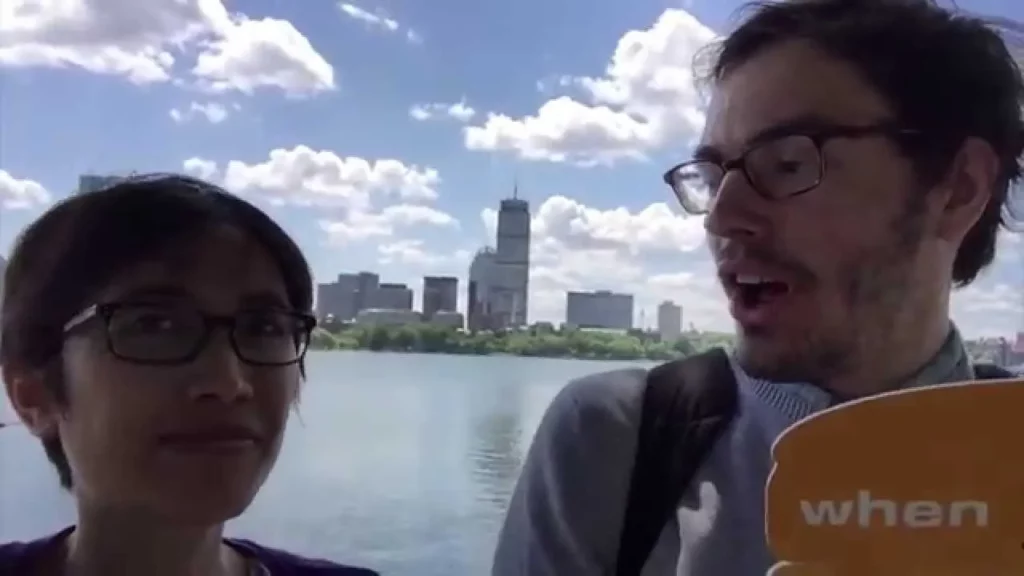
In Episode 9 of the Scratch Video Update, hosts Rick Rose and Eric highlight exciting projects from the Scratch community, including the creative “Mix and Match Camp” and the calming animation “When with the Wind” by RainbowCookie. They also introduce new tutorials and showcase various themed studios, while providing a behind-the-scenes look at the Scratch server room, which supports millions of projects. Looking ahead, they announce plans for the upcoming Scratch Conference in Amsterdam, promising more engaging content for the community.
Scratch Video Update: Ep. 23
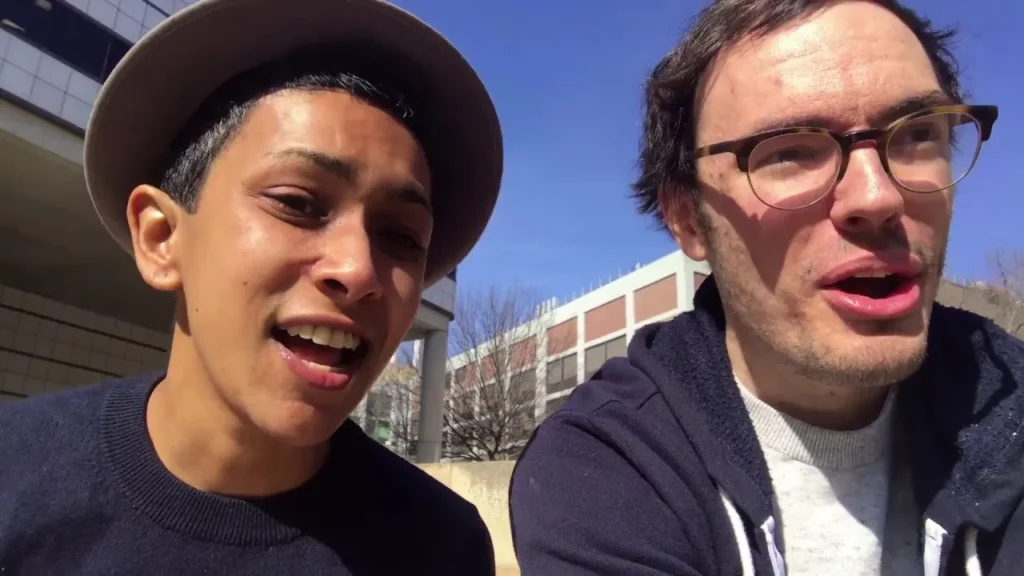
In Episode 23 of the Scratch video update, the focus is on the theme of randomness, showcasing various fun projects like the “Random Excuse Generator” and the game “Random Land.” Viewers are encouraged to explore the “Randomness Studio” on Scratch, which features projects utilizing the random block, and to enjoy the quirky “Upside-Down Studio.” The episode also includes a glimpse into the desks of Scratch team members, highlighting their unique and random items, reinforcing the spirit of creativity and exploration in the Scratch community.
How to Make a Scrolling Background in Scratch | Tutorial
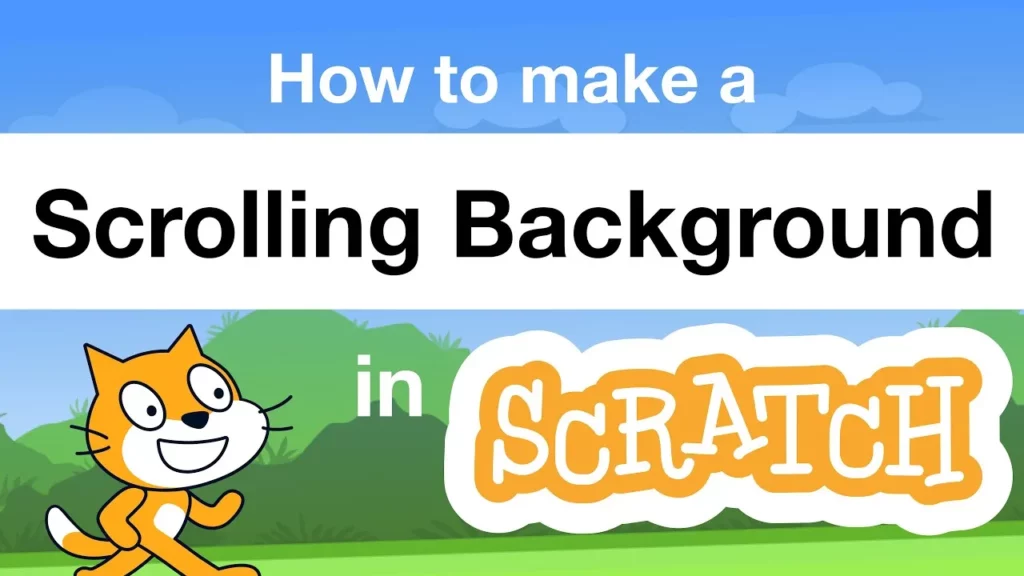
In this lesson, students learn how to create a scrolling background in Scratch, simulating the movement seen in video games. The process involves selecting a character (sprite), designing a moving background, arranging layers to ensure the character is visible, and using coding blocks to make the background scroll continuously while filling any gaps. Additionally, students can enhance their projects by creating multiple backgrounds and adding interactive elements.
Scratch Video Update Ep. 8
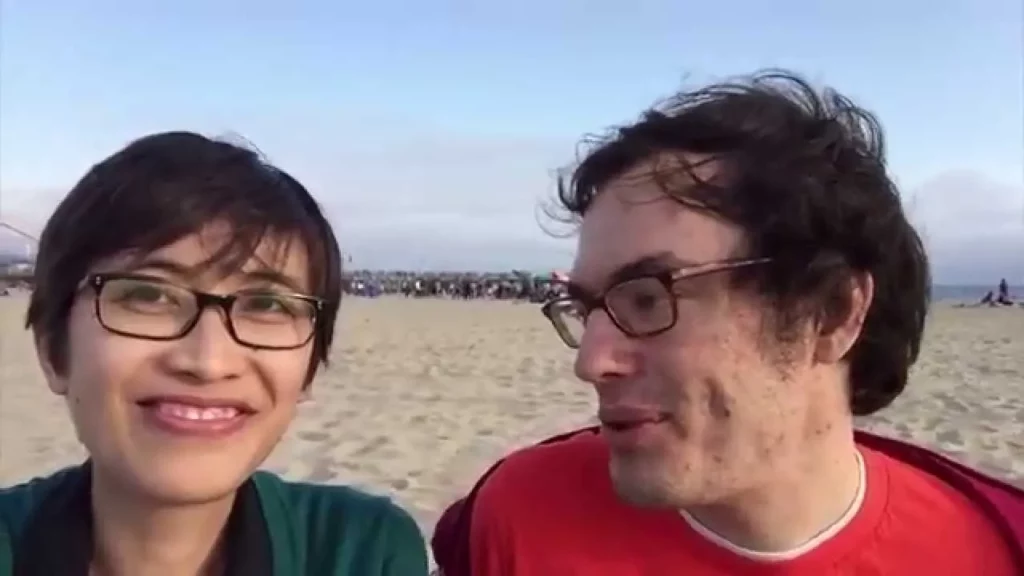
In Episode 8 of the Scratch Video Update, Rick and Eric share exciting developments from the Scratch community, including a collaborative musical project inspired by “I’d Like to Teach the World to Scratch,” and the launch of a new dance design studio. They also encourage participation in creative challenges and a new Scratch book club, while highlighting their recent involvement in the Digital Media and Learning Conference, where they explored ways to help youth express themselves through digital media.
Scratch Video Update: Episode 21
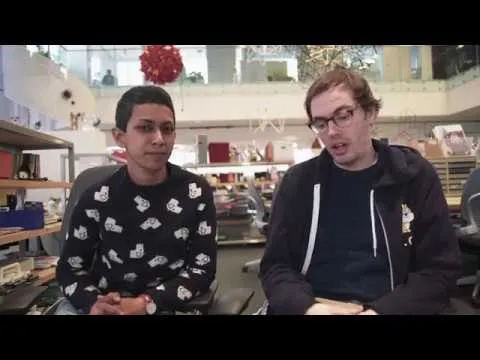
In Episode 21 of the Scratch Video Update, hosts Eric and Chanpika highlight exciting projects from the Scratch community, including the “Scratch in Space” studio and the adventurous “Tokyo Tour” by Ume Curran. They also encourage participation in the upcoming Hour of Code event, which aims to introduce coding to newcomers and enhance skills for others, while inviting the community to support and welcome new members. The episode concludes with a promise of more engaging content in the next update.