
How to Draw Backdrops in Scratch | Tutorial
In this lesson, Zoë from the Scratch team teaches how to create engaging backdrops for projects in Scratch. Starting with basic shapes like rectangles and circles, learners can design various scenes, such as outdoor landscapes or indoor settings, by experimenting with colors and adding details. The lesson encourages creativity and exploration, inviting users to personalize their backdrops to enhance their projects.
How to Use the Backpack in Scratch | Tutorial
In this lesson, Zoe from the Scratch Team introduces the Backpack feature in Scratch, which allows users to easily transfer characters, sounds, costumes, backdrops, and code between different projects. The lesson emphasizes the importance of sharing and giving credit when using elements from others’ projects, promoting creativity and collaboration within the Scratch community. Overall, the Backpack is presented as a valuable tool for enhancing and personalizing Scratch projects.
Scratch & AI: FaceSensing | Tutorial
In the “Scratch & AI: Face Sensing Tutorial,” learners explore how to use Scratch to create interactive projects that incorporate facial features through AI technology. The tutorial guides users in experimenting with Face Sensing blocks to make virtual costumes and fun effects, such as having a cat sprite follow their movements or creating face filters like hats and glasses. Participants are encouraged to experiment with coding to enhance their projects while understanding the limitations and quirks of AI face detection.
Unlock the Scratch Block: Stamp Block
In this lesson, students learn how to use the “stamp block” in Scratch to create a vibrant garden by making copies of a flower sprite. They begin by adding the pen extension, then make the flower follow the mouse pointer using a “forever” loop, and switch between different flower costumes to add variety. The lesson encourages creativity, inviting students to explore and create their own unique projects using the stamp block.
Scratch Month | Week 1 Recap
Scratch Month is a global celebration where participants engage in creative activities using Scratch, a platform for imagining, creating, and sharing projects. Highlights from the first week include a dance challenge with over 3,500 participants, the Scratch Avatar Creator, and the DIY Crafts Studio, where users repurpose recyclable materials into fun projects. The event also emphasizes kindness through the “Share the Love” activity, encouraging community members to spread positive messages.
Make Music Tutorial
In this lesson, students learn how to create their own music using Scratch by selecting instruments, choosing sounds, and making their music interactive. They can arrange sound blocks to form melodies, add personal recordings, and explore various musical possibilities. The emphasis is on creativity and enjoyment in the music-making process.
Create Your Own Asset Pack, Part 3: Remixing and Using Assets in Scratch | Tutorial
In this lesson, Maren from the Scratch Team shares tips on how to remix and utilize assets from other Scratch projects in your own creations. Students learn how to remix entire asset packs, use the backpack feature to save specific assets, and export assets to their computers for offline use. The lesson emphasizes the importance of creativity and originality in remixing, encouraging users to modify and personalize assets while giving credit to the original creators.
Make It Fly Tutorial
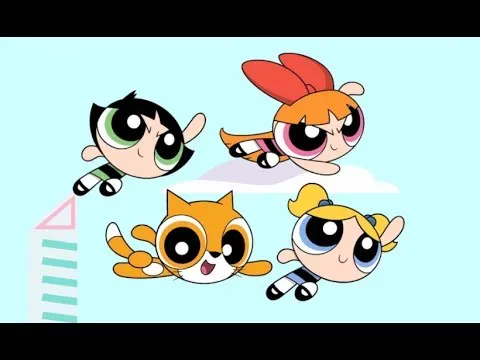
In the “Make It Fly Tutorial,” participants learn how to create their own animations or games using Scratch, focusing on making a character fly, inspired by the Powerpuff Girls. The tutorial guides users through selecting a character, setting a scene, and adding interactive elements, encouraging creativity and personalization. By the end, users can share their flying animations with friends and the Scratch community, showcasing their unique creations.
Conditional Statements: Nesting, Debugging, and Beyond (Part 2)| Tutorial
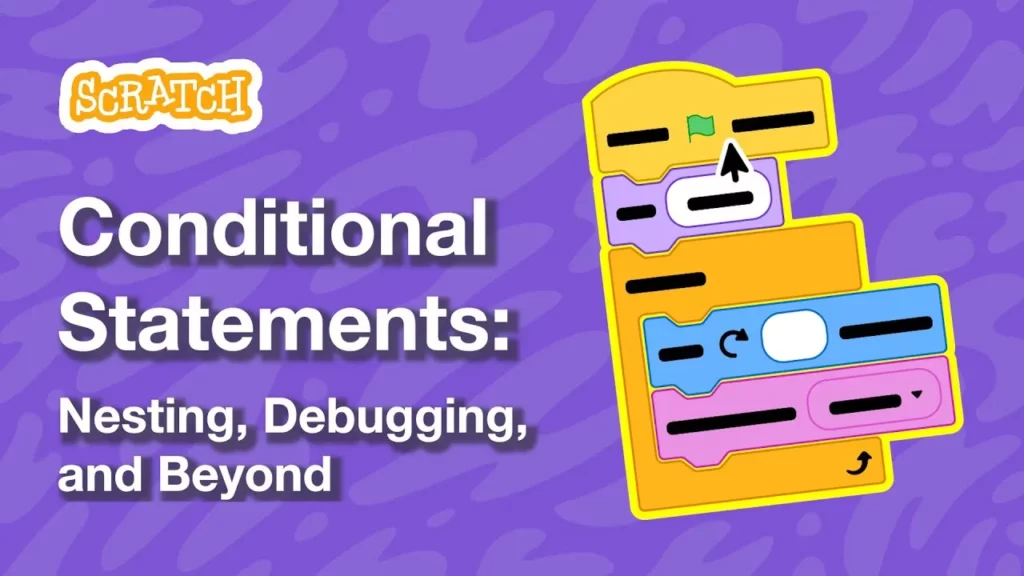
In this lesson, we expanded on conditional statements by enhancing our fish game, allowing the pufferfish to react when it touches the fish. We learned to debug our code by placing conditional statements inside loops and using nested “if then else” statements to manage multiple reactions based on distance and interactions. Additionally, we explored various creative applications of conditional statements, such as scoring systems and interactive animations, highlighting the versatility of coding in game development.
Scratch in Space!
In the “Scratch in Space!” lesson, participants are encouraged to create Scratch projects set in space, which will be showcased during a zero-gravity flight. Key considerations for project creation include using video sensing blocks for interaction, accommodating limited space on the flight, and designing projects that last about 20 to 30 seconds to match the short bursts of weightlessness. The Scratch team is excited to see the creative ideas that emerge from this unique opportunity.