
Play Lab Hour of Code – Events

In this lesson, students learn about the concept of events in game creation, which act as signals for specific actions, such as mouse clicks or key presses. They explore practical applications by making a space bot respond to clicks with a message and using arrow keys to move characters, emphasizing the importance of interactivity in games. The lesson encourages creativity and experimentation, reassuring students that starting to create their own games, regardless of initial doubts, can lead to enjoyable and innovative experiences.
Star Wars with Blockly – Hour of Code: Events
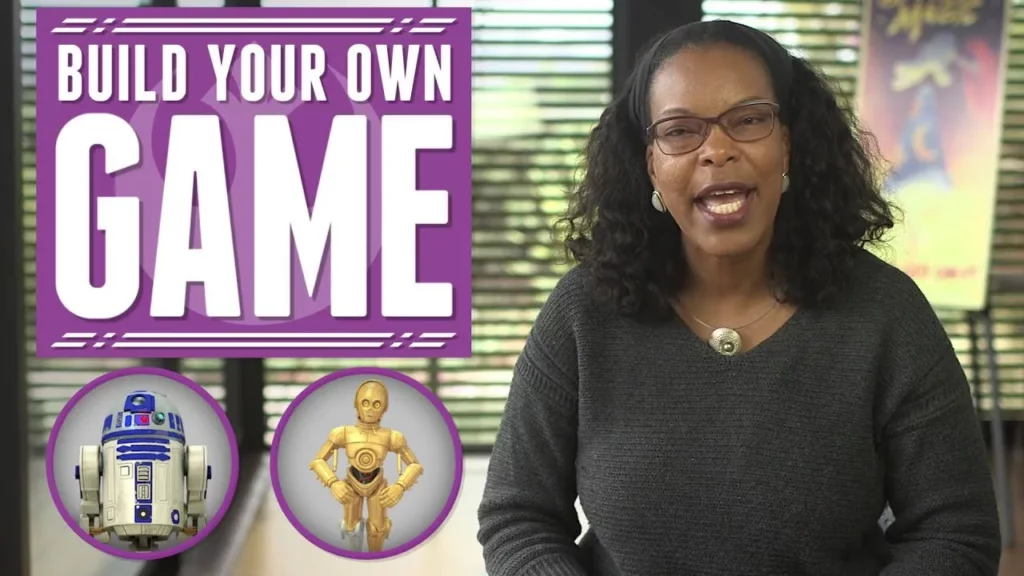
In this lesson, Charita Carter introduces the concept of events in programming, emphasizing their importance in creating interactive games. Students learn how to use events to control R2-D2’s movements in a Star Wars-themed game by responding to player inputs, such as arrow key presses, making the gameplay more engaging and dynamic. The lesson encourages experimentation and creativity in game development.
Web Development: Publishing Your Website
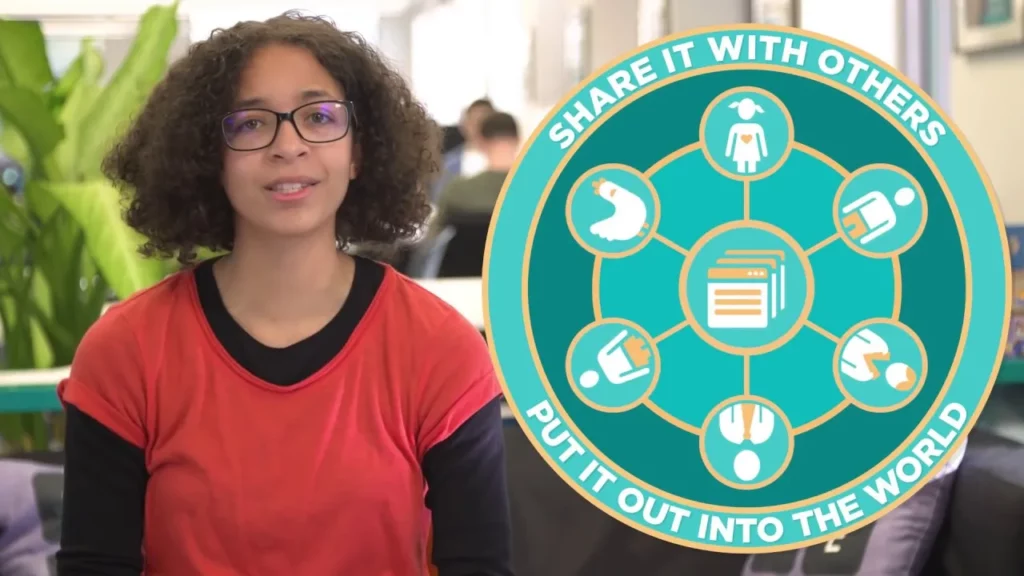
In this lesson on web development, students learn how to publish their websites using Web Lab, enabling them to share their creations with others through a unique URL. The lesson also emphasizes the importance of exploring others’ work, utilizing the inspector tool to understand web page structures, and offers tips for continuous improvement, such as practicing regularly, seeking feedback, and experimenting with code. Overall, it encourages a creative and collaborative approach to web development.
How Not To Get Hacked: Introduction

The lesson emphasizes the importance of cybersecurity and highlights that most cyberattacks result from human errors rather than advanced technology. Experts from Microsoft and Amazon Web Services provide practical advice on protecting personal information online, including using strong passwords, enabling two-factor authentication, being cautious with emails, keeping software updated, and using secure connections. By implementing these simple steps, individuals can significantly reduce their risk of falling victim to cyberattacks.
Unplugged – Binary Images
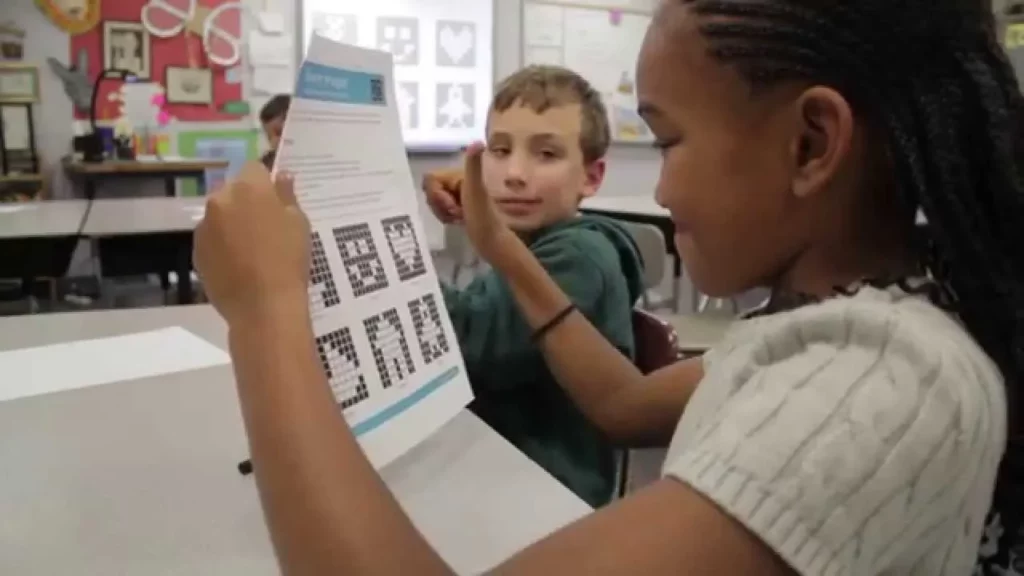
In this lesson, students learn about binary as a fundamental language used by computers, represented by the numbers 0 and 1. The lesson illustrates how to convert images into binary by overlaying a grid on a picture and determining whether each square is more black or white, ultimately translating the visual information into a series of ones and zeros. This process highlights the importance of binary in enabling computers to understand and display complex information like images.
CSA: One-Dimensional (1D) Arrays

In this lesson, Emily introduces one-dimensional (1D) arrays as a fundamental concept in computer science, emphasizing their importance for efficiently storing multiple values of the same data type. She explains how to create arrays in Java, highlighting their fixed size and zero-based indexing, which are key characteristics that make arrays a powerful tool for managing data in programming. Understanding arrays lays the groundwork for exploring more advanced data structures and algorithms in the field.
Faces of Computer Science: Brina from Instagram
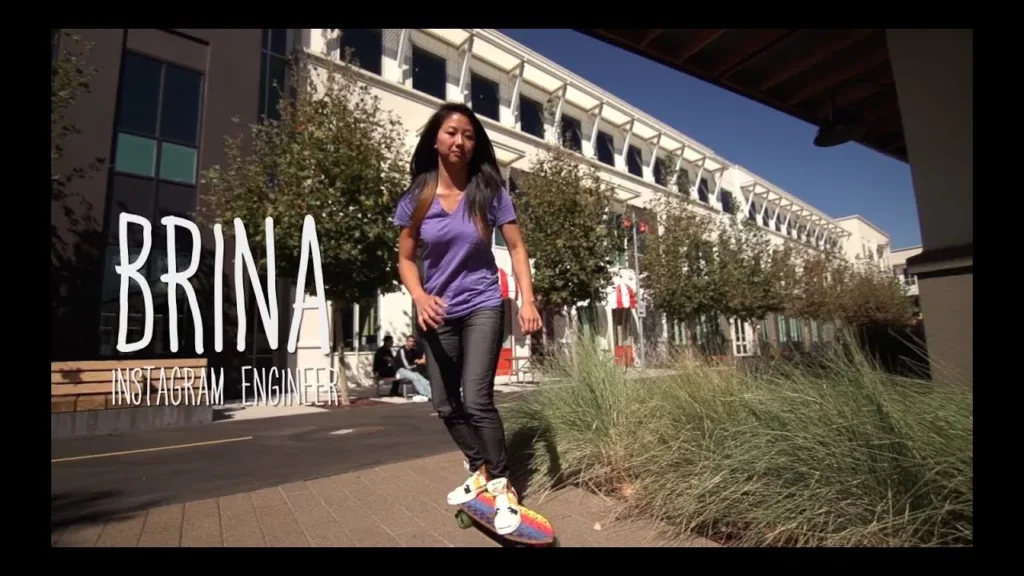
In the lesson “Faces of Computer Science: Brina from Instagram,” Brina shares her journey from initially struggling with coding to becoming a software engineer for Instagram’s Android app. Her perspective shifted when she was required to learn coding for a marketing project, leading her to discover her passion for UI interaction design and the rewarding nature of problem-solving in technology. She encourages others interested in technology to explore coding, highlighting the vast opportunities available and the supportive resources for beginners.
CSA: Using Scanner Methods
In this lesson, we explored the Scanner class in Java, which allows programs to interactively receive user input during execution. We learned how to create a Scanner object and utilize its methods, such as `nextInt`, `nextDouble`, and `nextLine`, to capture different types of data, including integers, decimals, and strings. Additionally, we emphasized the importance of closing the Scanner after use to conserve resources.
If/Else with the Bee in Code Studio
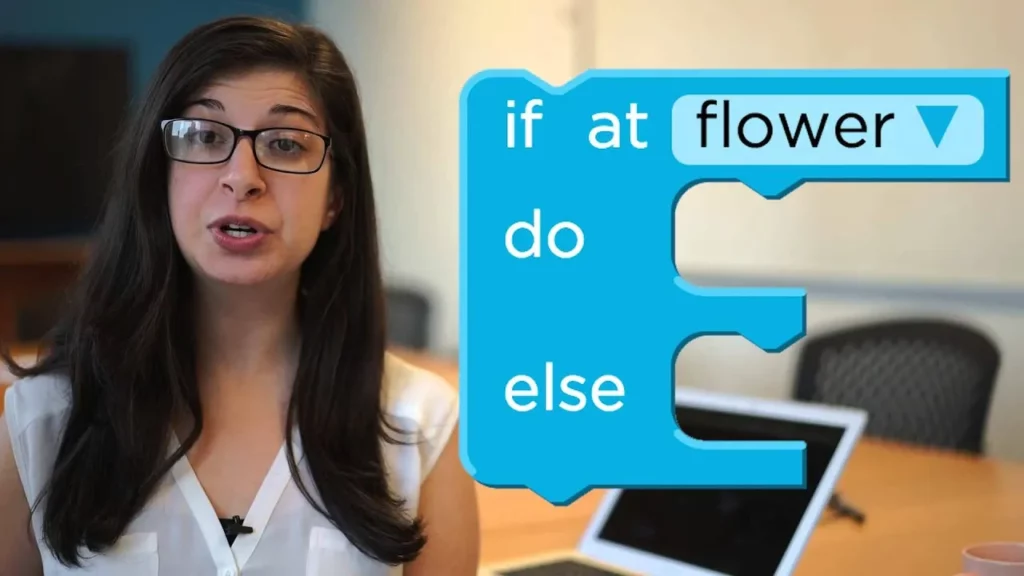
In this lesson, students learn about the if/else block in Code Studio, which allows the bee to make decisions based on specific conditions. The if/else block functions as a conditional statement, enabling the bee to perform different actions depending on whether certain criteria, like being at a flower or having a specific amount of nectar, are met. By understanding and applying this concept, students can enhance their coding skills and help the bee navigate its environment effectively.
Create With Computer Science
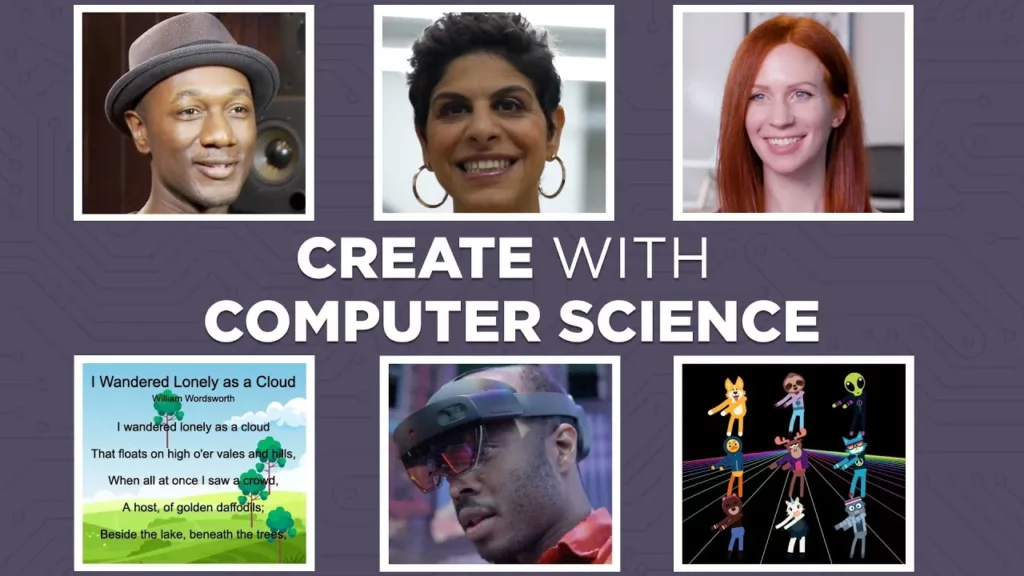
The lesson emphasizes the importance of creativity in computer science, likening coding to an art form where programmers express their unique styles. It highlights the symbiotic relationship between technology and creativity, encouraging learners to explore new ideas and embrace challenges as they develop their skills. Ultimately, the lesson inspires students to harness their imagination in coding, suggesting that their creative endeavors can lead to remarkable innovations.