
Guide to Investigate Lessons
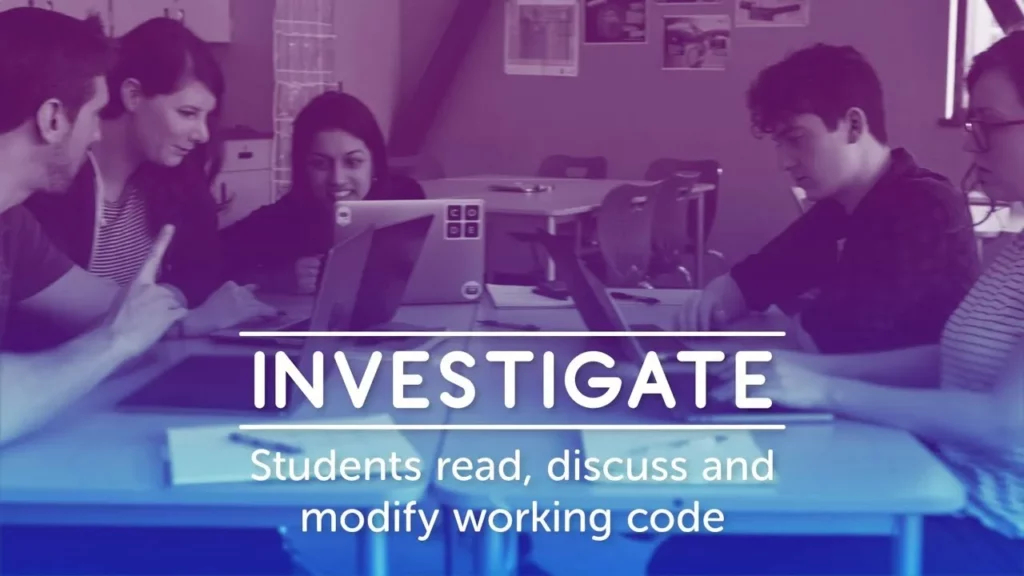
In investigate lessons, students engage with programming by reading, discussing, and modifying example code, transitioning from theoretical understanding to practical application. The lesson emphasizes collaboration through class discussions and hands-on experience, allowing students to test their knowledge by altering the code. Concluding discussions help reinforce key concepts and patterns, solidifying their understanding of programming fundamentals.
Teaching CS Fundamentals: Pair Programming
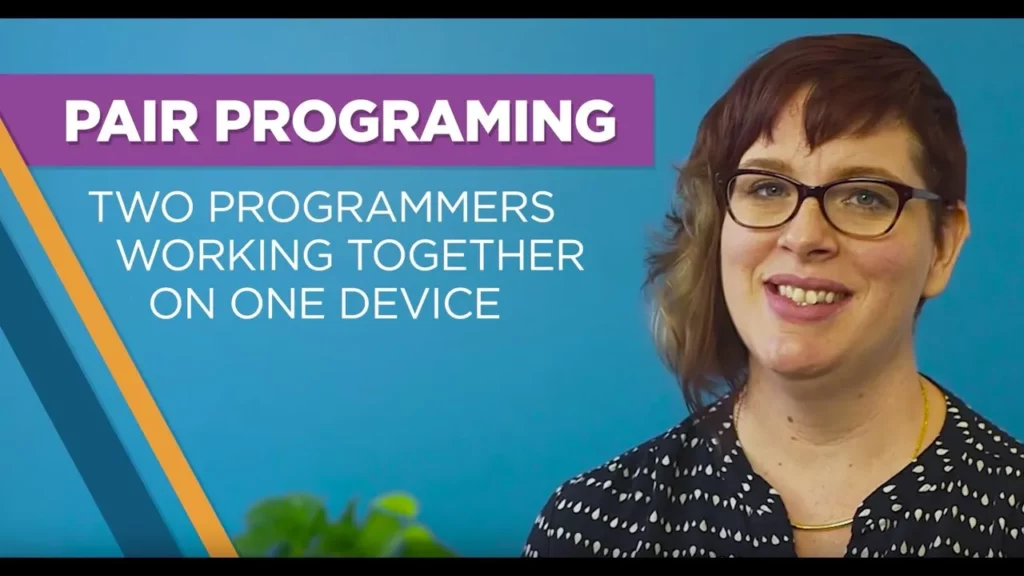
The lesson on pair programming emphasizes its effectiveness in teaching computer science fundamentals by fostering collaboration and enhancing communication skills among students. By pairing students as “drivers” and “navigators,” they can learn from each other while working on coding tasks, making the learning experience more interactive and resource-efficient. The lesson encourages teachers to thoughtfully create pairs and facilitate discussions on the benefits of this collaborative approach.
Hour of Code – Wrap Up

In the “Hour of Code – Wrap Up” lesson, students learned about the basics of coding by exploring how the Curiosity rover on Mars is controlled through computer programming. They discovered essential coding concepts such as loops and conditional statements, which serve as foundational skills for creating programs and apps. Encouraged to continue their coding journey, students are invited to explore further resources like Code.org to enhance their skills and unlock their potential in technology.
Events with R2D2
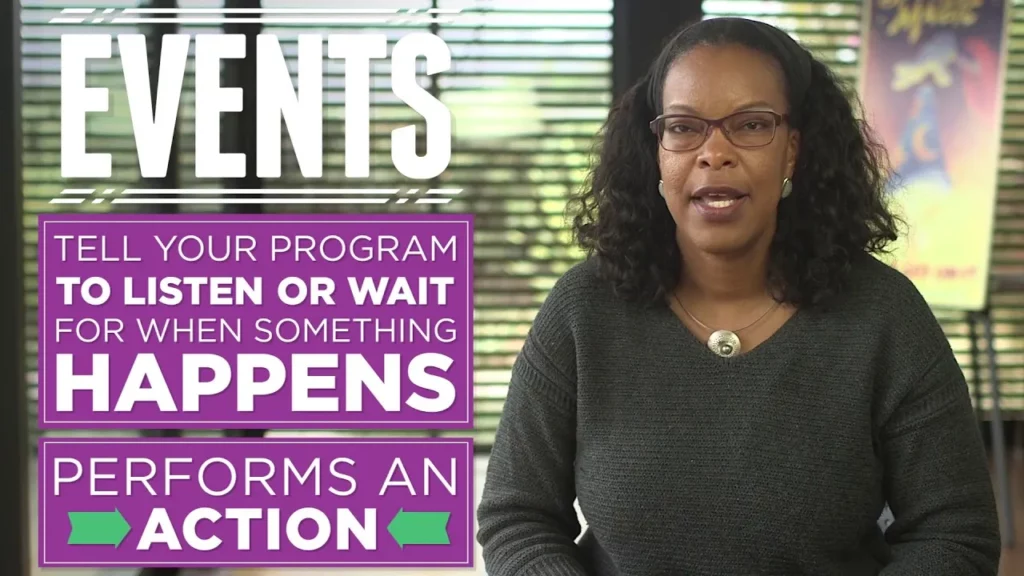
In this lesson, Charita Carter introduces the concept of events in programming through the creation of an interactive game featuring R2D2 and C3PO. Events serve as triggers that allow the program to respond to user actions, such as key presses or mouse clicks, enabling R2D2 to move in response to player inputs. By utilizing event-driven programming, students learn how to create engaging and dynamic gaming experiences.
Introduction to Play Lab (Pre-reader version)
In this lesson, Jordan introduces Play Lab, a creative tool that allows users to design their own stories and games using coding. Participants will learn to use code blocks to create interactive programs, incorporating elements like characters, sounds, and events to enhance their projects. The lesson encourages creativity and personal expression, inviting users to share their unique creations with others.
Hour of Code – Saloni on the If/Else block
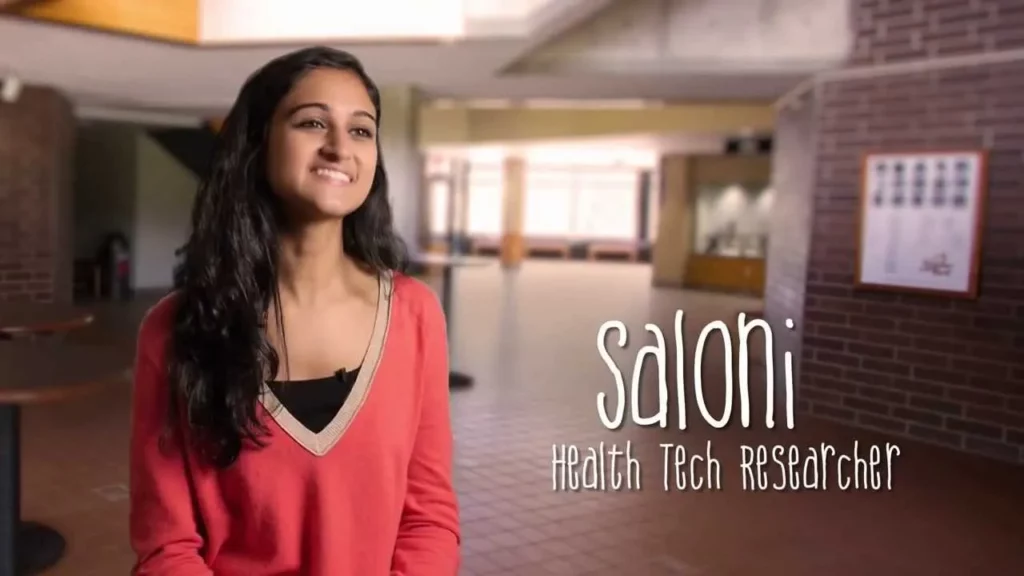
In this lesson, students learn about the IF-ELSE statement, a fundamental programming concept that allows computers to make decisions based on conditions. Using a fun example of a zombie navigating its environment, students see how the zombie can choose to move forward if the path is clear or turn left if it isn’t, and how this logic can be combined with REPEAT blocks to guide the zombie home. Understanding IF-ELSE statements enhances logical thinking and problem-solving skills, essential for coding.
Tutorial Code Studio Puzzle Challenge
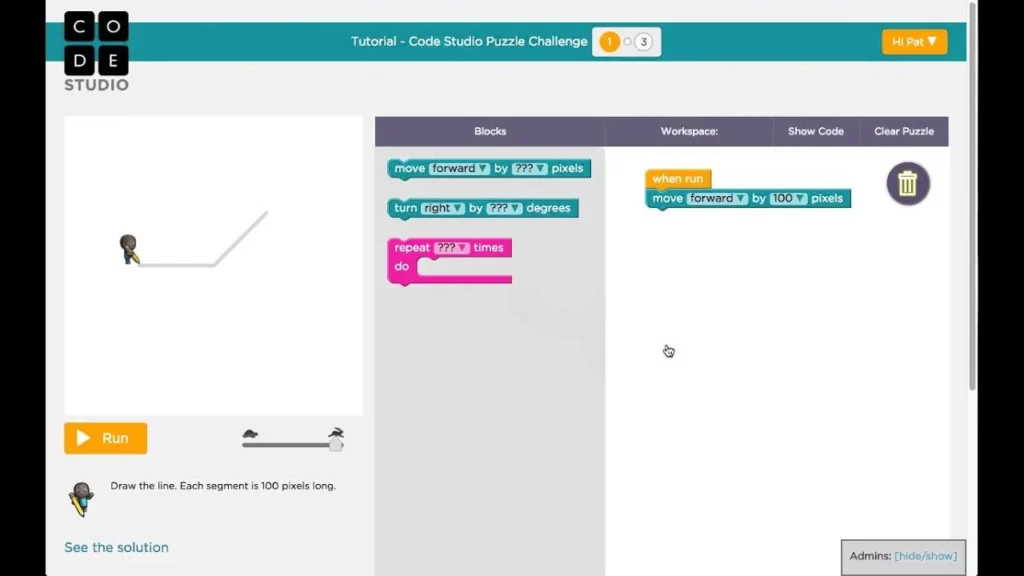
In this lesson, students engage in the Code Studio puzzle challenge, where they learn to write code that creates drawings using blocks. They start by connecting blocks to control movement and can adjust parameters like distance and angles, allowing for experimentation and problem-solving. The lesson emphasizes the importance of trial and error, encouraging students to reset and retry their code until they achieve the desired outcome.
Helpful Hints: Lesson 11.5 Part 2 – Check for Flower
In this lesson, students learn how to guide a bee through a garden to collect nectar from flowers in a puzzle game. They must follow specific steps to move the bee forward, check for flowers, and collect nectar, all while using five blocks or fewer in their coding. The lesson also highlights the importance of bees in pollination and honey production, emphasizing their vital role in the ecosystem.
Outbreak Simulator: Free Play
In today’s lesson, young scientists explored how viruses spread through an interactive simulation, discovering that higher populations lead to faster transmission. They learned the importance of masks in reducing spread and that vaccination serves as the most effective defense against viruses. By creating their own public health simulations, students gained valuable insights into keeping communities safe and healthy.
CS Principles: Intro to Variables – Part 2
In this lesson on variables, we explored how to create and update variables in programming, emphasizing their use in expressions to manipulate data dynamically. We learned about variable reassignment through examples like updating a player’s score in a game and traced the logic behind changing variable values, highlighting how the order of operations affects outcomes. Understanding and mastering variables is essential for developing interactive programs and effectively managing data.