
Careers in Tech: My name is Federico
Federico Gomez-Suarez’s journey from a young coder in Mexico to a software engineer at Microsoft exemplifies the importance of passion, persistence, and collaboration in the tech industry. His work focuses on developing software to detect inappropriate content, showcasing how coding can be used to address significant societal issues. Federico encourages aspiring professionals to pursue their passions, network effectively, and remain committed to their goals to create meaningful impacts in their careers.
Intro to App Lab

The lesson introduces App Lab, a new programming environment from Code.org that allows users to create simple apps using a design mode and either block or JavaScript coding. It highlights features such as customizing app layouts, building interactive elements like games and animations, and easily sharing creations with friends. Overall, App Lab serves as an engaging platform for learning programming and exploring computer science.
What is Creativity? (with Tyra Banks, David Guetta, & Avishai Abrahami)
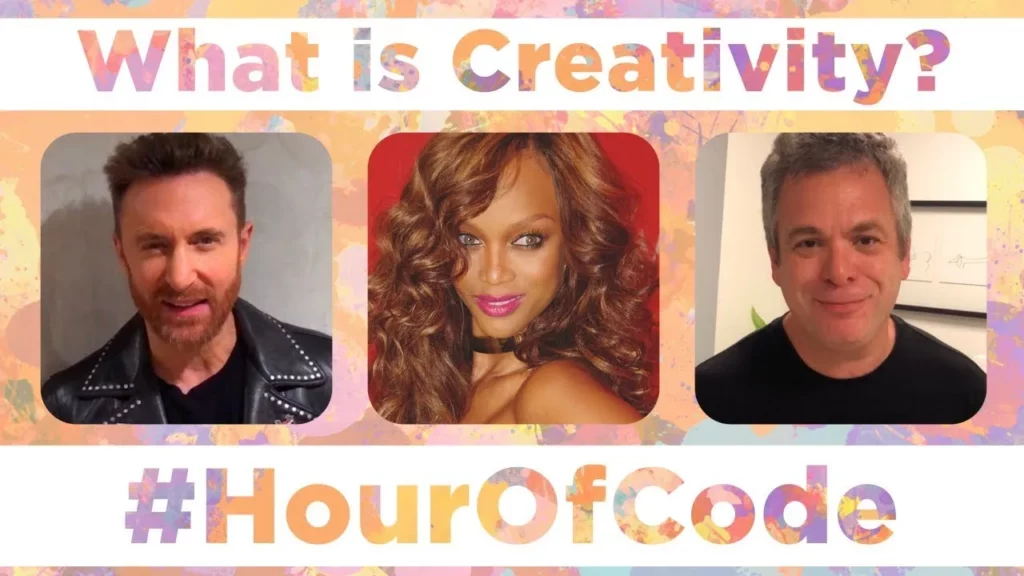
The lesson explores the multifaceted nature of creativity through insights from various influential figures. It highlights creativity as innovation, the ability to bring new worlds to life, and the courage to take unconventional paths. Ultimately, it encourages individuals to harness their imagination and passions to create something unique and meaningful.
CS Discoveries: Functions with Parameters
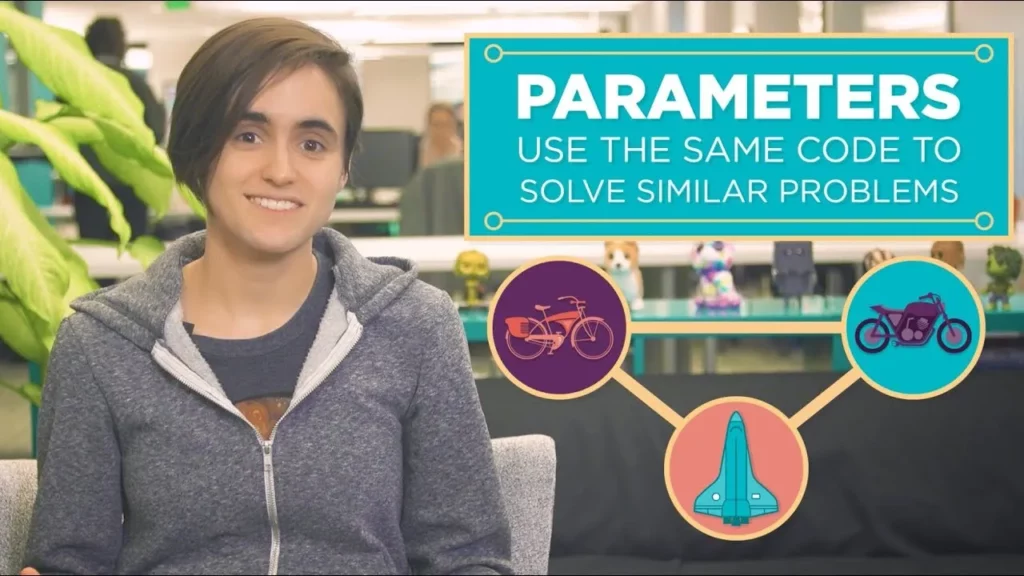
In this lesson on functions with parameters, students learn how to enhance the flexibility of their programs by using parameters, which allow a single function to perform similar tasks for different inputs. By combining similar functions into one and introducing parameters, programmers can customize behavior without duplicating code, making their programming more efficient and adaptable. This approach not only saves time but also empowers students to create more dynamic and versatile programs.
Sprites In Action
In the lesson “Sprites In Action,” students learn how to create interactive programs using Sprite Lab by utilizing event blocks, which trigger actions when a user clicks or touches a sprite. By connecting event blocks like “when clicked” to actions such as changing size, learners can make their sprites respond dynamically, while also managing events with a “stop” block to prevent repetitive actions. This lesson encourages creativity, allowing students to design engaging games and programs with various interactive features.
Unplugged – Binary Bracelets
In this lesson, students learn about binary code and its significance in computing through the fun activity of creating binary bracelets that represent their initials. By understanding binary as a system of two options (like on/off), they gain insight into how robots and computers use this code to process information. The hands-on project allows them to apply their knowledge creatively while reinforcing the concept of binary representation.
Saloni teaches If-Else statements with Scrat the Squirrel from Ice Age
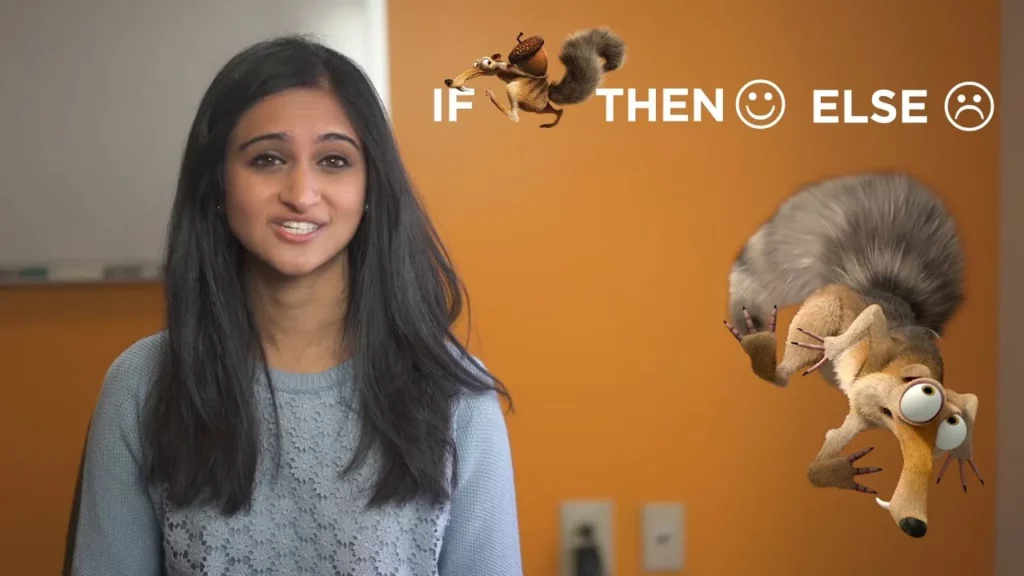
In this lesson, Saloni introduces the concept of if-else statements in programming using Scrat the Squirrel from Ice Age as an example. By illustrating how Scrat makes decisions based on whether he finds a path or not, students learn how these statements allow computers to choose between two options, enabling them to perform specific actions based on conditions. The lesson also emphasizes the use of blocks in programming to facilitate decision-making and the ability to repeat actions until a desired outcome is achieved.
How Computers Work: Hardware and Software
This lesson introduces the fundamental concepts of how computers operate, focusing on the interplay between hardware and software. Hardware refers to the tangible components of a computer, while software encompasses the programs and code that instruct the hardware on what tasks to perform. Understanding this relationship, along with the role of the operating system and the basics of coding, empowers individuals to create their own software solutions and explore various technological fields.
What is Computational Science SCI PD 3
In this lesson, Maureen Saladombrowski introduces computational science as a vital field that combines computer science, mathematics, and traditional sciences to model and simulate complex real-world problems. The lesson outlines the computational science cycle, which involves selecting a problem, creating a model, running simulations, and analyzing data to draw conclusions. Through examples from researchers like Melanie Moses and Stephen Guerin, the lesson highlights the practical applications of computational science in understanding biological systems and addressing public safety challenges.
Become A Computer Science Teacher
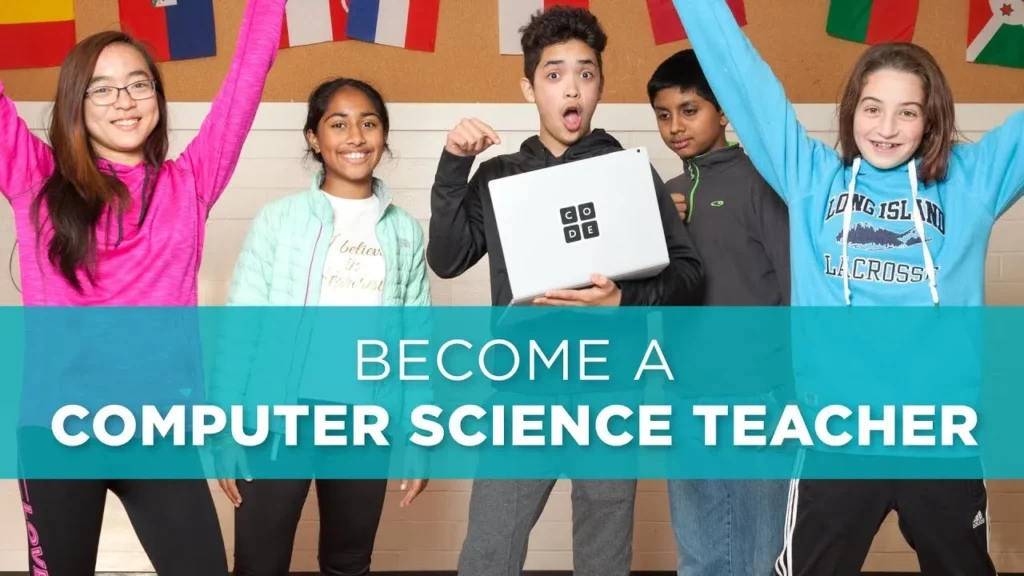
The lesson emphasizes the growing need for computer science teachers to address the skills gap in the workforce and inspire students to explore opportunities in technology. It encourages individuals, regardless of their background, to embrace the challenge of teaching computer science, highlighting the importance of adaptability and the broader skills such as problem-solving and creativity that this education fosters. Ultimately, becoming a computer science teacher is portrayed as a rewarding career that not only benefits educators personally but also significantly impacts the future of their students.