
Lo Que Falta En Nuestras Escuelas
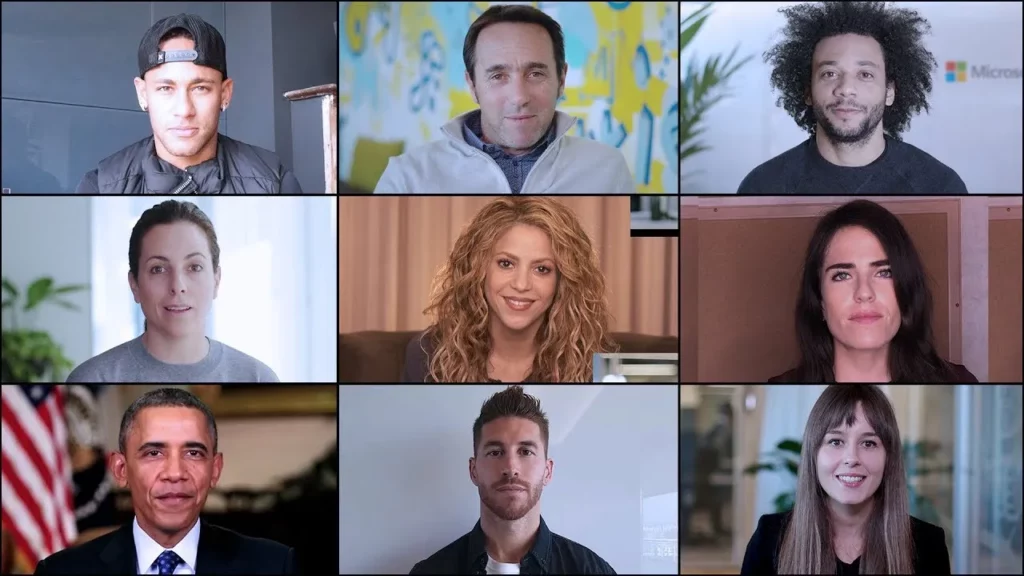
The lesson emphasizes the importance of teaching programming in schools to equip students with essential skills for the future. It highlights how technology can empower individuals to innovate and create, regardless of their background, and encourages young learners to explore coding as a means to shape their futures. Ultimately, it advocates for global access to technology education, opening up endless possibilities for creativity and problem-solving.
NASA Celebrates Hour of Code
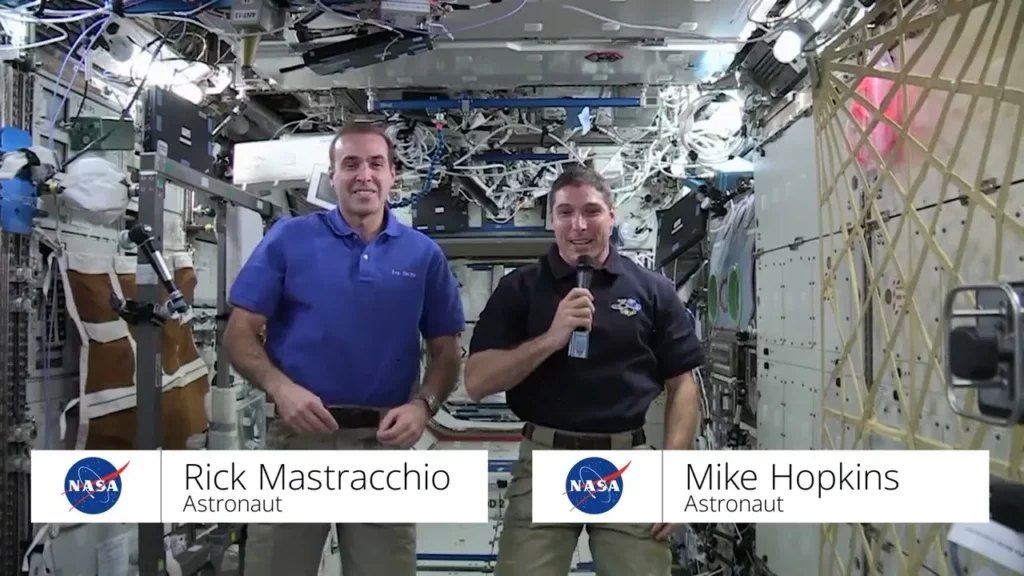
In the lesson “NASA Celebrates Hour of Code,” astronauts Jessica Watkins and Mike Hopkins share an inspiring message from the International Space Station, emphasizing the importance of the “Artemis generation” in shaping the future of space exploration. They highlight the critical role of computer science and coding in developing technology for missions to the Moon, Mars, and beyond, encouraging young learners to cultivate these skills to contribute to groundbreaking discoveries. Ultimately, NASA motivates students to dream big and pursue their passions, as their efforts today could lead to significant advancements in both space and life on Earth.
CSP Tips & Tricks – How Routers Learn
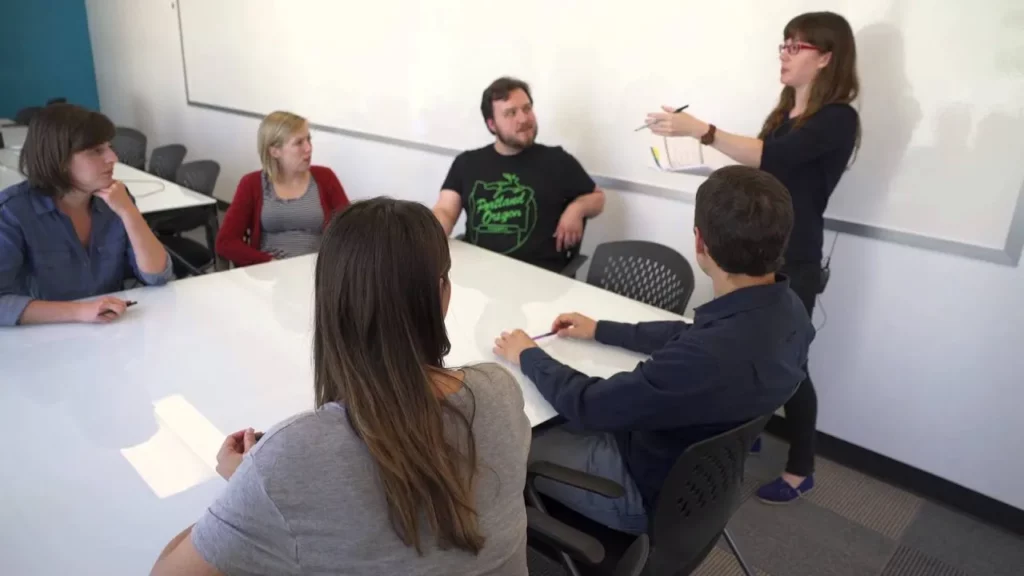
The lesson “CSP Tips & Tricks – How Routers Learn” explores how routers determine the best paths for data transmission across the ever-changing landscape of the internet. It explains that routers rely on cost metrics, such as time and reliability, to communicate with neighboring routers and update their routing tables, allowing them to adapt to new connections and changing conditions. Through a hands-on classroom activity, students simulate the role of routers, sharing information to discover optimal paths and understand the significance of maintaining multiple routes for resilience in network connectivity.
Teacher Tips: Help with Debugging
The lesson emphasizes the importance of teacher presence and engagement when helping students debug their code, encouraging them to articulate their thought processes and focus on specific sections of their work. By fostering a classroom environment that embraces mistakes as a natural part of learning, teachers can enhance students’ problem-solving skills and confidence. Additionally, utilizing tools like code.org can aid in visualizing code structure, making it easier for students to identify and correct errors.
Careers with Computer Science: Software Engineer at MBARI
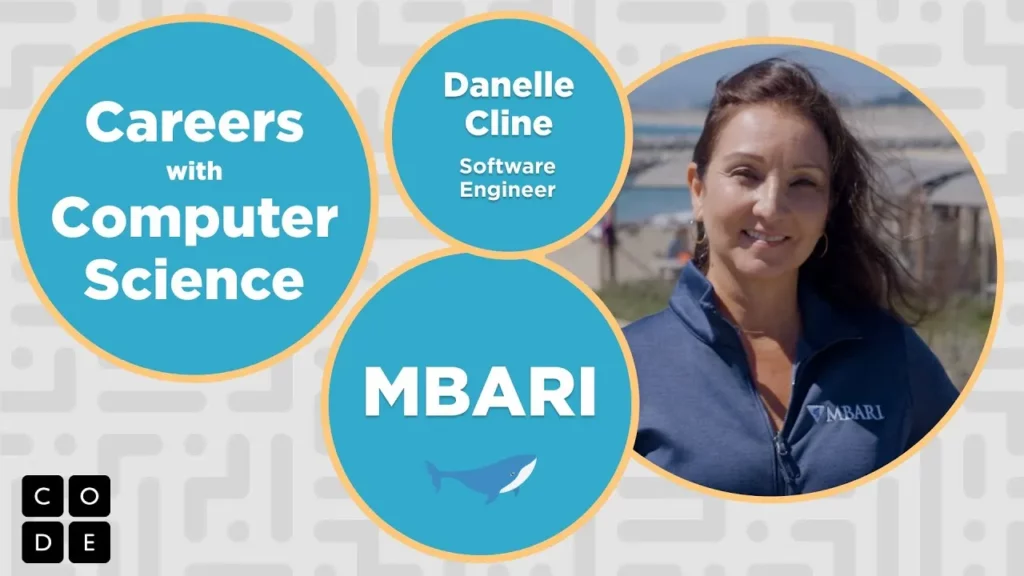
In this lesson, a software engineer at the Monterey Bay Aquarium Research Institute (MBARI) shares their experience of using technology to explore and understand the ocean. They describe their role in analyzing sounds and images to help scientists identify marine life, highlighting the creativity involved in programming and the excitement of contributing to oceanic discoveries. The engineer emphasizes their passion for the job, which combines art and science while allowing them to engage with fascinating deep-sea creatures.
TLO: Observation Practice
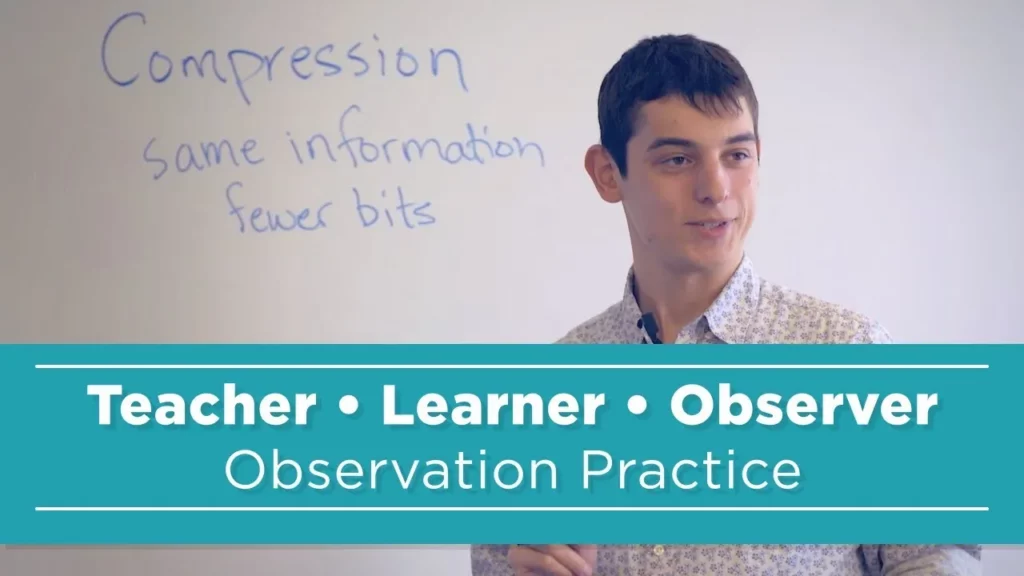
In this lesson, Gtear introduces students to the concept of compression through a fun and interactive activity that begins with familiar examples from text messaging. Students learn that compression involves reducing the size of data by using fewer bits, and they engage in a competition to see who can achieve the best compression ratios while exploring the impact of word choices on efficiency. The lesson concludes with reflections on the challenges of compression, setting the stage for further practice in future sessions.
Game Lab: The Draw Loop
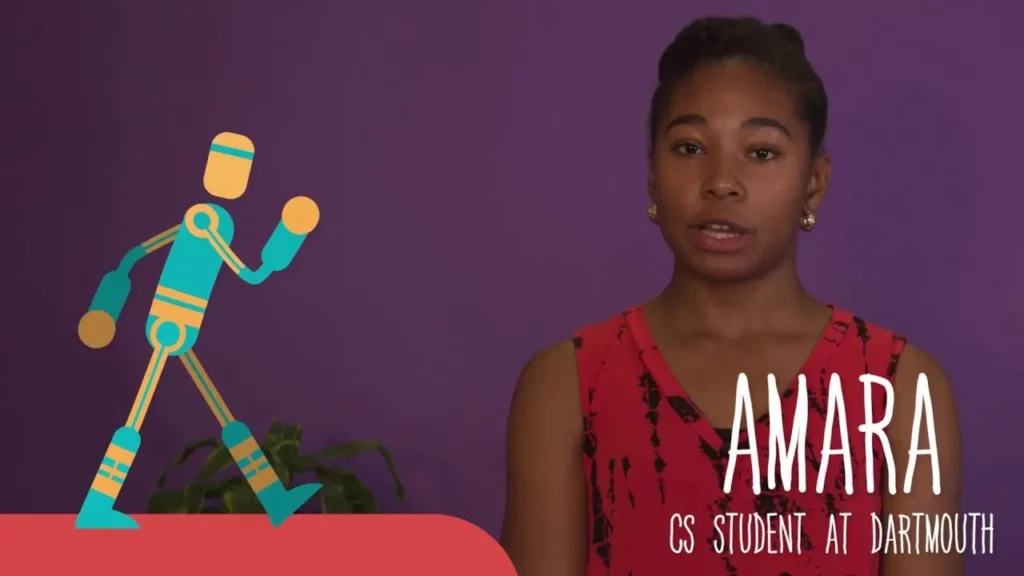
In this lesson, students learn about the concept of animation and how it creates the illusion of movement through a series of individual images. The lesson introduces the ‘draw loop’ in Game Lab, which allows commands to be executed repeatedly to create dynamic animations by changing positions, colors, and sizes of shapes over time. By utilizing the draw loop, students can bring their drawings to life, similar to how animated movies function.
CSP: Tips & Tricks – Encoding Images
In this lesson, students learn to encode images in binary form, starting with black and white images and progressing to color images, while exploring the relationship between abstraction, data, and creativity in computer science. Utilizing a pixelation widget, they experiment with encoding methods, focusing on pixel color data and image dimensions, and are encouraged to ask questions that deepen their understanding of image representation and encoding protocols. The lesson emphasizes the importance of correctly encoding all bits to ensure accurate image display and invites further exploration of concepts through hands-on experimentation.
What is Creativity (with Marc Benioff, Aloe Blacc, Leah Busque, Jeff Weiner and Kobe Bryant)
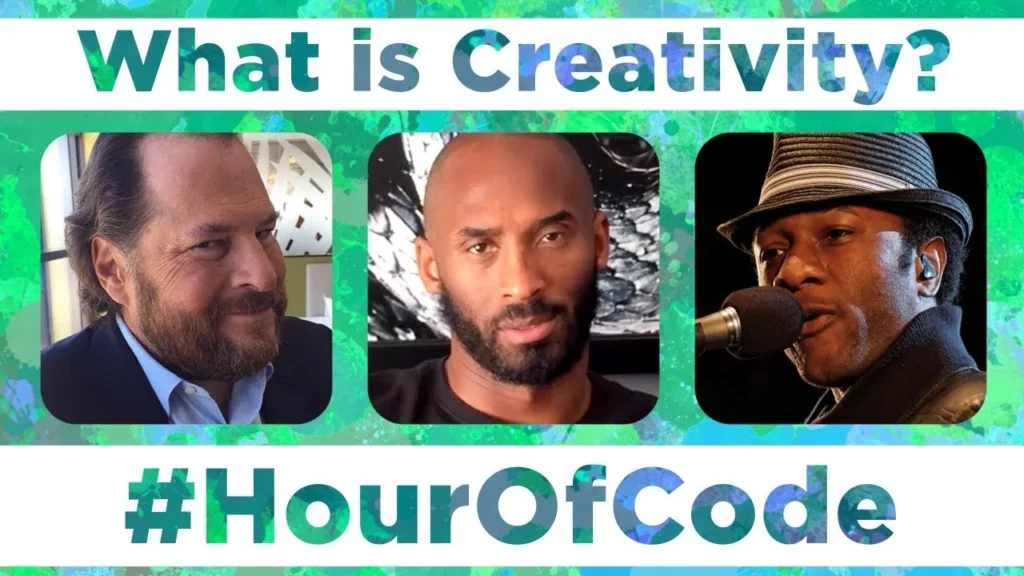
The lesson on “Understanding Creativity” explores various perspectives on what creativity means, emphasizing its importance in personal expression and innovation. Key insights from figures like Marc, Aloe, and Leah highlight that creativity involves self-discovery, turning dreams into reality, and finding inspiration in everyday life. Ultimately, the lesson encourages individuals to embrace their imagination, experiment with new ideas, and actively pursue their creative aspirations.
Unplugged Lesson in Action – Computational Thinking
In this lesson on computational thinking, students learn to tackle large problems by breaking them down into smaller, manageable tasks, as illustrated through the example of cleaning a room. The lesson emphasizes finding patterns and using abstraction to simplify complex challenges, demonstrated through a fun activity where students create their own game rules by identifying common words in different stories. By practicing these skills, students enhance their problem-solving abilities applicable in various contexts, including computer science.