
CodeBytes Episode 3 with Leo – Outbreak Simulator
In Episode 3 of CodeBytes, hosts Leonardo and Natalia Ortiz explore virus spread through a coding simulation in Monster Town, celebrating Computer Science Education Week and the legacy of Grace Hopper. Using Sprite Lab, they demonstrate how to create a simulation where healthy monsters can become sick and discuss strategies to prevent the outbreak, such as using masks and vaccines. The lesson emphasizes the importance of simulations in understanding real-world problems and testing solutions safely.
CSA: Searching Algorithms
This lesson introduces two searching algorithms: linear search and binary search. Linear search involves checking each item one by one, making it suitable for small, unsorted lists, while binary search is a more efficient method for sorted lists, allowing for quicker identification of the desired item by repeatedly halving the search space. Overall, binary search is preferred for larger, sorted datasets due to its lower execution count and faster performance.
CSA: Nested Loops
In this lesson, Pan introduces the concept of nested loops in programming through the engaging analogy of building a brick wall. By comparing the process of placing individual bricks (inner loop) within rows (outer loop), he illustrates how nested loops work together to accomplish repetitive tasks efficiently. The lesson emphasizes the practical applications of nested loops, encouraging learners to explore their potential in various programming scenarios.
Code your own Flappy Game
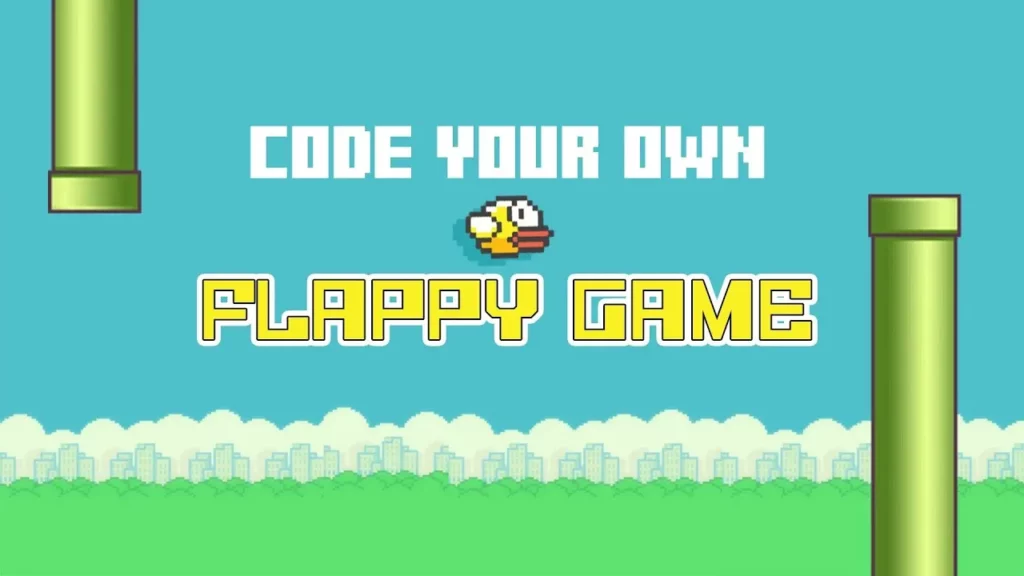
In this lesson, students will learn about interactivity in games by creating their own version of Flappy Bird using event handlers. Through drag-and-drop programming, they will manipulate code blocks to make the bird respond to mouse clicks, such as flapping its wings, while solving puzzles to enhance their game. By the end of the lesson, students will have the opportunity to share their unique creations with friends.
What’s Up with Computer Science Principles?
The lesson emphasizes the importance of introducing computer science principles early in education, as it has become a fundamental skill in today’s economy. The Advanced Placement (AP) CS Principles course is designed to be inclusive and accessible, empowering both students and educators, even those with limited computer science backgrounds, through comprehensive professional development and support. By equipping learners with practical skills and fostering a collaborative teaching environment, the course aims to prepare students for future challenges and contribute to a more technologically proficient society.
Dance Party – Warm Up
In this lesson, participants will explore the intersection of creativity and computer science by creating their own dance party using coding blocks. Guided by Miral Kotb, students will learn to set up dancers, select music, and choreograph movements, all while engaging with an interactive coding environment. The lesson encourages experimentation and fun, inviting students to express their creativity through technology.
CS Fundamentals: Intro to Code Studio (Course C-F)
In this lesson, students are introduced to programming through Blockly, a visual coding tool that uses colorful blocks to create programs. The lesson outlines the four key components of Blockly: the Play Area where programs run, the Toolbox containing coding blocks, the Workspace for assembling code, and the Instructions that guide users through puzzles. Emphasizing the importance of practice and learning from mistakes, the lesson encourages students to enjoy the coding process while developing their programming skills.
Teaching CS Fundamentals: Lesson Planning
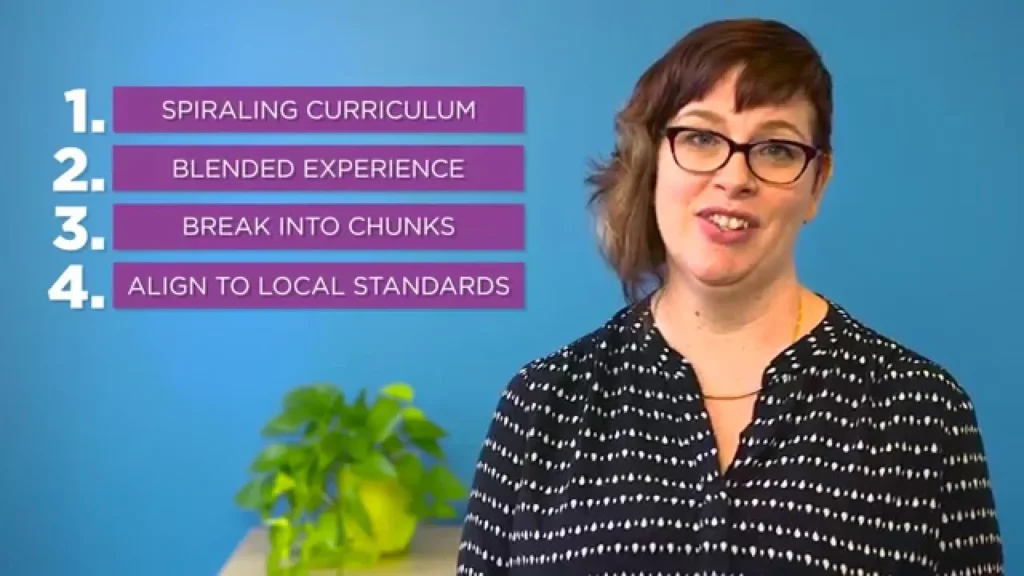
The lesson on teaching computer science fundamentals emphasizes the importance of structured lesson planning, beginning with an overview and engaging students through activities that connect to their prior knowledge. Key strategies for creating effective lesson plans include using a spiraling curriculum design, blending learning experiences with both digital and unplugged activities, breaking down the curriculum into manageable segments, and aligning lessons with educational standards to ensure students are prepared for future challenges.
CodeBytes Episode 3 with Mike – Outbreak Simulator
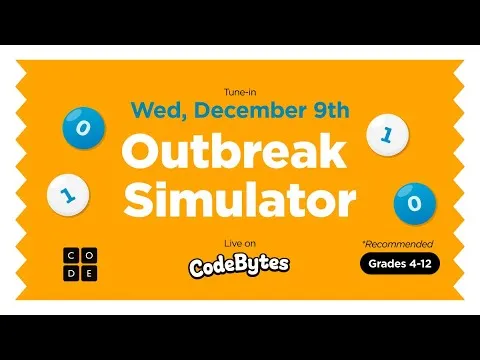
In this lesson from Code Bytes, students are introduced to the concept of virus spread through a fun simulation set in Monster Town, where they learn how computer science can help understand and control outbreaks. By creating healthy and sick monster sprites in Sprite Lab, participants explore the dynamics of infection and the impact of preventive measures, like wearing masks, on controlling the spread of a virus. The lesson emphasizes the importance of simulations in understanding complex systems and encourages students to engage further with coding and simulations on their own.
Frozen – Hour of Code: FUNCTIONS

In the “Frozen – Hour of Code: FUNCTIONS” lesson, students learn how to create and use functions in programming, which allows them to simplify and reuse commands, much like combining basic sports skills to execute complex plays. By understanding the concept of functions, learners can efficiently build intricate designs and patterns, enhancing their coding experience and creativity. The lesson emphasizes that mastering basic commands enables programmers to innovate and create unique solutions.