
CS Discoveries: Variables Part 2
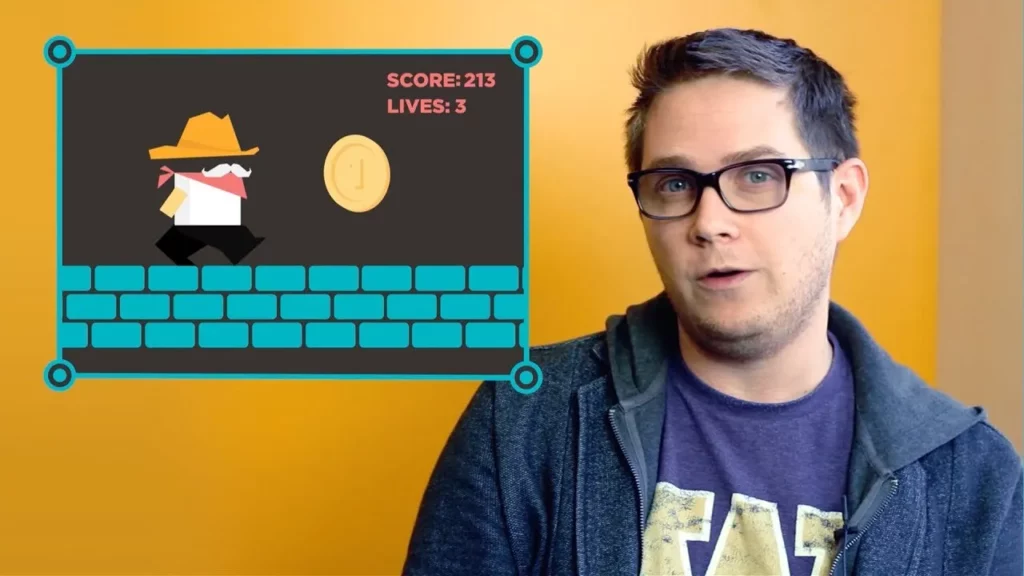
In this lesson on variables in programming, we explored how to use variables in expressions to create dynamic programs. We learned how to update variables through reassignment, as seen in game scenarios where scores and lives change, and practiced tracing code to understand the sequence of operations that affect variable values. Mastering these concepts allows for more complex programming and enhances the ability to manage information effectively within a program.
AI: Impact on Society
The lesson discusses the transformative impact of Artificial Intelligence (AI) and Machine Learning on society, highlighting their applications in self-driving cars, healthcare, agriculture, and energy efficiency. While these technologies offer significant benefits, they also pose risks related to bias and ethical concerns, emphasizing the need for human oversight and responsible implementation to ensure fair outcomes. Ultimately, understanding and engaging with AI is essential for harnessing its potential to improve quality of life while addressing societal challenges.
Gumball Hour of Code – Repeat statements
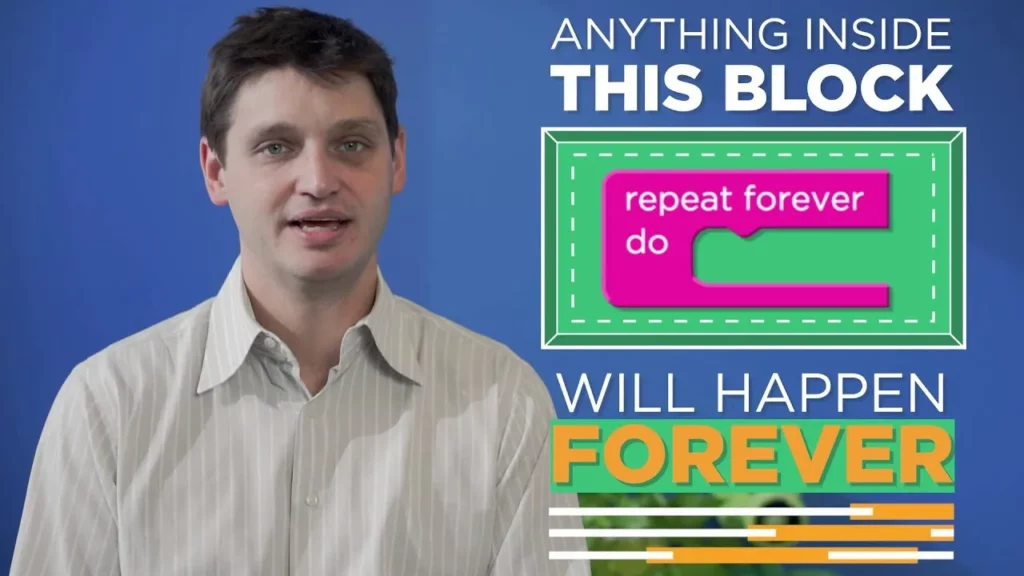
In the “Gumball Hour of Code – Repeat Statements” lesson, students learn about the “repeat forever” block, a coding tool that allows computers to continuously execute a set of actions without manual input. This concept helps streamline coding by reducing redundancy, making it easier to create dynamic game elements like moving characters or bouncing balls. By experimenting with this block, learners can enhance their coding skills and create more engaging games.
Computer Science Matters
The lesson “Computer Science Matters” emphasizes the excitement and importance of learning computer science, highlighting its potential to solve real-world problems and create innovative solutions. It encourages learners of all ages to start their journey in this field, noting that computer science will play a vital role in various careers and industries in the future. The lesson reassures beginners that they are not alone in their exploration and that every small step taken in learning can lead to mastery and meaningful contributions.
Debugging with the Bee
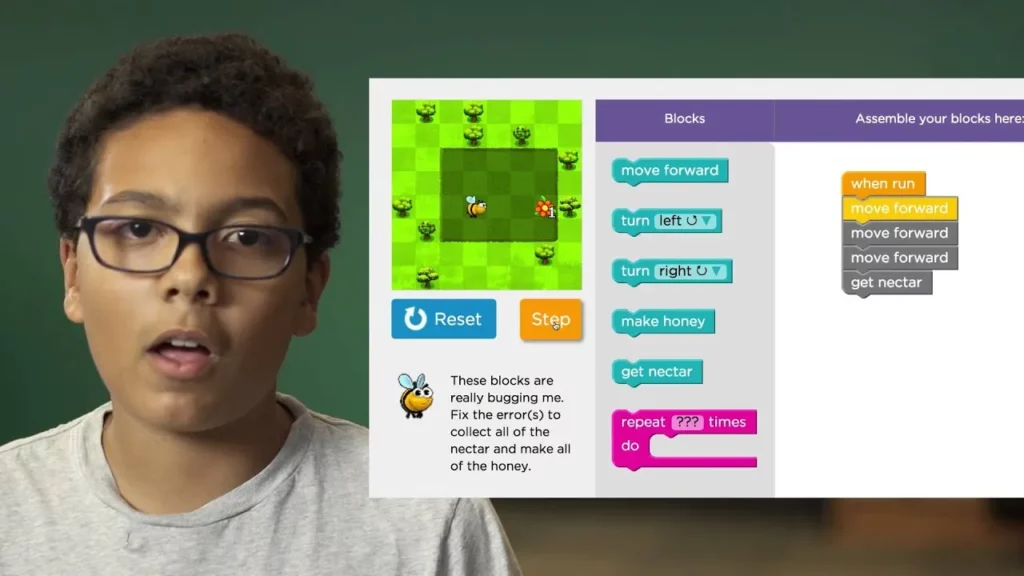
In this lesson, students learn the essential skill of debugging through the metaphor of helping a Bee navigate a maze. By using the “step button” to analyze each instruction block, they identify and fix problems in the Bee’s path, reinforcing the importance of debugging in coding. This process not only enhances their problem-solving abilities but also encourages them to think like computer scientists.
CS in Algebra: Variables
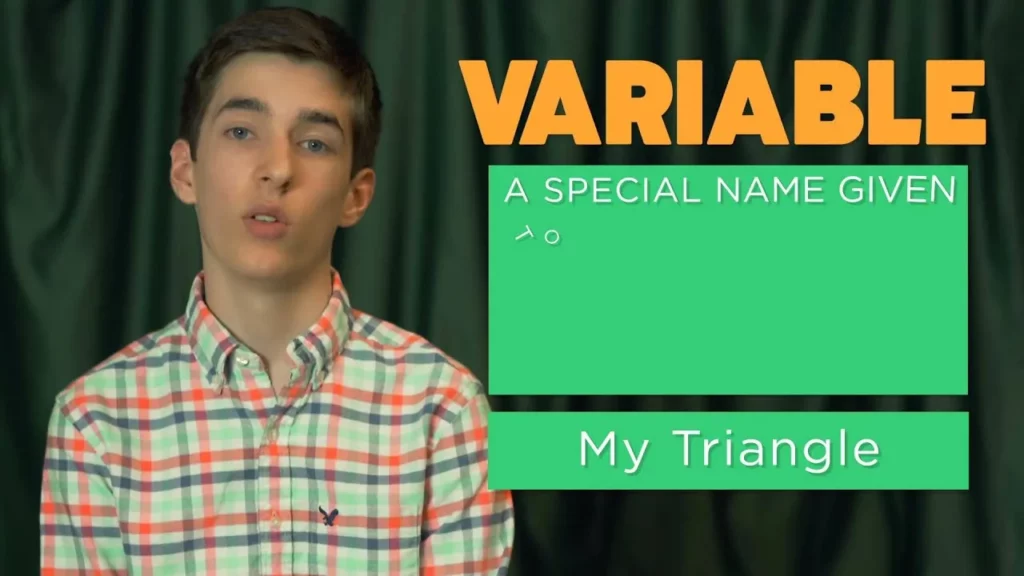
In this lesson, students learn about variables in programming by using the example of creating identical triangles. By assigning a name, or variable, to a triangle, they can efficiently create multiple instances and easily modify their properties, such as color, without having to change each one individually. This concept of variables allows for greater flexibility and efficiency in programming, making it easier to manage and update code.
Welcome and Curriculum overview — SCI PD 1a
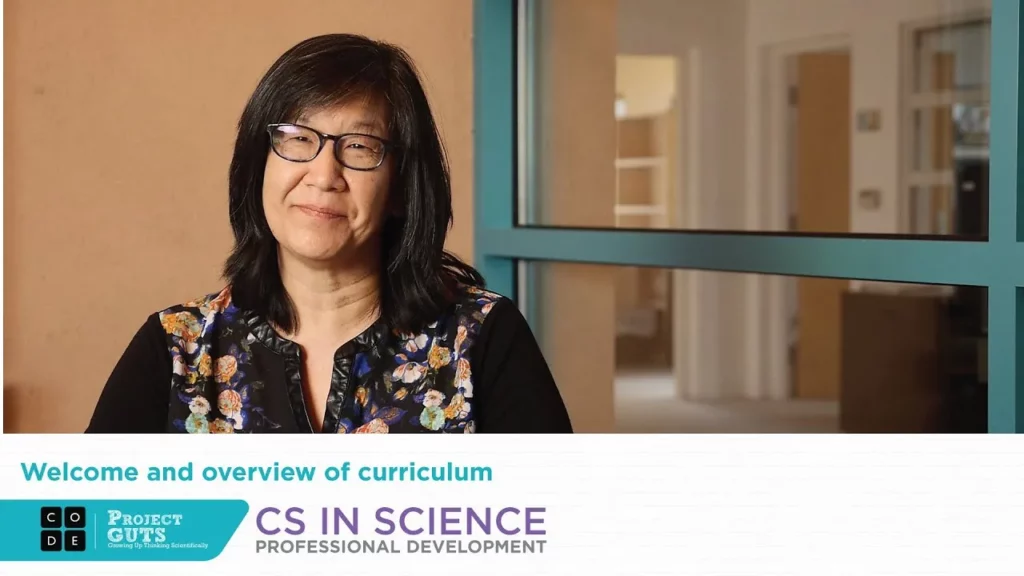
Project GUTS (Growing Up Thinking Scientifically) is an innovative program designed for middle school students that utilizes computer modeling and simulation to explore complex scientific systems. Led by Irene Lee at the Santa Fe Institute, the curriculum encourages students to engage with science beyond traditional methods, fostering independent learning and critical thinking while aligning with Next Generation Science Standards. Through collaboration with teachers and students, the program aims to build essential skills in science and computer science, preparing students for future academic challenges.
Guide to Practice Lessons
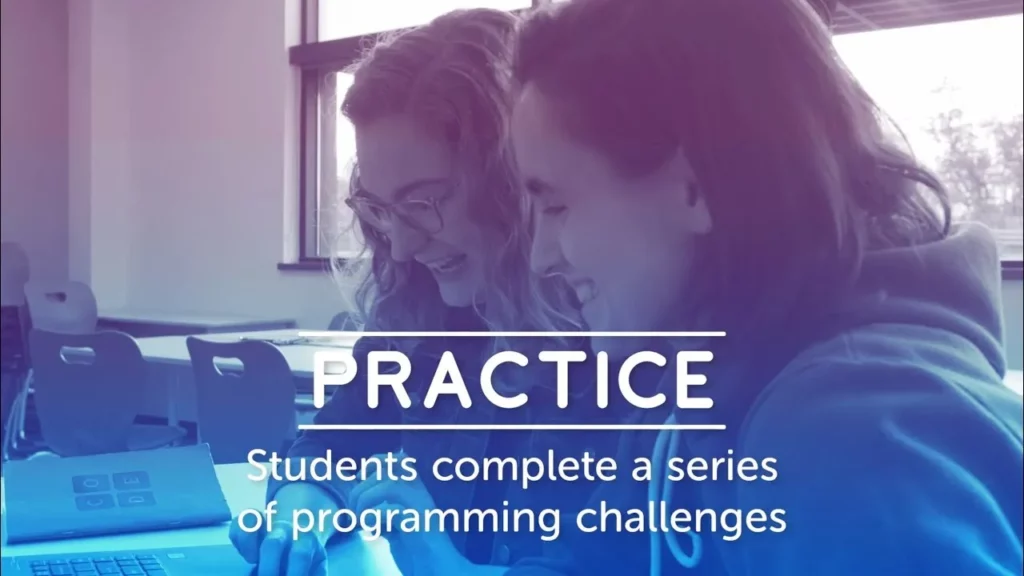
In this lesson, students engage in practice sessions focused on programming challenges to enhance their understanding of programming concepts and develop debugging skills. The instructor facilitates learning by guiding students through examples, encouraging independent problem-solving, and promoting collaboration through pair programming and group discussions when common challenges arise. The overall aim is to empower students to tackle programming issues independently while utilizing available resources for support.
Minecraft: Voyage Aquatic Introduction
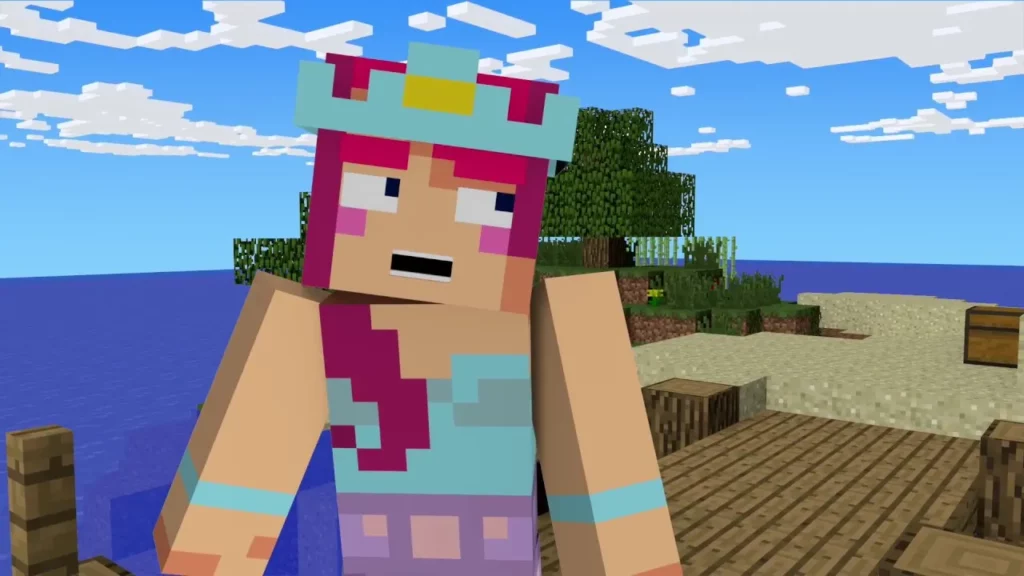
In the “Minecraft: Voyage Aquatic Introduction” lesson, participants embark on an underwater adventure to uncover hidden treasures while learning to code. The lesson involves solving puzzles by dragging coding commands from a toolbox into a workspace, allowing players to experiment and find multiple solutions. With clear instructions and the ability to reset or modify their code, adventurers are encouraged to engage creatively as they navigate the Minecraft world.
Creating Functions in Code Studio by Bill Gates and Saloni
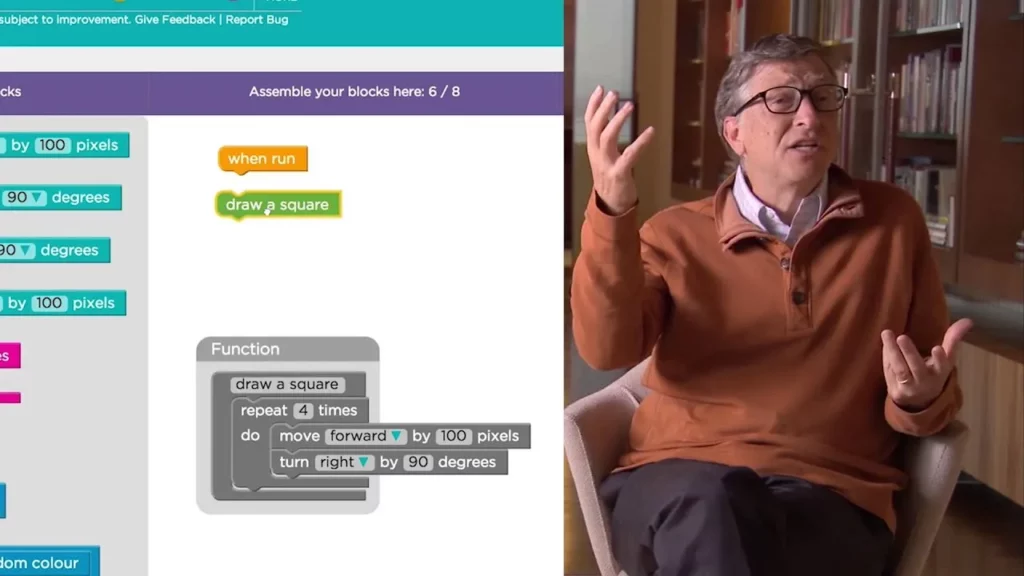
In this lesson, students learn about creating functions in programming, which allow them to save and reuse tasks, making coding more efficient and organized. By creating a “draw a square” function, they practice editing a function block and understand how functions simplify repetitive tasks in their code. Ultimately, the lesson emphasizes the power of functions in enhancing coding efficiency and problem-solving.