
Guide to EIPM Lessons
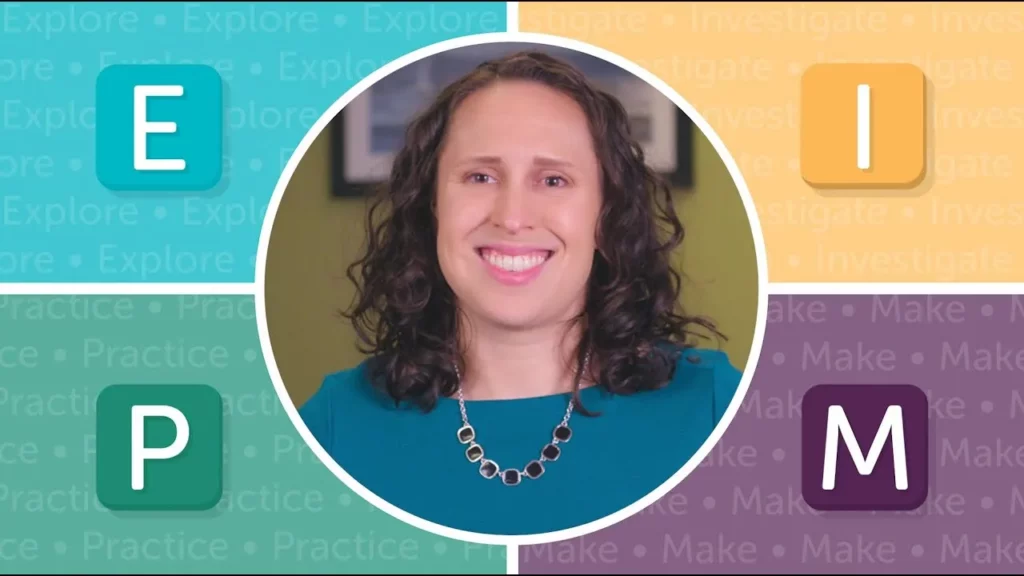
The lesson introduces the E-I-P-M approach to learning programming, which stands for Explore, Investigate, Practice, and Make. Each type of lesson builds on the previous one, allowing students to engage in hands-on activities, discuss and modify code, tackle programming tasks, and ultimately create their own apps. This structured method not only enhances understanding of programming concepts but also encourages creativity and collaboration among learners.
Teacher Tips: Advice to New CS Teachers
The lesson provides essential advice for new computer science teachers, emphasizing the importance of utilizing resources like Code.org for structured lesson plans and engaging activities. It encourages teachers to initially follow the curriculum closely, build confidence through repetition, and explore various modifications to cater to diverse student needs. Additionally, it highlights the value of incorporating personal teaching styles and collaborating with fellow educators to enhance the learning experience.
Artist Intro video – presented by JR Hildebrand

In the “Welcome to the Artist Adventure!” lesson, students explore the intersection of technology and creativity by using a computer program to draw instead of traditional art supplies. They learn to control a virtual “magic pencil” through commands that move and turn, allowing them to create various shapes and patterns. This engaging activity encourages experimentation and creativity while introducing basic programming concepts.
Introduction to Play Lab
In this lesson, Jordan introduces Play Lab, a creative platform that allows users to design their own stories and games through coding. Participants will learn to use code blocks, including the essential “when run” block and event blocks, to create interactive experiences with characters that can move, talk, and respond to user actions. By the end of the session, learners will have the opportunity to develop and share their unique programs, fostering creativity and coding skills.
The story of the kids who taught the President to code
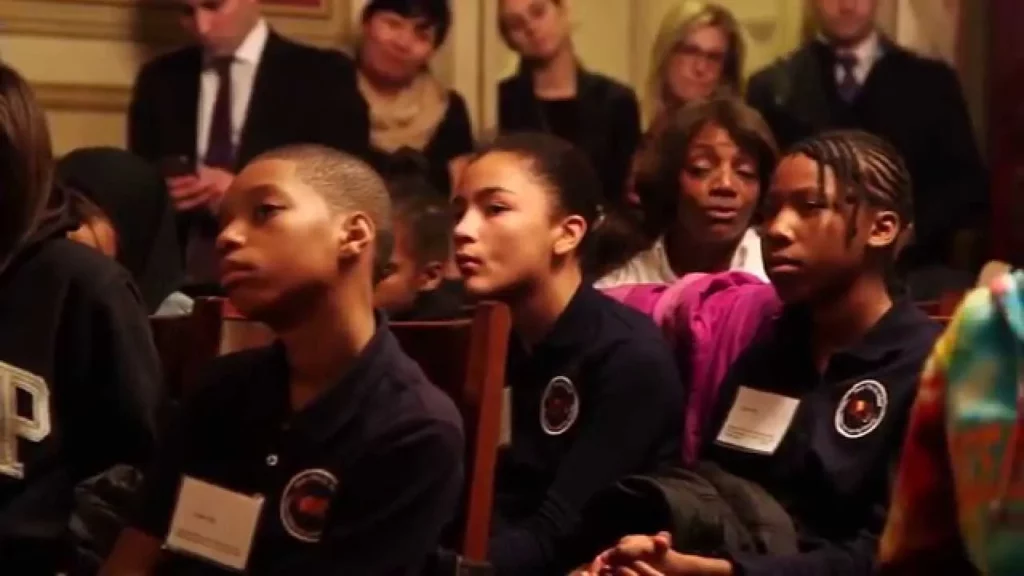
In this lesson, a group of kids from Newark had the unique opportunity to visit the White House and teach the President about coding during the “Hour of Code” event. They engaged in a fun coding activity where they programmed a robot, highlighting the importance of coding as a valuable skill that fosters creativity and problem-solving. The President emphasized that learning to code opens up exciting possibilities for the future, encouraging young learners to explore this essential technology.
Teacher Tips: Ideas on Pair Programming
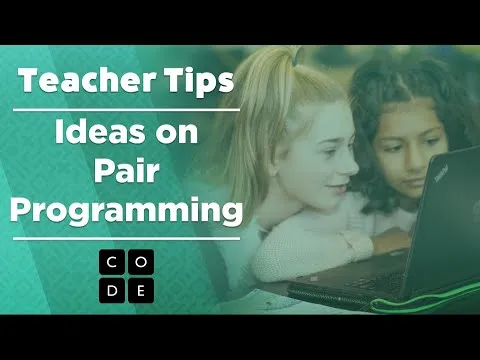
The lesson on pair programming emphasizes its role as an engaging and collaborative learning method in coding education, where students take on the roles of Driver and Navigator to enhance teamwork and communication. By thoughtfully pairing students and starting with short sessions, educators can foster a supportive environment that encourages problem-solving and knowledge sharing, ultimately making coding more enjoyable and effective for learners.
How to Become a Regional Partner
In this lesson, Karina, the National Partnership Manager at Code.org, outlines the process for organizations interested in becoming regional partners to enhance computer science education. Eligible organizations, such as universities and nonprofits, are encouraged to build long-term partnerships that focus on sustaining computer science initiatives independently while integrating Code.org’s resources. The partnership offers significant benefits, including improved reputation and access to high-quality professional development for educators, ultimately empowering more students in the field of computer science.
CS Principles: Intro to the Text Compression Widget
In this lesson, students explore the concept of text compression using the Text Compression Widget, which teaches them how to reduce the size of text files without losing information by identifying and replacing repeating patterns with shorter symbols. By practicing with the widget, learners can enhance their skills in finding patterns and applying advanced compression techniques, ultimately understanding how to reconstruct the original text from its compressed form. This engaging exercise highlights the efficiency and utility of text compression in data management.
CS in Algebra: Introduction
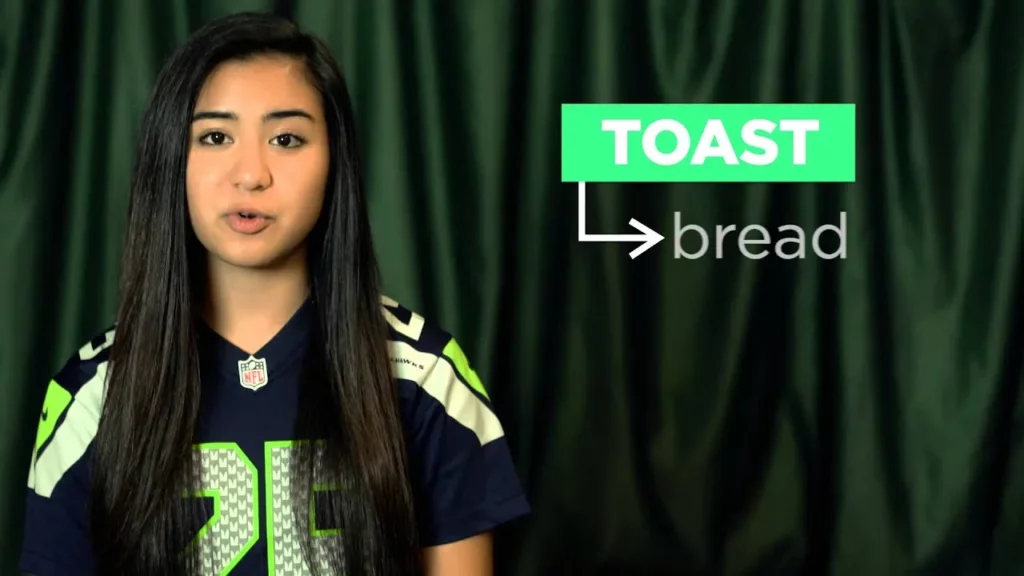
In this lesson, students are introduced to the concept of math as a language that communicates ideas through numbers and operations, similar to how spoken languages use nouns and verbs. They also learn how to navigate Code Studio, which consists of a play area for running programs, a toolbox for accessing programming blocks, and a workspace for building their programs by connecting these blocks. The lesson encourages exploration and experimentation in programming while emphasizing the parallels between math and coding.
CS in Algebra: Big Game Variables
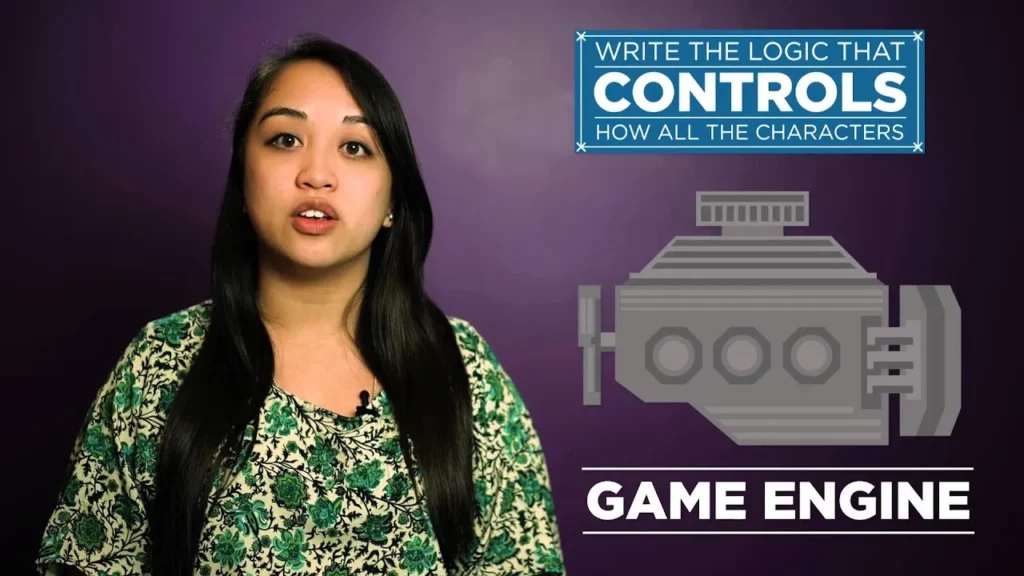
In this lesson, students are introduced to the fundamentals of video game creation using a game engine, which simplifies the development process by managing complex elements like graphics and sound. They will learn how to modify game variables, such as titles and character sprites, and troubleshoot any issues that arise during gameplay. The emphasis is on creativity and enjoyment as they experiment with their game designs.