
Digital Citizenship: Student Interactives
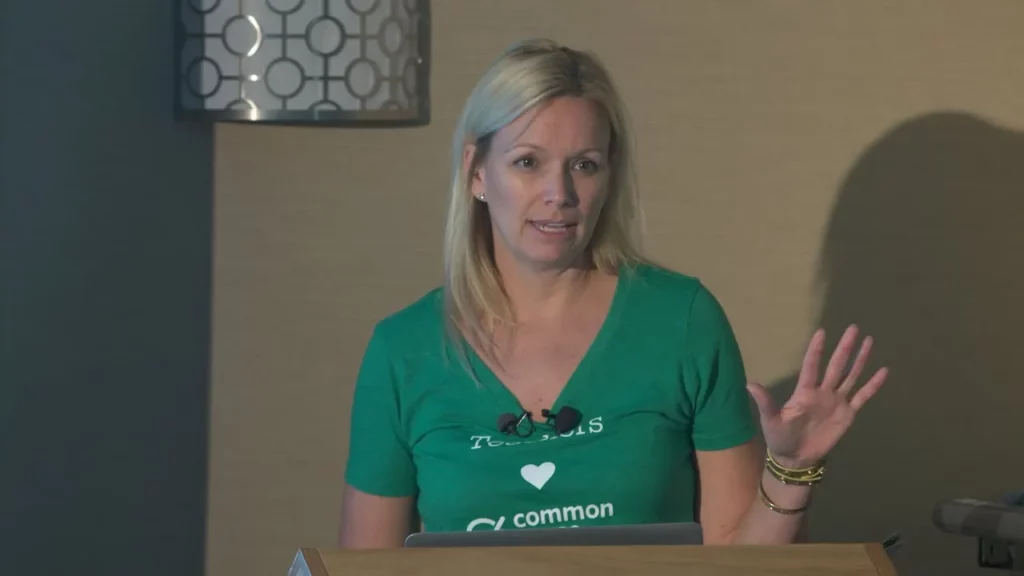
The lesson on Digital Citizenship introduces a comprehensive K-12 curriculum developed in collaboration with the Good Play Project, focusing on essential topics such as internet safety, cyberbullying, and digital literacy. The curriculum, which is free and accessible online, includes interactive student programs like Digital Passport, Digital Compass, and Digital Bytes, designed to engage students through games and real-world scenarios. This initiative aims to equip students with the knowledge and skills necessary to navigate the digital world responsibly and ethically.
Digital Bytes: Haters and Trolls

The lesson “Digital Bytes: Haters and Trolls” explores the nature and impact of online trolling, highlighting how individuals, often anonymously, provoke others through hurtful comments and misinformation. It emphasizes the emotional consequences of such behavior, particularly for vulnerable groups like female bloggers, and discusses the balance between free speech and maintaining respectful online communities. Ultimately, the lesson advocates for self-regulation within digital spaces to foster a more supportive environment for all users.
Mathkind: The Perfect Blend of Math and Social Studies

In today’s lesson, we explored “Teachers to Teachers Global Math Stories,” a unique resource that combines math with social studies by incorporating cultural narratives into math problems. This program offers printable worksheets that not only challenge students with math but also introduce them to diverse cultures and real-world contexts, making learning more engaging and meaningful. While it may require some effort to find specific resources, the program is free and supports global awareness and sustainability, enriching students’ educational experiences.
Cyberbullying: What’s Crossing the Line?
In this lesson on cyberbullying, students will learn to identify when online behavior crosses the line into harmful actions, such as harassment. Through discussions, real-life case studies, and a video, they will explore various perspectives on cyberbullying, consider the implications of reporting incidents, and understand the importance of recognizing and addressing such behavior to foster a safer online environment.
Civil Discourse Online: A Conversation With Cameron Kasky
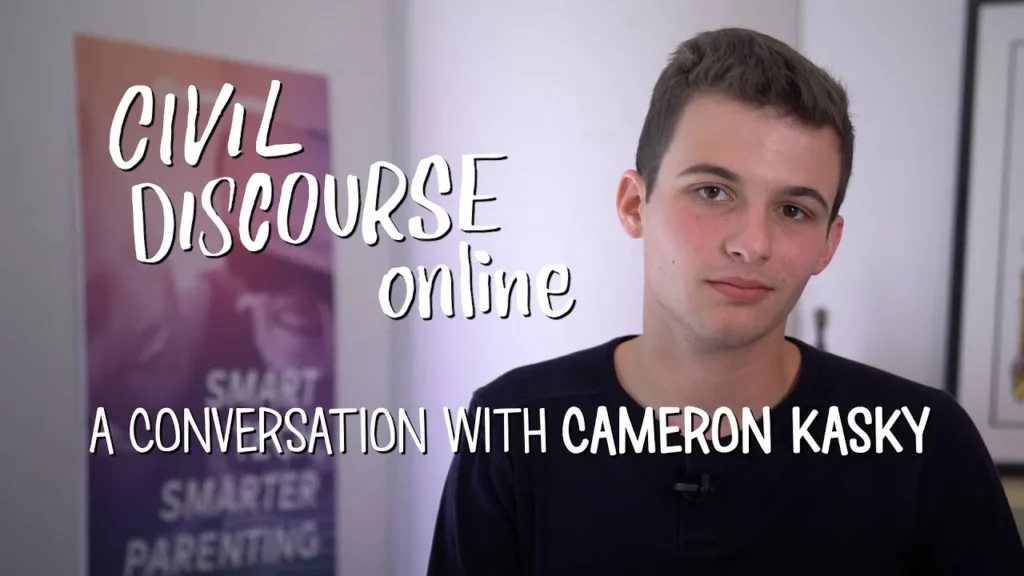
In his lesson, Cameron Kasky emphasizes the importance of civil discourse and constructive dialogue, particularly in the context of social media activism following the Parkland school shooting. He reflects on the challenges of online communication, the need for accountability, and the value of engaging with those who hold opposing views, advocating for understanding and connection rather than division. Kasky concludes that uplifting others and fostering open conversations can lead to meaningful change and personal growth.
Special Education Support
In the lesson “Supporting Special Education Students: Insights and Strategies,” experts Tori Watlington and Amanda Morin discuss effective approaches for aiding special education students, particularly in virtual learning environments. They emphasize the importance of addressing students’ social-emotional needs before academic goals, fostering strong parent-teacher relationships, and creating supportive classroom settings that prioritize emotional well-being alongside learning. The session highlights the significance of open communication and collaboration with families to enhance student success and celebrate their achievements.
How to Use Video in the Classroom
This lesson emphasizes the effective integration of videos into classroom instruction to enhance student learning. Key strategies include previewing videos beforehand to ensure alignment with lesson objectives, engaging students through purposeful viewing tasks, and selecting concise, relevant content that captivates their interest. Additionally, fostering discussions and utilizing technology can further enrich the learning experience, making videos a powerful educational tool.
Educating Parents about their Kid’s Media and Technology Use
In the lesson “Understanding Kids’ Media and Technology Use: A Guide for Parents,” Martha Campos emphasizes the importance of open dialogue between parents and children regarding screen time and technology use. She provides resources and strategies, such as creating a family agreement on screen time, to empower parents in managing their children’s digital interactions. The session encourages parents to engage with each other and share experiences, fostering a supportive community around navigating technology in family life.
Device Advice: Managing Device Distractions
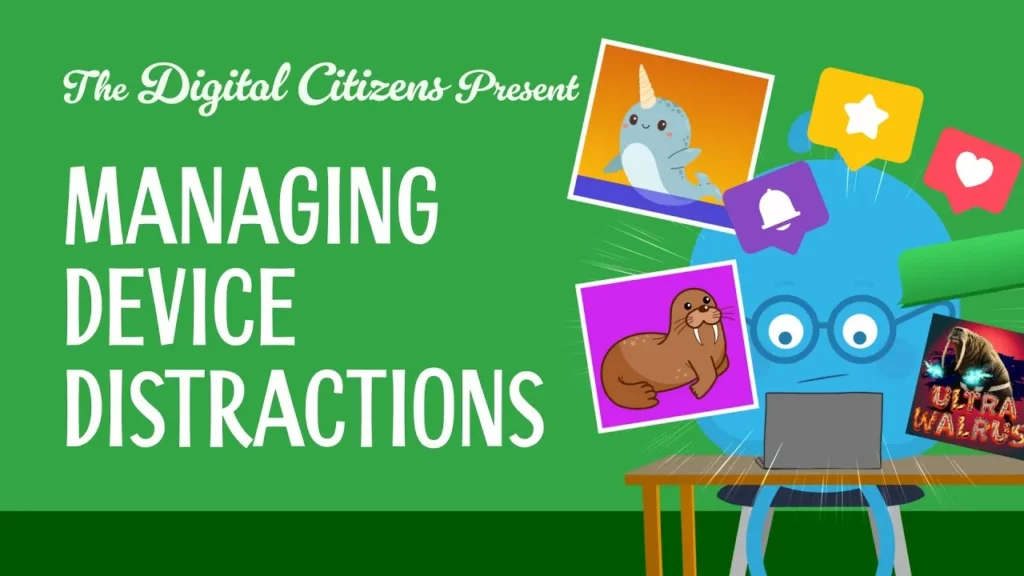
In this lesson, students learn strategies for managing distractions while using devices like tablets and computers. Key techniques include taking deep breaths to regain focus, setting timers to track work time, closing unnecessary apps, and taking short breaks to refresh their minds. The lesson emphasizes the importance of balancing enjoyment of games and apps with the need to concentrate on tasks, encouraging students to share their own methods for staying focused.
Royelles: This STEAM Game Encourages Girls and Non-Binary Kids to Boldly Go
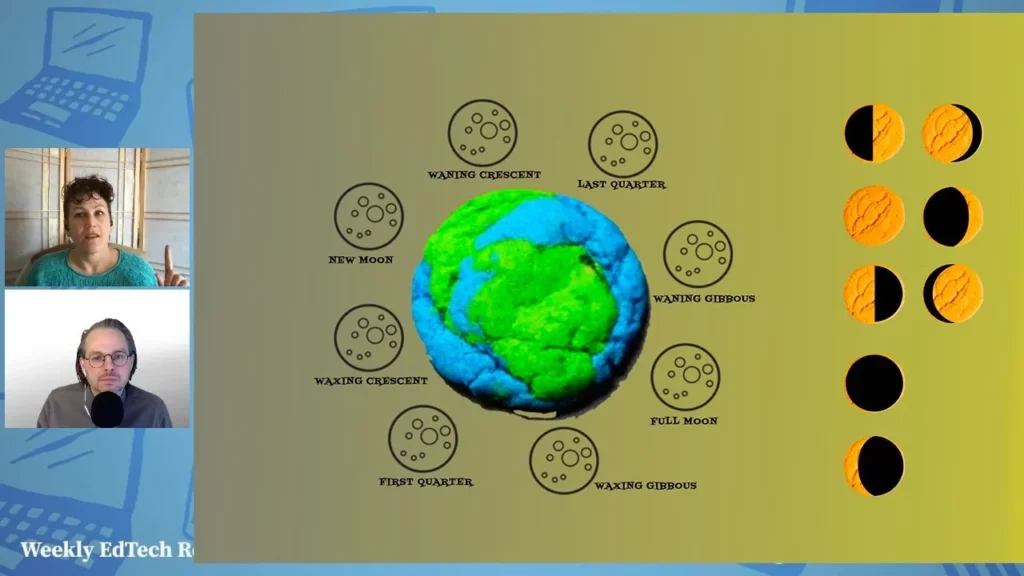
Royelles is an innovative app designed to inspire girls and non-binary kids to engage with STEM (Science, Technology, Engineering, and Math) through an interactive and inclusive storytelling experience. Featuring diverse characters and narrated by a NASA employee, the app allows users to make choices that promote leadership and problem-solving while tackling STEM challenges. With its engaging format and educational resources, Royelles serves as a valuable tool for educators aiming to foster creativity and confidence in their students.