
Zigazoo Offers a Safe Outlet for Aspiring YouTubers and Content Creators
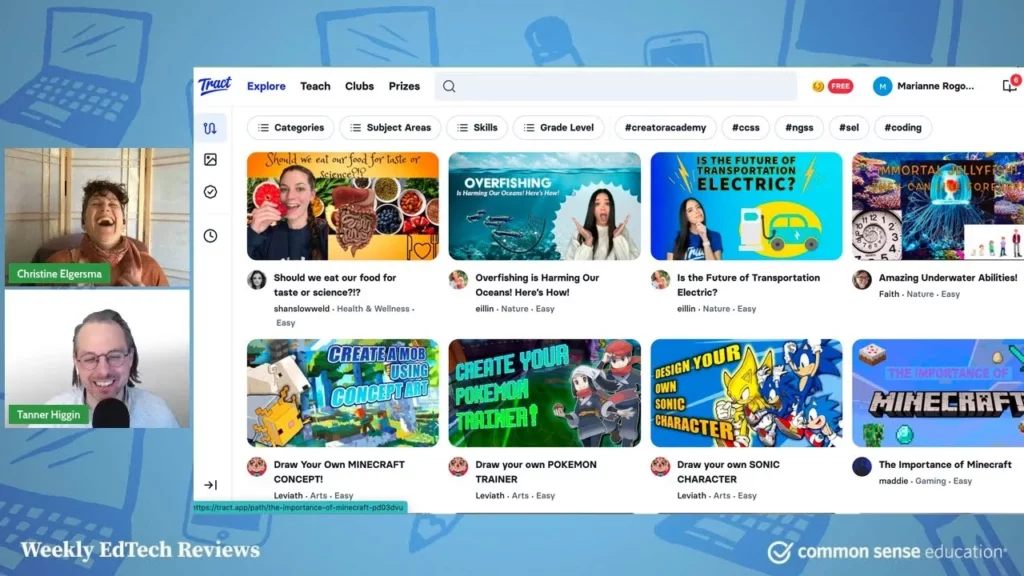
The lesson introduces Tracked, a video-based platform designed for students aged three to twelve, which allows them to create and share educational content in a safe environment. It emphasizes community building through interest-based clubs and offers features for educators to monitor student progress. Tracked serves as a valuable resource for aspiring content creators, enabling them to explore their interests while learning collaboratively.
Best Tools to Spark Scientific Inquiry with NGSS for Elementary School
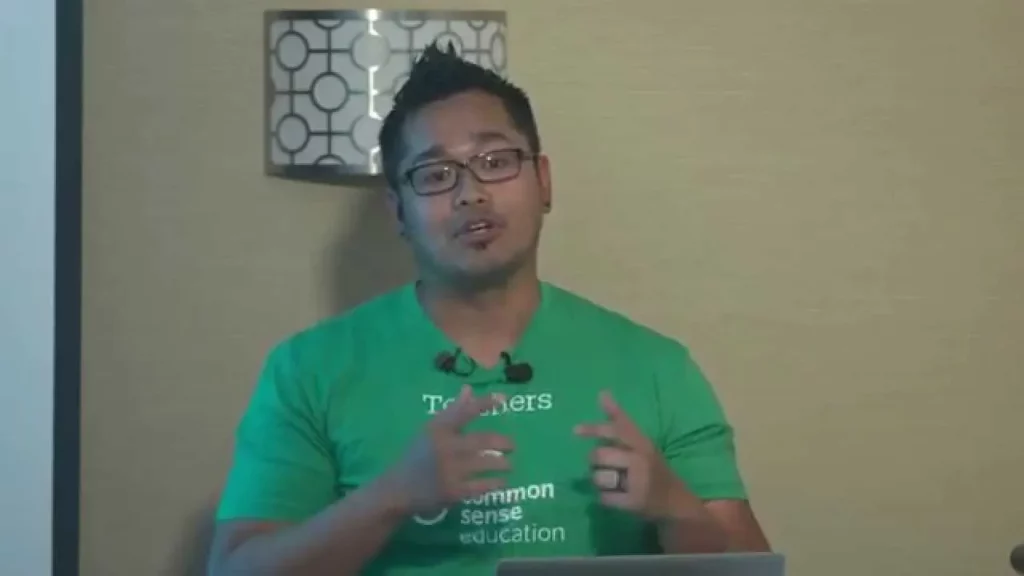
In this lesson, Merv Lapisi introduces effective tools for fostering scientific inquiry among elementary students in alignment with the Next Generation Science Standards (NGSS). The highlighted resources—Curiosity Machine, Classify It, and Smithsonian Quests—encourage hands-on learning and collaboration, allowing students to engage in engineering projects, classify living organisms, and explore astronomy through interactive activities. These tools not only enhance understanding of scientific concepts but also promote critical thinking and problem-solving skills in young learners.
Overexposed: Sexting in Relationships
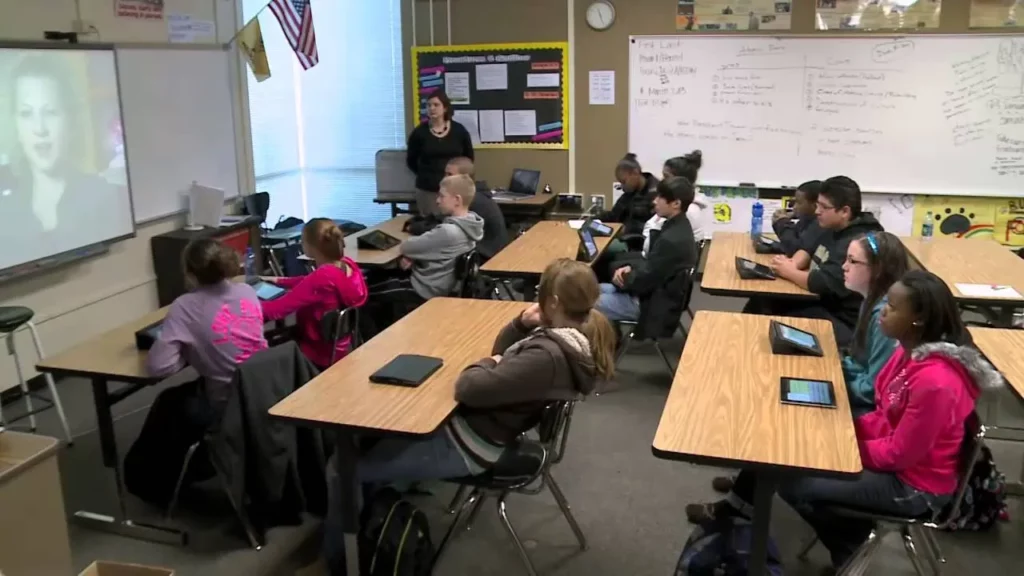
In today’s lesson, we explored the sensitive topic of sexting and its implications for teenagers navigating digital communication in relationships. Through discussions, a video case study, and the use of technology, students learned about the potential consequences of sending intimate images and the importance of making informed decisions. By the end of the session, participants gained a deeper understanding of how to approach digital interactions thoughtfully and responsibly.
S.S. Grin: An SEL Game That Cleverly Gets Students To Consider Tone and Subtext
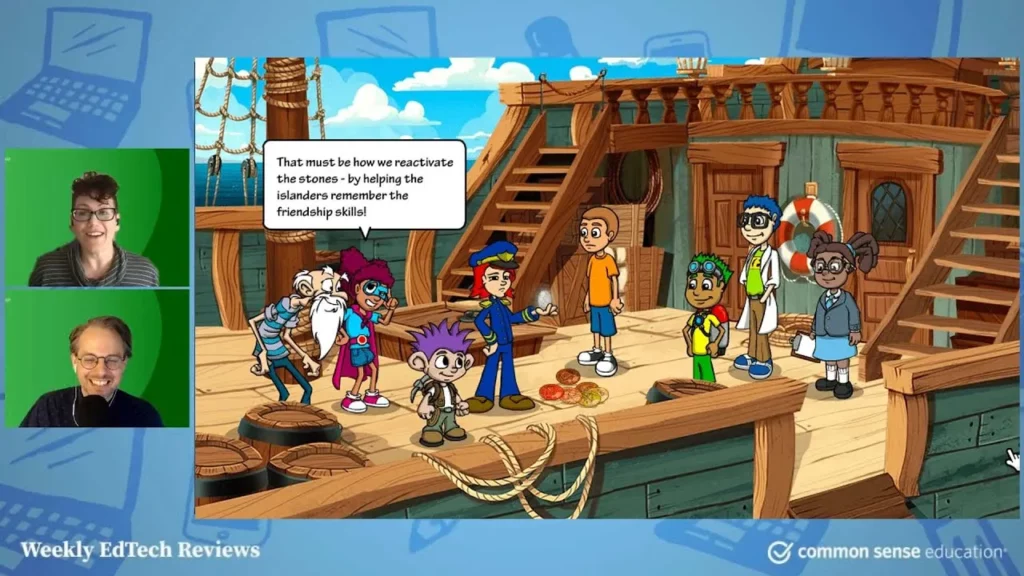
The lesson introduces SS Grin, an engaging game designed to help children in grades three to six learn about feelings and effective communication. Through creating avatars and making choices in various scenarios, players develop skills in understanding emotions and respectful dialogue, while teachers can track progress via a dashboard. The game is available for a yearly fee, with free resources also provided to support emotional learning.
1-to-1 Essentials – Engaging Families
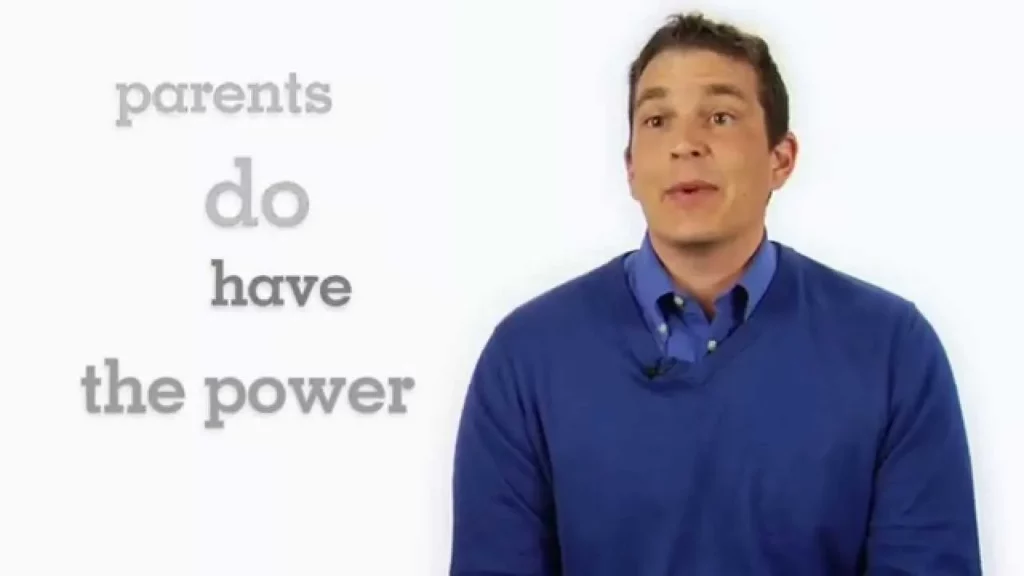
The lesson emphasizes the importance of engaging families in one-to-one device programs in education, particularly in addressing parental concerns about the transition to digital learning. By educating parents on navigating digital resources, fostering strong partnerships, and creating a supportive environment, schools can alleviate anxiety and enhance the educational experience for both students and families. Ultimately, collaboration between schools and parents is essential for ensuring that technology enhances learning rather than hinders it.
EarSketch: A Coding Tool for Aspiring DJs, Rappers, and Beat Makers
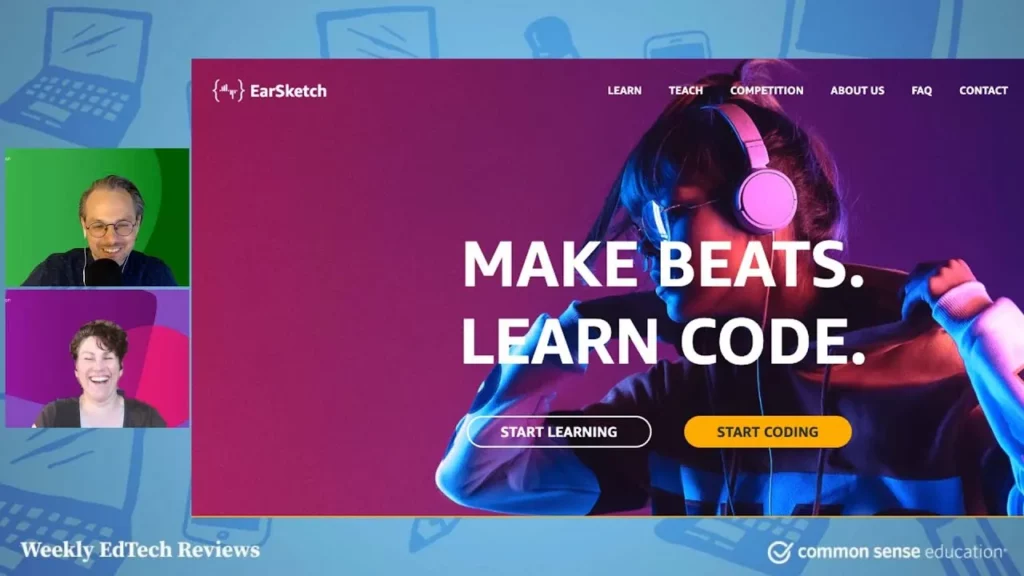
In this lesson, we explored EarSketch, a free online platform that allows users to create music through coding using languages like Python and JavaScript. It offers a unique and engaging way to learn coding while making beats and songs, making it an excellent resource for both aspiring musicians and educators. With features like a multilingual interface, guided tours, and a library of sounds, EarSketch connects the worlds of music and coding, encouraging creativity and exploration.
Create an Asynchronous Audio Backchannel for Reflection, Feedback, or Fun With Synth
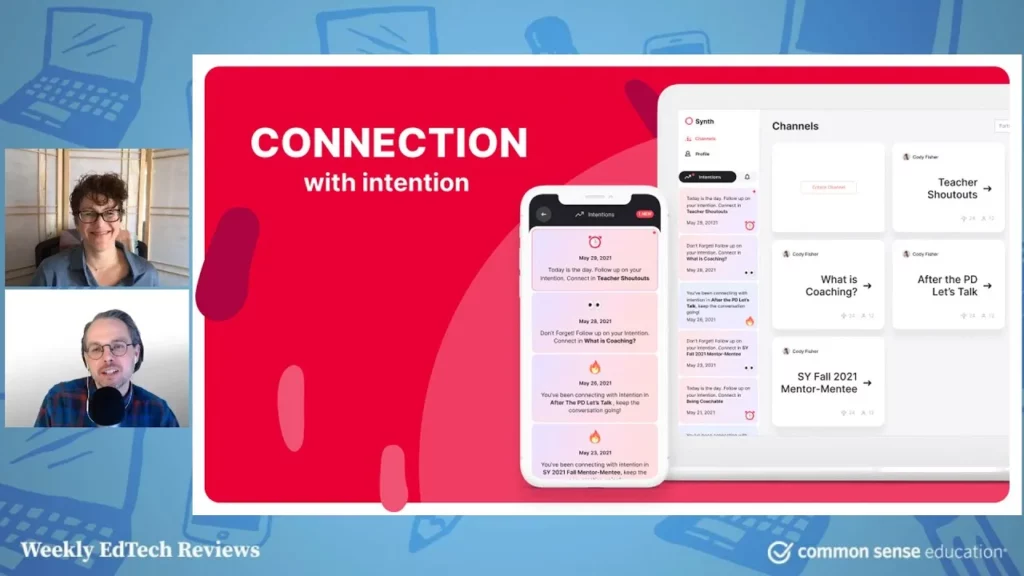
In this lesson, educators are introduced to Synth, an asynchronous audio response tool that enhances classroom communication and engagement. By creating dedicated channels for audio conversations, teachers can facilitate ongoing discussions, allowing students to contribute at their own pace and providing a comfortable space for those hesitant to speak in front of others. Synth’s features promote inclusive dialogue and offer opportunities for feedback, making it a valuable resource for fostering an interactive learning environment.
Media Literacy in a Time of an Increased Media Diet
In the lesson on media literacy, Barbara Hughes and her colleagues Roger Galloway and Sarah Elwell discuss the importance of equipping students with the skills to critically evaluate information amidst the increased media consumption during the pandemic. They emphasize the use of tools like the CRAAP test for assessing source credibility and highlight innovative lesson plans that integrate social-emotional learning with media literacy, fostering both informed consumption and conscious media creation among students. The session underscores the need for collaboration among educators and librarians to enhance the learning experience and support diverse student needs.
Lesson in Action: Making Digital Citizenship Personal
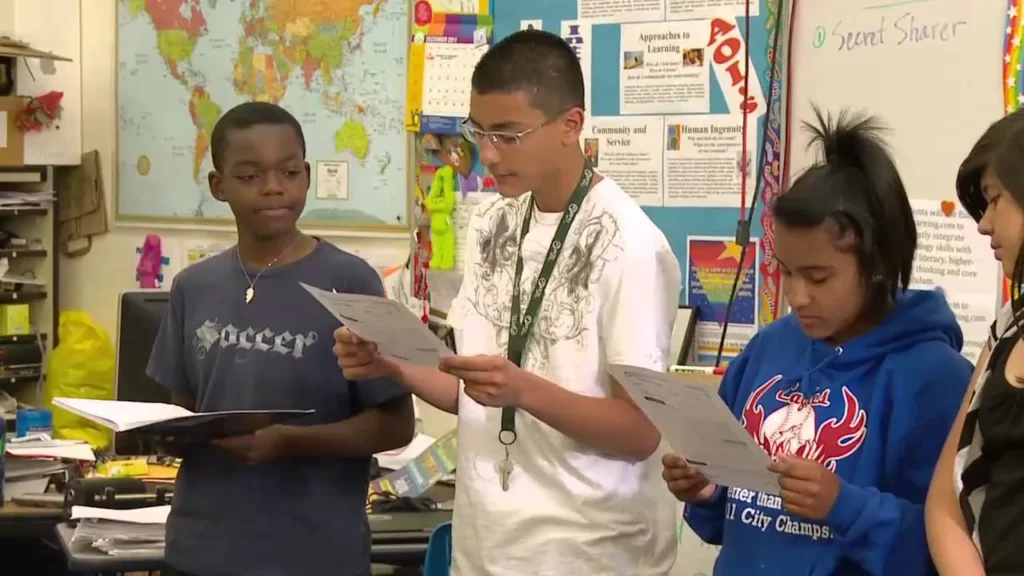
In this lesson on digital citizenship, Elaine Germany emphasizes the importance of understanding privacy and responsible online behavior through engaging activities and relatable scenarios. Students participate in discussions about what information is appropriate to share, examine real-life situations, and reflect on their own experiences, fostering a safe environment for learning. The overarching goal is to equip students with the knowledge and skills to navigate the internet safely and responsibly.
Microsoft’s Simple Whiteboard Might Be All You Need for Learning
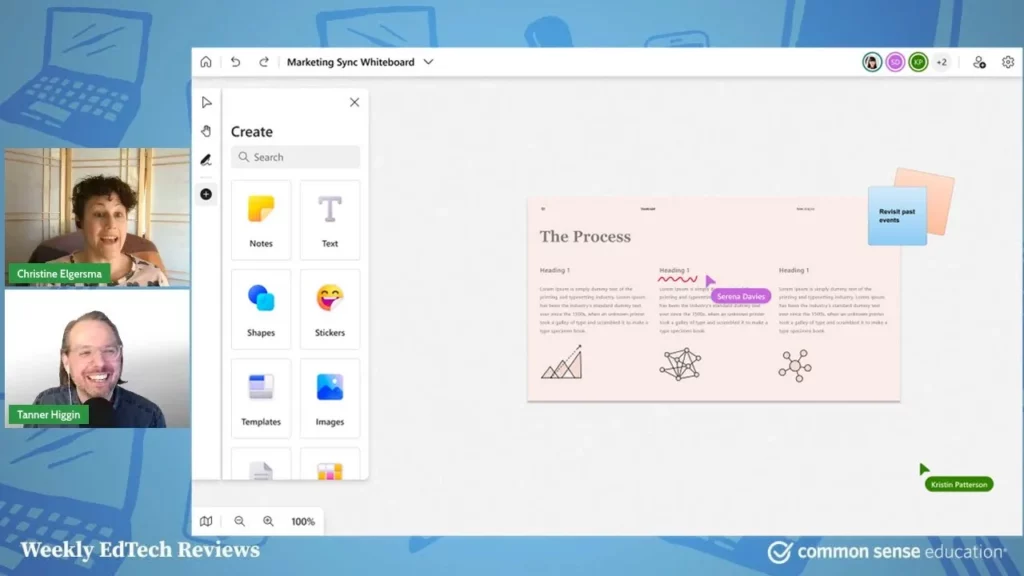
The lesson highlights Microsoft Whiteboard as a versatile and user-friendly digital tool that enhances educational experiences through collaboration and brainstorming. With essential features like various pen types, templates for classroom activities, and easy sharing options, it serves as an effective resource for educators and learners within the Office 365 ecosystem. Its simplicity and accessibility make it a valuable choice for facilitating interactive learning without overwhelming users.