
Why Including Student Voices is Important

The lesson emphasizes the significance of including student voices in the classroom, highlighting that sharing ideas fosters confidence, encourages collaborative learning, and enhances understanding. When students present their discoveries and opinions, they not only boost their self-esteem but also learn from one another, recognizing that multiple solutions exist for problems. Ultimately, this practice cultivates essential communication skills that benefit students both academically and in their future endeavors.
The Impact of the SAMR Model with Ruben Puentedura

The SAMR model, developed by Dr. Ruben Puentedura, serves as a framework for educators to effectively integrate technology into their teaching practices, enhancing student outcomes across various disciplines. It consists of four levels—Substitution, Augmentation, Modification, and Redefinition—each representing a different degree of technological integration, with higher levels leading to significant improvements in student comprehension and collaborative learning. By utilizing the SAMR model, teachers can engage in meaningful discussions about instructional strategies and continuously refine their practices to better meet the needs of their students.
Meet the Digital Citizens: Legs
In the lesson “Meet the Digital Citizens: Legs,” Legs emphasizes the importance of standing up for friends and ensuring everyone feels included, whether in person or online. By sharing a personal experience of inviting a left-out friend to join a game, Legs encourages kindness and support, highlighting that anyone can make a positive impact regardless of their physical attributes. The lesson concludes with a call to action, prompting students to reflect on how they can support those they care about.
Getting Parents Involved in Digital Citizenship

The lesson emphasizes the crucial role parents play in teaching children about digital citizenship, which involves using the internet safely and responsibly. By collaborating with parents through resources and regular communication, schools can ensure that the lessons learned at home and school align, fostering a consistent understanding of online behavior. This partnership helps children develop essential skills such as protecting personal information, being kind online, and critically evaluating online content.
Private and Personal Information
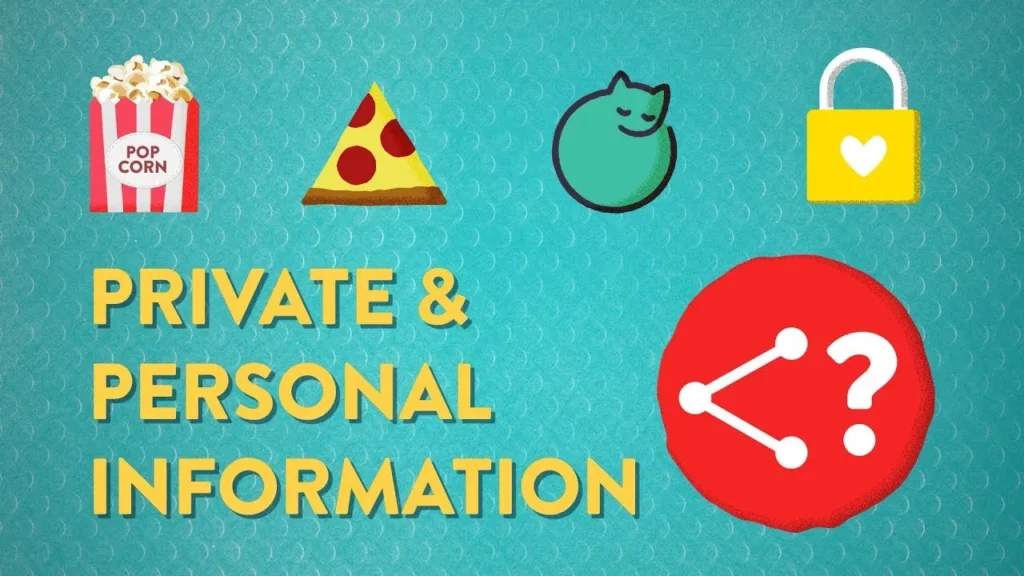
The lesson on “Private and Personal Information” emphasizes the importance of distinguishing between personal and private information when sharing online. While sharing fun details about oneself, like favorite hobbies, can foster connections, it’s crucial to protect private information, such as full names and addresses, to ensure safety. Always think carefully before sharing and consult a trusted adult if uncertain about what to disclose.
Why It’s Good to Get out of Your Comfort Zone

The lesson emphasizes the importance of stepping out of one’s comfort zone to foster personal and professional growth. By embracing risks, educators can model a growth mindset for their students, demonstrating that setbacks are valuable learning experiences that promote resilience and innovation. Ultimately, taking risks not only enhances the learning environment but also inspires students to become more engaged and curious learners.
EdTech Showdown: Educreations vs. Explain Everything
In this lesson, Tanner Higgin compares two popular educational technology tools: Educreations and Explain Everything, both of which serve as interactive whiteboard and screencasting applications. While Educreations offers a user-friendly interface ideal for iPad users and provides a cost-effective solution for classroom use, Explain Everything boasts a more versatile platform compatibility and advanced features, making it suitable for a broader range of devices and more complex presentations. Ultimately, the choice between the two depends on the user’s specific needs, device availability, and desired functionality.
How to Introduce Students to Coding With Mozilla’s X-Ray Goggles
The lesson introduces students to coding using Mozilla’s X-Ray Goggles, a tool that allows them to explore and remix the code behind their favorite websites. By following simple steps to activate the tool, students can experiment with changing text and elements on a webpage, fostering creativity and critical thinking about online content. This engaging approach not only makes coding fun but also encourages deeper learning and media literacy.
EdTech Showdown: Evernote vs. Notability

In this lesson, we compared two popular note-taking apps, Evernote and Notability, highlighting their features and suitability for classroom use. Evernote excels in cross-device compatibility and sharing options, making it ideal for diverse device environments, while Notability offers unique features like audio note playback and drawing tools, making it particularly beneficial for Apple device users. Ultimately, the choice between the two depends on the specific needs of the classroom and the devices being used.
Perspectives on Chatting Safely Online
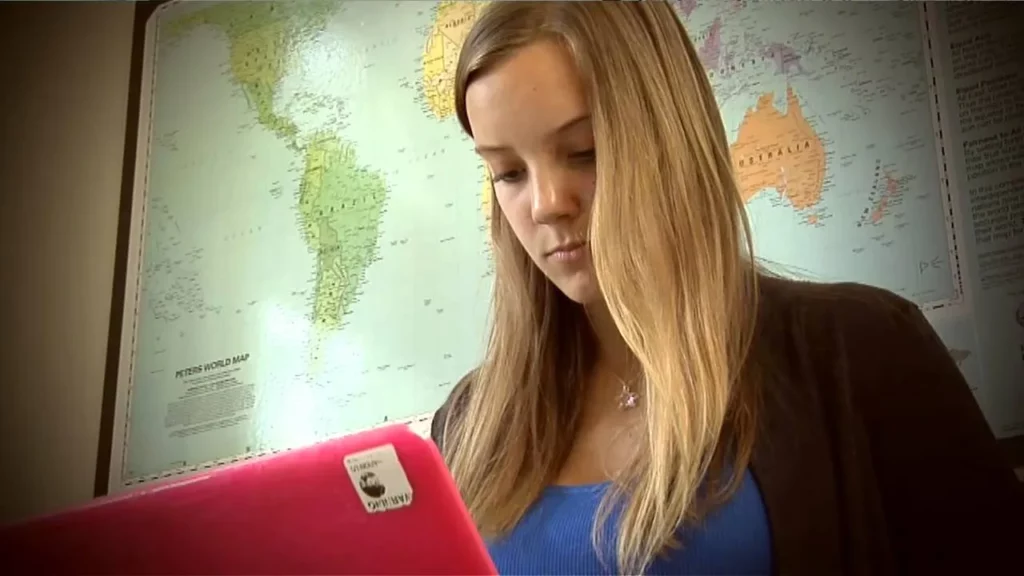
The lesson emphasizes the importance of safe online communication while exploring different ways individuals connect with others, such as through social media, texting, and online gaming. It highlights personal experiences from Randy, Renee, and Aseal, who share strategies for making friends online, handling uncomfortable situations, and prioritizing safety by trusting their instincts and avoiding sharing personal information. Ultimately, the lesson encourages enjoying online interactions while remaining vigilant about safety.