
How to Customize Videos with EdPuzzle
The lesson on customizing videos with EdPuzzle highlights how this web-based platform enables users to create engaging and personalized video content for various educational purposes. By allowing users to edit videos, add audio notes, incorporate visual elements, and embed interactive features like polls and questions, EdPuzzle fosters active engagement and caters to diverse learning styles. Additionally, the lesson encourages exploring other video annotation tools to enhance the customization experience further.
Digital Bytes: internet Hoaxes

The lesson “Digital Bytes: Internet Hoaxes” highlights the prevalence of fake videos and misinformation online, emphasizing the importance of critical thinking when consuming digital content. It discusses various examples of viral hoaxes, such as staged pranks and fabricated celebrity death rumors, illustrating how easily false information can spread through social media. The lesson encourages viewers to verify information using reliable sources to ensure they are well-informed and not misled by sensationalized content.
Teens and Tech: The New Landscape
The lesson “Teens and Tech: The New Landscape” explores how, despite significant technological advancements, the fundamental aspects of growing up remain unchanged. It emphasizes the importance of understanding the digital world, as teens navigate their developing brains while managing their online presence and the implications of their digital footprints. Parents are encouraged to guide their children through this landscape by establishing supportive frameworks and engaging in open discussions about the challenges and opportunities that technology presents.
PhET in 30 Seconds
The lesson introduces PhET, a collection of free interactive simulations designed to make learning science and math engaging and enjoyable. By allowing users to experiment with various concepts in real-time, PhET enhances understanding and retention of complex ideas, making it a valuable resource for both students and teachers. Accessible online and via an iPad app, PhET also offers a virtual lab experience that can enrich classroom learning, despite some simulations needing updates for improved functionality.
Solomon’s Story: Online Searching
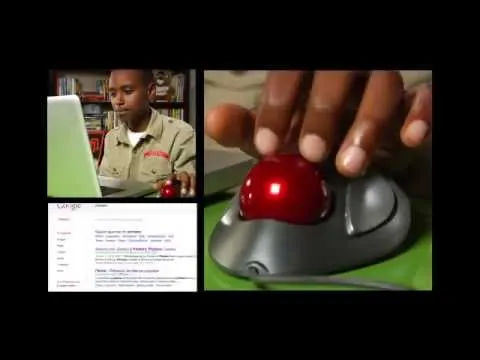
In the lesson “Solomon’s Story: Online Searching,” Solomon shares his experience of searching for information about baseball pitchers and the record for the most no-hitters. He learns the importance of using specific search terms, verifying information across multiple reliable sources, and recognizing that not all online content is accurate. By applying these tips, he successfully discovers that Nolan Ryan holds the record for the most no-hitters, enhancing his online research skills.
Why Schools Should Teach Digital Citizenship
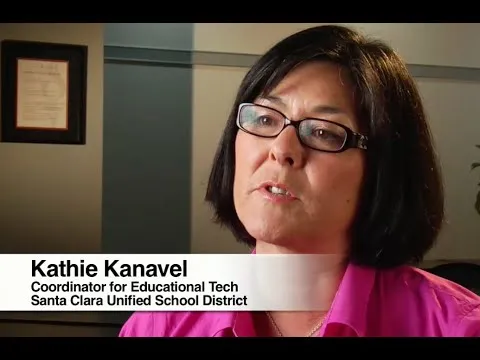
The lesson emphasizes the importance of teaching digital citizenship in schools, highlighting that responsible technology use is as crucial as being a good citizen in real life. It argues that students need guidance to navigate the online world safely and respectfully, as their constant engagement with technology can lead to misunderstandings about its impact. Ultimately, integrating digital citizenship education prepares students to be thoughtful and responsible users of technology, benefiting them both now and in the future.
The Importance of Being Flexible when Teaching with Tech
The lesson emphasizes the importance of flexibility when using technology in the classroom, as unexpected issues like Wi-Fi failures can disrupt lessons. Having a backup plan allows teachers to adapt quickly, demonstrating to students how to handle challenges and think creatively. This approach not only fosters a positive learning environment but also equips students with valuable problem-solving skills.
How to Support Close Reading with Actively Learn
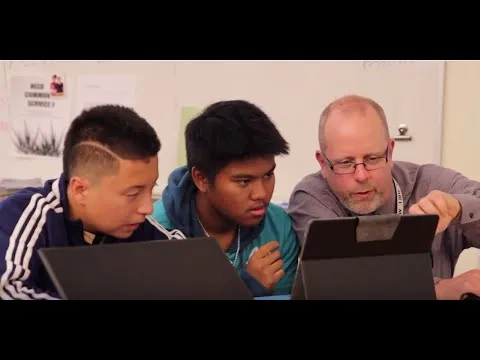
The lesson on “How to Support Close Reading with Actively Learn” emphasizes the importance of annotating texts to enhance comprehension and engagement. Actively Learn is introduced as an interactive tool that allows users to read, annotate, and discuss various texts, including public domain books and online articles, while incorporating multimedia and questions aligned with educational standards. The platform facilitates collaborative learning in the classroom, enabling teachers to monitor student progress and foster critical thinking through shared discussions and real-time feedback.
What Is Flipped Learning?
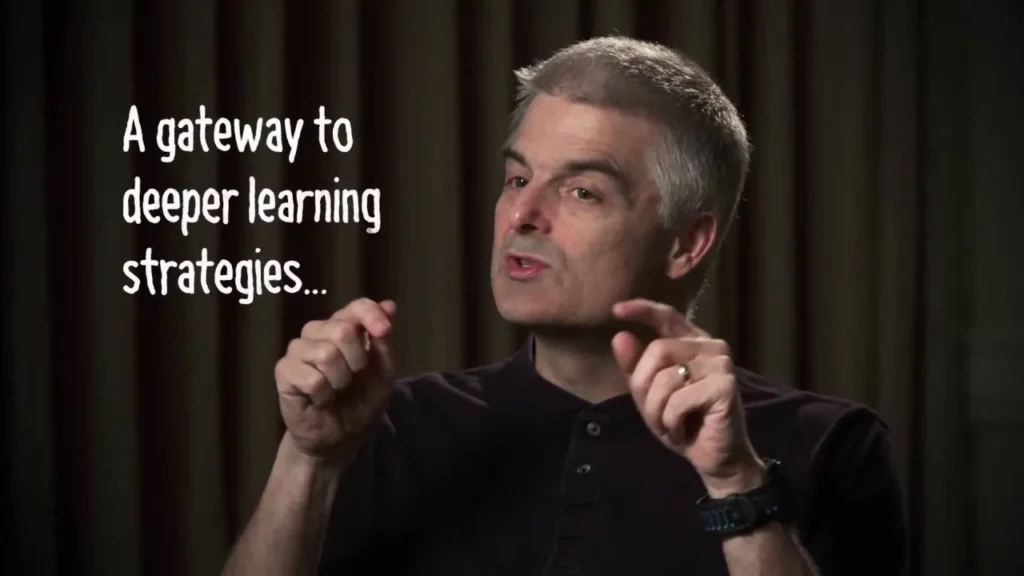
Flipped learning transforms the traditional classroom by allowing students to engage with content outside of class, freeing up in-person time for interactive activities and hands-on projects. Originating from a conversation in 2006-2007, this approach encourages educators to create their own instructional materials and to focus on maximizing face-to-face interactions rather than lecturing. By fostering a more active learning environment, flipped classrooms enhance student ownership of learning and improve engagement and performance.
Super Digital Citizen
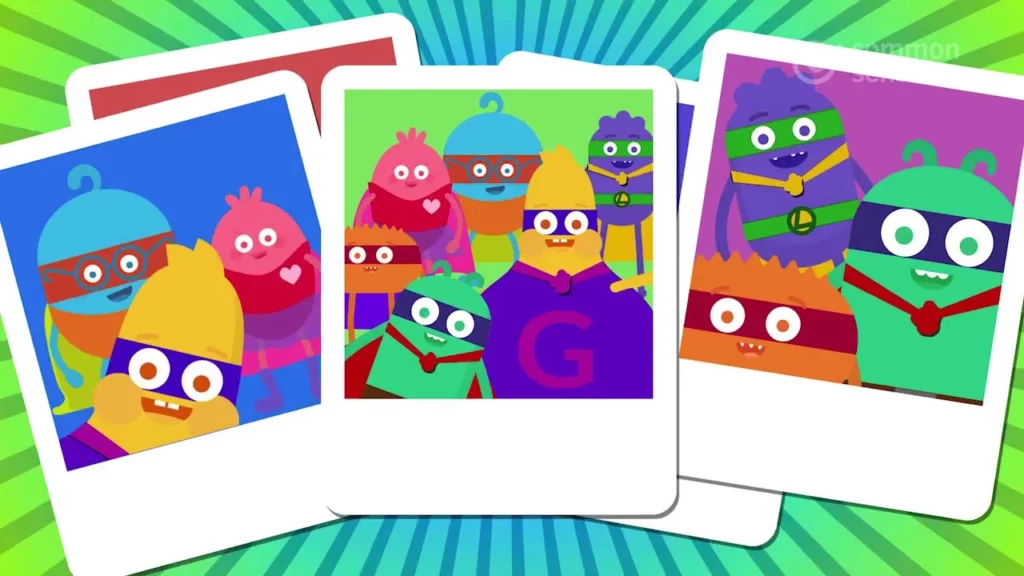
The lesson introduces the concept of being a “Super Digital Citizen,” emphasizing the importance of safety, respect, and responsibility in the digital world. It encourages kids to adopt specific “superpowers,” such as keeping personal information private, treating others kindly, thinking before posting, and seeking help when needed, to contribute to a positive online environment. Ultimately, the lesson empowers children to make good choices and be proactive in ensuring their own and others’ safety while navigating the internet.