
Adding Weapons & Dungeons to my Metroidvania
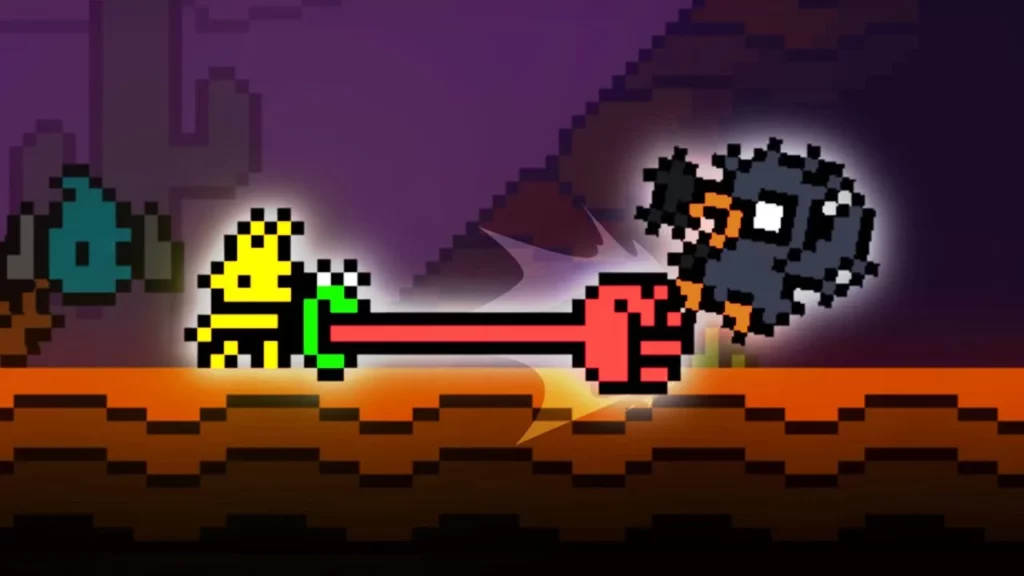
In this lesson, the developer of the metroidvania game *Dew Drop Dynasty* shares insights into the progress made over the past six months, highlighting the evolution of the game from a prototype to a more complex project. Key enhancements include the introduction of dungeons and a partner-based ammo system, as well as improvements in gameplay mechanics and visual design following feedback from the community. The developer emphasizes the importance of a structured game design document and the transition to the Godot 4 engine to optimize performance, while also inviting support for the game’s continued development.
Making a COZY Game in Scratch for the Day
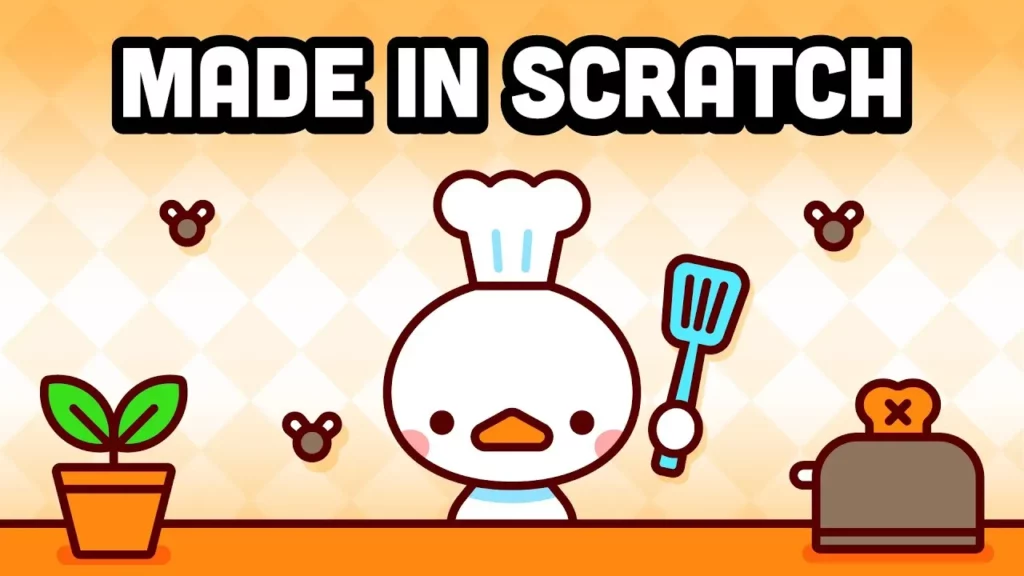
In this lesson, we explored how to create a fun game using Scratch, a user-friendly platform designed for learning programming through visual scripting. The project involved brainstorming ideas, developing a game called “Ducky’s Cozy Kitchen,” and incorporating engaging features like sound effects and dynamic gameplay mechanics. Scratch’s simplicity and accessibility make it an excellent starting point for anyone interested in programming and game development.
Making a COZY Monster Raiser in Scratch
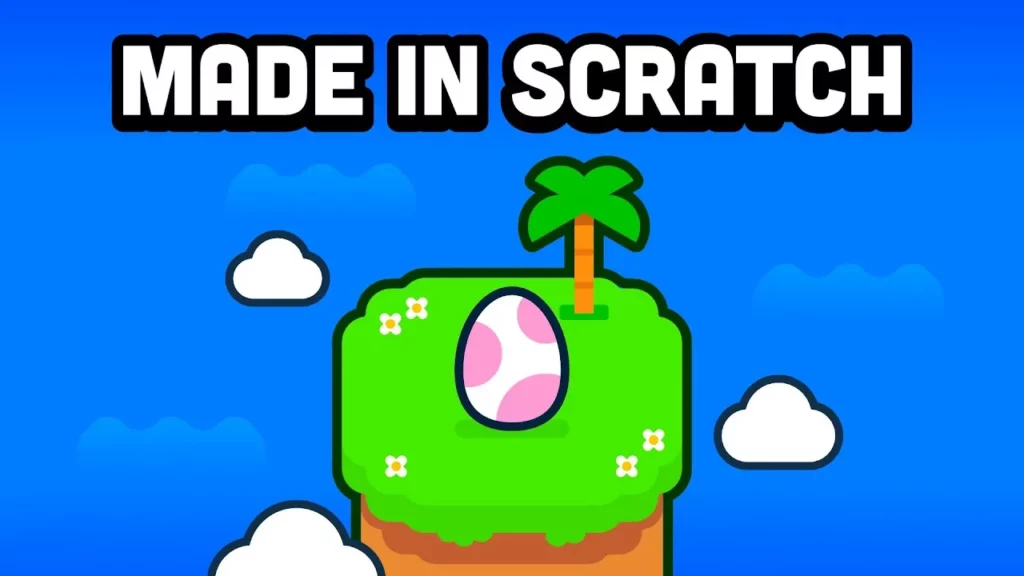
In this lesson, the focus is on creating a cozy monster-raiser game in Scratch, titled “Little Oasis,” inspired by the developer’s love for relaxing games. The project involves coding mechanics for hatching creatures, implementing engaging features like a star collection system, and designing a tropical-themed environment with unique characters called “Pojos.” The lesson emphasizes the importance of interactive elements, such as a shop system and future upgrades, while also encouraging learners to explore programming through accessible resources.
Overhauling the Graphics for my Indie Game
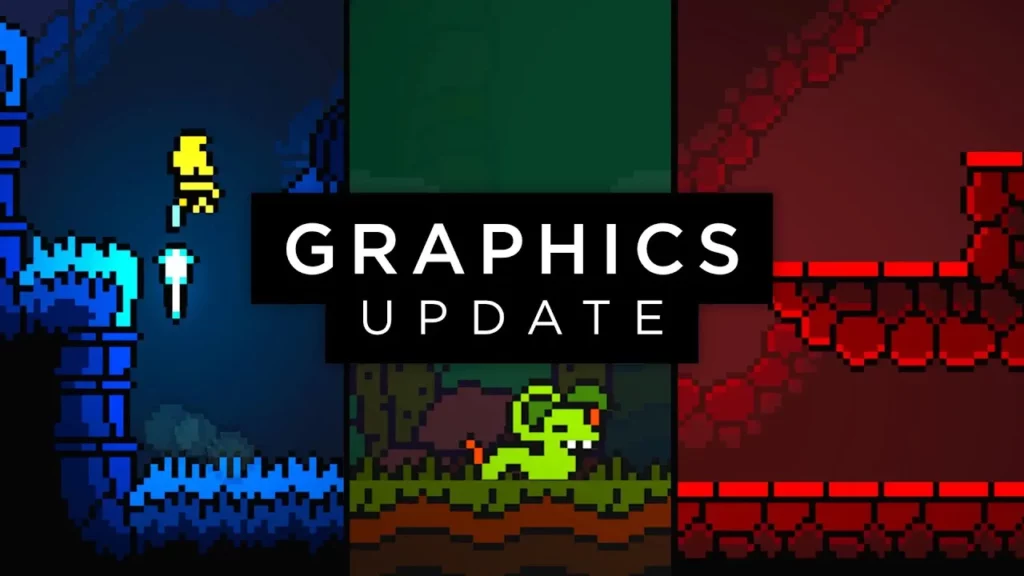
In this lesson, the creator of the indie game *Dewdrop Dynasty* shares insights from their two-year journey of developing the game, emphasizing the importance of graphics in shaping player perception. They detail a significant visual overhaul of the game’s first area, Tumbleweed, to enhance its uniqueness and immersion, while also offering practical design tips for fellow metroidvania developers. The lesson highlights the balance between aesthetics and gameplay mechanics, showcasing the ongoing evolution of the game as they refine its visuals and mechanics based on player feedback.
Making Another COZY Game in Scratch for the Day
In this lesson, the creator shares their journey of developing a cozy game called “Froggy Volley” using Scratch, inspired by the classic game Blobby Volley. They detail the process of building game mechanics, designing visuals, adding sound effects, and implementing a scoring system, all while emphasizing the joy of game development and the importance of small details that enhance the player’s experience. The lesson concludes with an invitation to join a cozy game jam and a recommendation for learning programming through interactive platforms like Brilliant.
Making a Game in JavaScript with No Experience
In this lesson, the author shares their journey of creating a game using JavaScript, specifically through the Kaboom.js framework, despite having no prior experience. They detail the process of conceptualizing their game, “Hoy Bar,” which features a capybara character, and the steps taken to build and enhance the game, including coding movement, adding obstacles, and improving aesthetics with custom assets. The lesson emphasizes the accessibility and enjoyment of learning JavaScript for game development, encouraging beginners to explore programming through interactive platforms like Brilliant.
Adding Boss Fights to My Indie Game
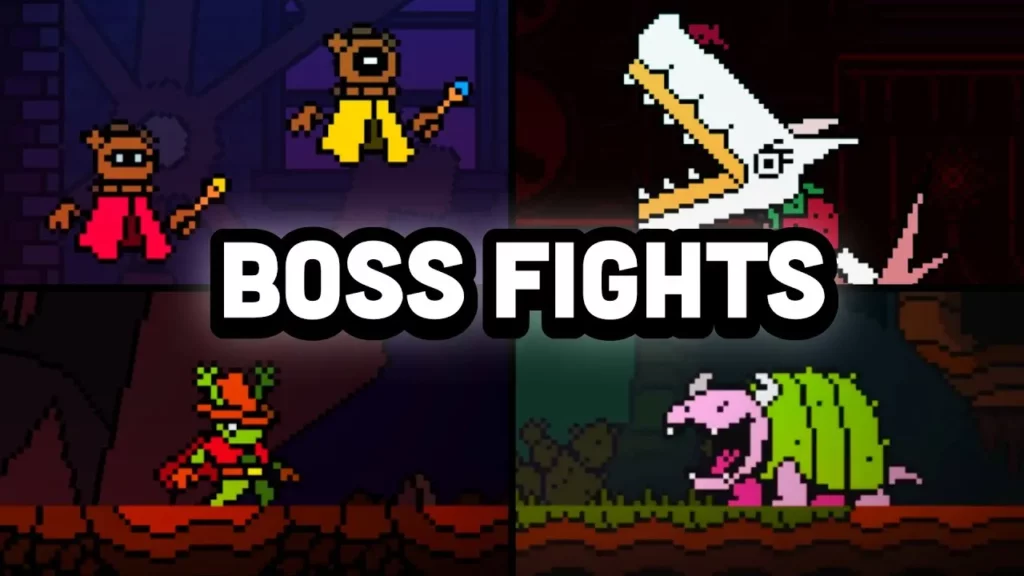
In this lesson, the focus is on the importance of boss fights in indie game development, particularly within the Metroidvania genre, as exemplified by the creator’s project “Do Drop Dynasty.” The lesson highlights recent enhancements to enemy mechanics, interactivity, and user interface, as well as the development of engaging boss encounters, such as Cact Dilla and the Bonsai Beetle, which aim to provide players with challenging and rewarding experiences. The creator encourages support for the game and offers resources for those interested in learning game development.
Making a Game in Godot with Lots of Experience
In this lesson, the author shares their experience of using the Godot game engine to remake their brother’s game, “Sky Balloon Freakout.” They detail the development process, including implementing controls, adding challenges, creating artwork, and polishing the game, ultimately highlighting Godot’s user-friendly and versatile nature for game development. The project culminated in the creation of “Sky Balloon Freakout DX,” showcasing the author’s growth and creativity in game design.
Making a Game in Lua with No Experience
In this lesson, the author shares their experience of creating a cat-themed Pong game using the Lua programming language and the Love2D framework, emphasizing Lua’s simplicity and power. They detail the process of setting up the game, adding unique features like a scoring system and sound effects, and designing artwork, ultimately highlighting the enjoyment and creativity involved in game development. The author also recommends resources for learning programming, such as Brilliant, to encourage others to explore coding.
Making Yet Another Cozy Game in Scratch
In this lesson, the creator shares their journey of developing a cozy and educational trivia game in Scratch, titled “Professor Mouse’s Trivia Fever.” They detail the process of building the game mechanics, enhancing visuals, and incorporating sound effects, ultimately creating a polished product that balances fun and learning. Additionally, the creator recommends GameMaker as an excellent starting point for beginners in game development, highlighting its user-friendly features and supportive community.