
How to Make a Game in Scratch with Background Music | Tutorial
In this lesson, Zia teaches how to enhance Scratch projects by adding background music using two main methods: selecting music from the Scratch library and sourcing music from other Scratch projects. The process involves choosing a sound, using the appropriate coding blocks to ensure the music plays continuously, and properly crediting creators when using their music. By following these steps, users can make their Scratch games more engaging and enjoyable.
How to Draw in Scratch | Transparent Colors | Art Tutorial
In this lesson, Zia teaches how to create transparent shapes in Scratch, specifically demonstrating the process of drawing a transparent orange flame. By using the rectangle tool, applying gradients with transparent colors, and utilizing the point editing tool, learners can craft unique transparent designs and add details, such as a yellow core, to enhance their artwork. The lesson encourages experimentation and integration of these transparent shapes into Scratch projects for interactive experiences.
Create a Story! Create-Along LIVE: Let’s make Scratch projects together!
In the Scratch Create Along session, participants come together to collaboratively create projects using Scratch, a platform for making stories, games, and animations. The event welcomes everyone, from kids to parents and teachers, fostering a sense of community and creativity. Attendees will review past projects, receive new prompts, and have the opportunity to ask questions and share ideas while working on their own creations.
Scratch Chat: YouTube CEO Susan Wojcicki
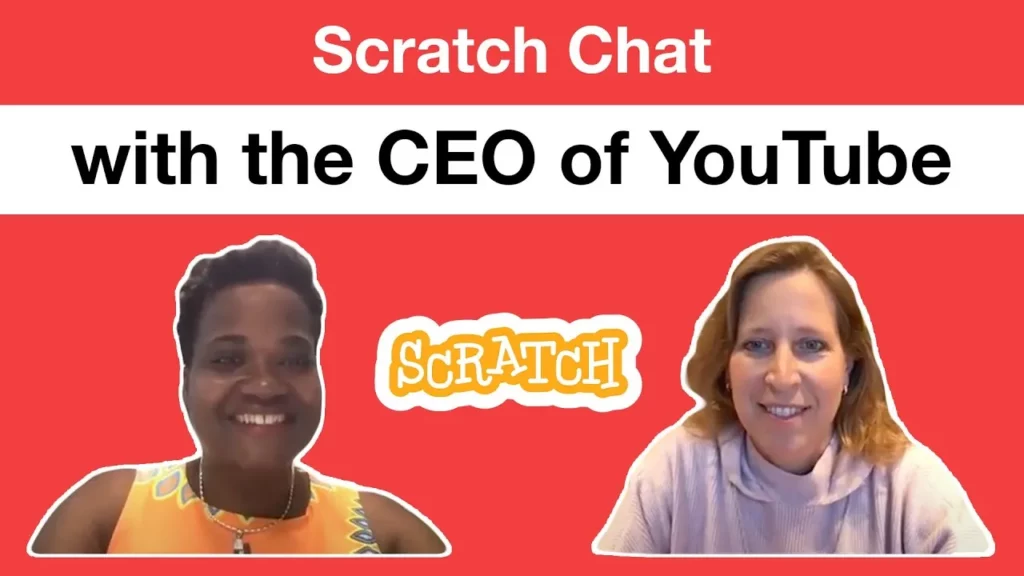
In the lesson featuring YouTube CEO Susan Wojcicki, students learned about the Scratch coding platform and its role in fostering creativity among kids, especially during the pandemic. Wojcicki emphasized the importance of platforms like YouTube as valuable resources for learning and encouraged young creators to explore coding with Scratch as a means of self-expression and skill development. The session also included insights from kids around the world, highlighting Wojcicki’s journey, inspirations, and the challenges she faced in her career.
Create Your Own Asset Pack, Part 2: Tips and Tricks for Creating an Asset in Scratch | Tutorial
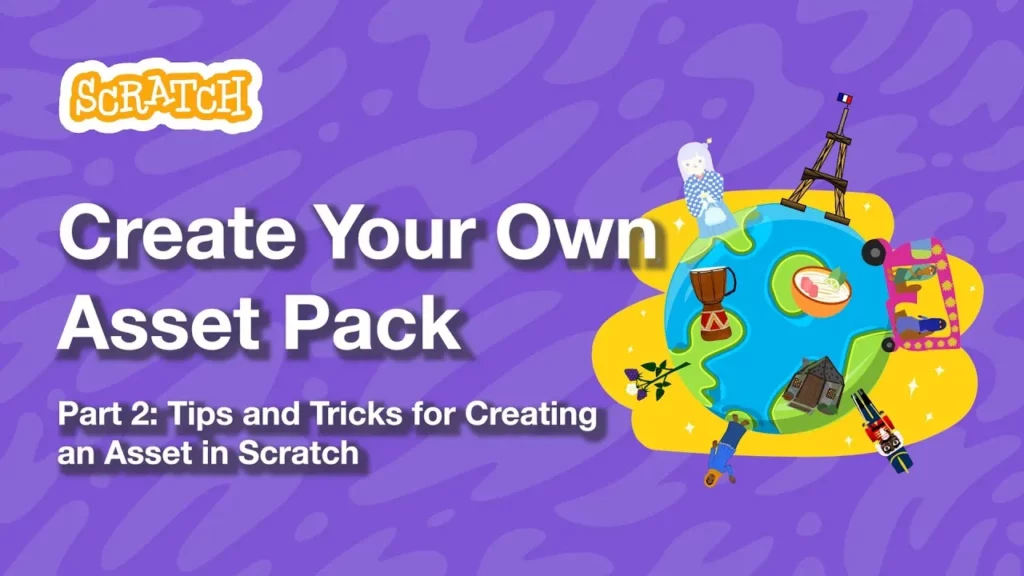
In this lesson, Justin from STEAM for Vietnam guides you through the process of creating your own asset pack in Scratch, focusing on designing a sprite, specifically a bowl of phở. You learn how to utilize Scratch’s drawing tools, such as the Vector mode for flexibility, and how to animate your sprite by creating multiple costumes. Finally, the lesson emphasizes the importance of sharing your completed asset pack with the Scratch community for others to remix and enjoy.
Scratch Video Update: Ep. 26
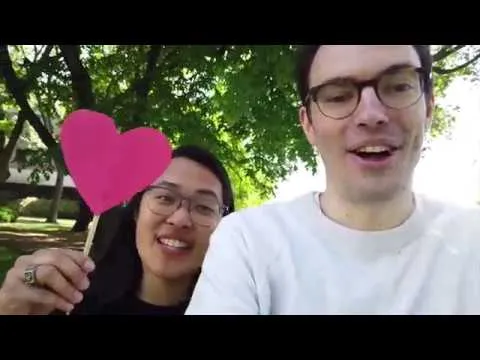
In Episode 26 of the Scratch Video Update, hosts Eric and Tina highlight engaging projects from the Scratch community, including the popular “Steppin’ On The Beach” dance project and a unique forest generator. They encourage viewers to explore outdoor Scratch activities and the photography studio, while also emphasizing the importance of making Scratch accessible for everyone through inclusive design practices. The episode concludes with congratulations to Tina on her graduation from MIT and an invitation to join them for the next update.
Scratch Month | Week 2 Recap
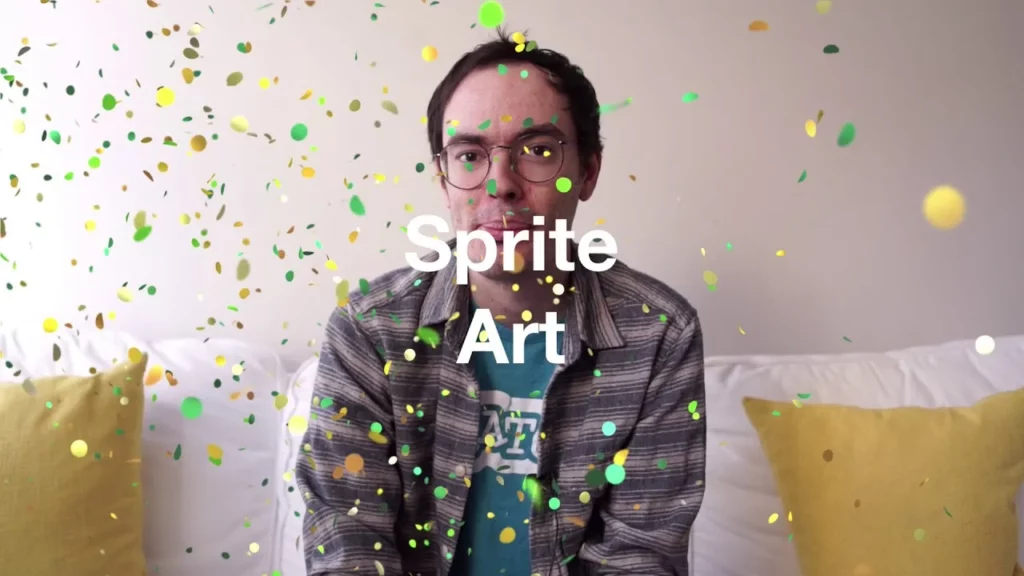
In the “Scratch Month Fun Recap,” Eric highlights the exciting activities taking place during this global celebration of creativity in the Scratch community. Participants have engaged in unique projects like “Interview Anything,” where they can interview anything they choose, “Sprite Art,” which allows for creative expression through art, and “How Do You Peace Out?” focusing on relaxation and mindfulness. Eric encourages everyone to join in the fun by visiting the Scratch website to explore these activities and share their own creations.
Black Lives Matter
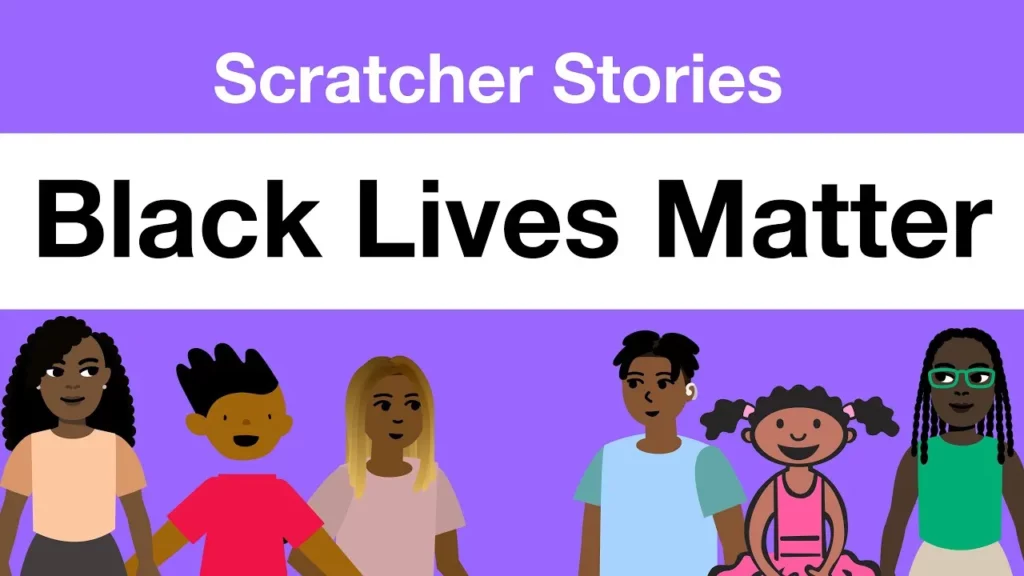
The lesson on the Black Lives Matter movement emphasizes the importance of advocating for equality and respect for Black individuals, highlighting that while the value of White lives is often acknowledged, it is crucial to affirm that Black lives matter as well. The speaker shares their personal journey of involvement, including participating in protests and creating a platformer game to raise awareness, illustrating the power of unity and creative expression in driving change. Ultimately, the lesson conveys a hopeful message about the potential for individuals to make a positive impact in the fight for justice and equality.
Scratch Day 2017
Scratch Day is a global celebration where people come together to explore creativity through the Scratch programming platform, which allows users to create stories, games, and animations. Participants can join existing events or host their own, making it a fun opportunity to learn, share projects, and connect with others. This year’s Scratch Day, marking the 10th anniversary of Scratch, encourages everyone to celebrate creativity anytime, emphasizing the joy of coding and collaboration.
Scratch Video Update: Ep 25 (Scratch 3.0 Beta)
In Episode 24 of the Scratch video series, Eric introduces Scratch 3.0 Beta, highlighting its exciting new features, including an extensive library of sprites and sounds, improved editors for sound and painting, and helpful tutorials for users to enhance their skills. Viewers are encouraged to explore the beta version, save their projects locally, and provide feedback to help shape the final release, which is set to launch in January.