
Scratch Day 2019
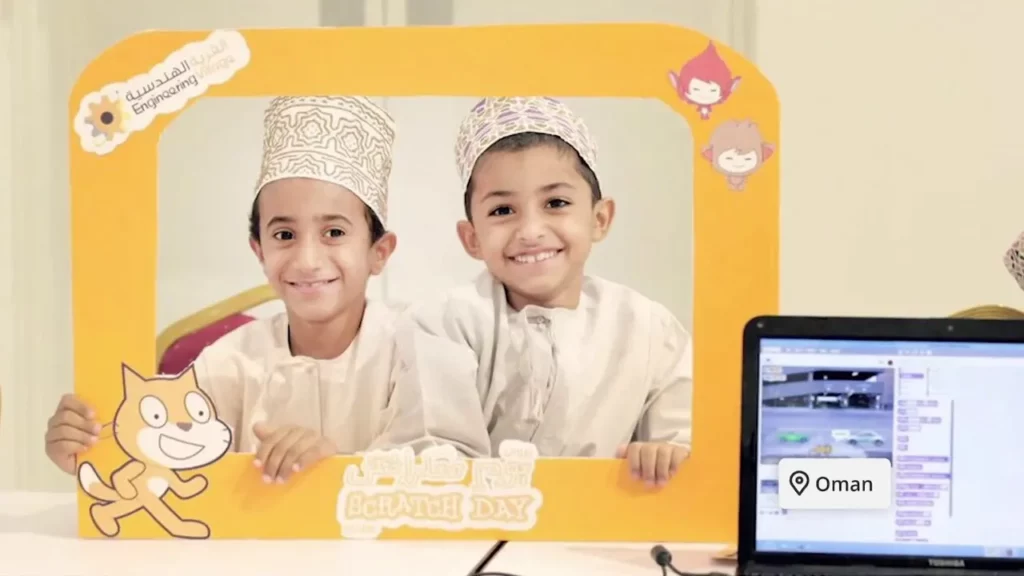
Scratch Day is a global celebration where people gather to explore and learn about Scratch, a user-friendly tool for creating stories, games, and animations. Participants can join existing events or host their own, with the aim of fostering creativity and collaboration in coding. Celebrated on May 11th, Scratch Day encourages everyone to engage with Scratch in fun and innovative ways, whether by creating projects or teaching others.
Scratch Story: Jinho
The lesson “Scratch Story: Jinho” emphasizes the power of collaboration and creativity through a multi-animator project initiated in response to a tragic event. By bringing together 40 to 50 animators on the Scratch platform, the project aimed to honor victims and foster a sense of community and support among peers. It encourages others to find inspiration and unite their talents to create meaningful projects that can make a positive impact.
Tutorial: Video Sensing + Color Detection
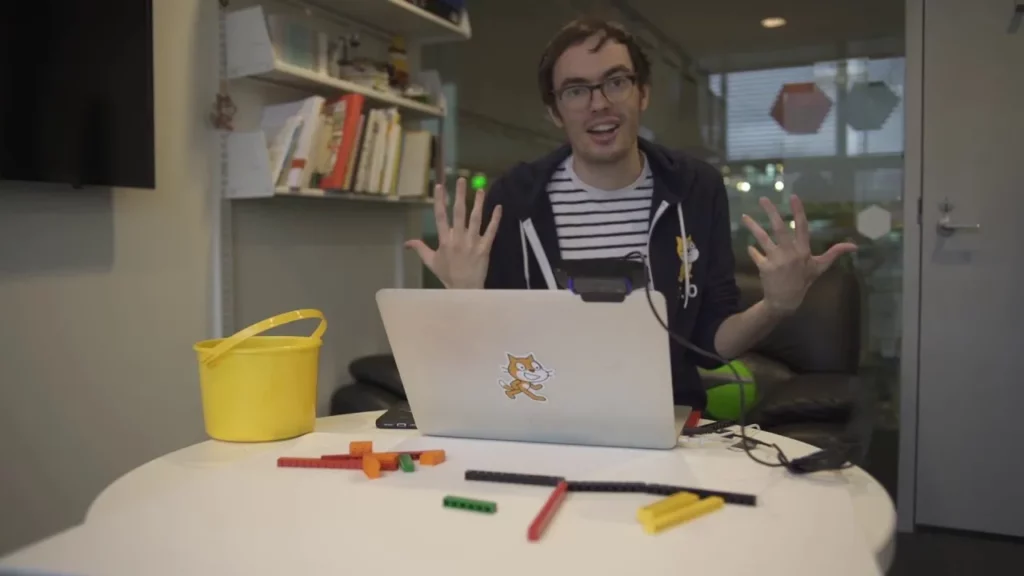
In this tutorial, Erik from the Scratch team demonstrates how to utilize video sensing and color detection in Scratch to enhance interactive projects. He explains how to create a simple program where a cat sprite reacts to a red circle using the “touching color” block, and then expands on this concept by incorporating video sensing to interact with real-world objects, like a red Lego piece. The lesson encourages creativity by showcasing fun project ideas, such as a music-making program and a platform game, that leverage these features for engaging gameplay experiences.
Pixel Art | Ep. 27 | Scratch Video Update

In this episode of the Scratch Video Update, the hosts introduce the concept of pixel art, a creative and retro art style that originated from the limitations of early computer graphics. They highlight exciting projects from the Scratch community, including a pixel art collection and a fun game, while encouraging viewers to explore pixel art creation through tutorials and community studios. The Scratch team also shares their plans for more engaging video content in the future and invites feedback from the audience on what they’d like to see next.
Scratch Video Update: Episode 3
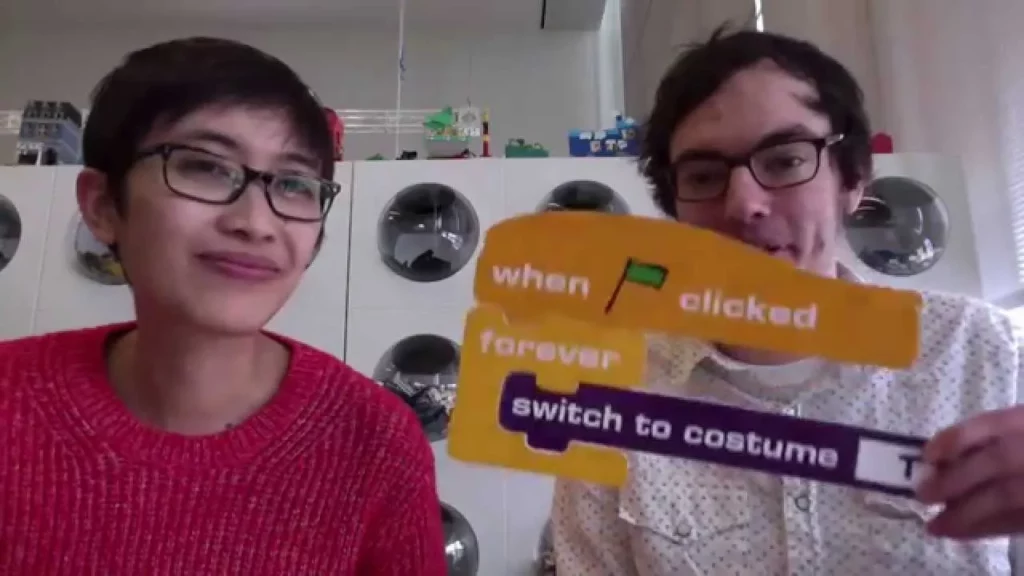
In Episode 3 of the Scratch Video Update, hosts Eric and Rick highlight the importance of community-driven tutorials in Scratch, showcasing projects like “Fix It Pong” and a vector art tutorial that encourage interactive learning. They also introduce viewers to various tutorial studios and starter projects that offer fun ways to enhance Scratch skills. The episode concludes with a glimpse into the Scratch headquarters, featuring Mitch Resnik’s creative workspace and his collection of Scratch memorabilia.
Scratch Video Update Ep. 10
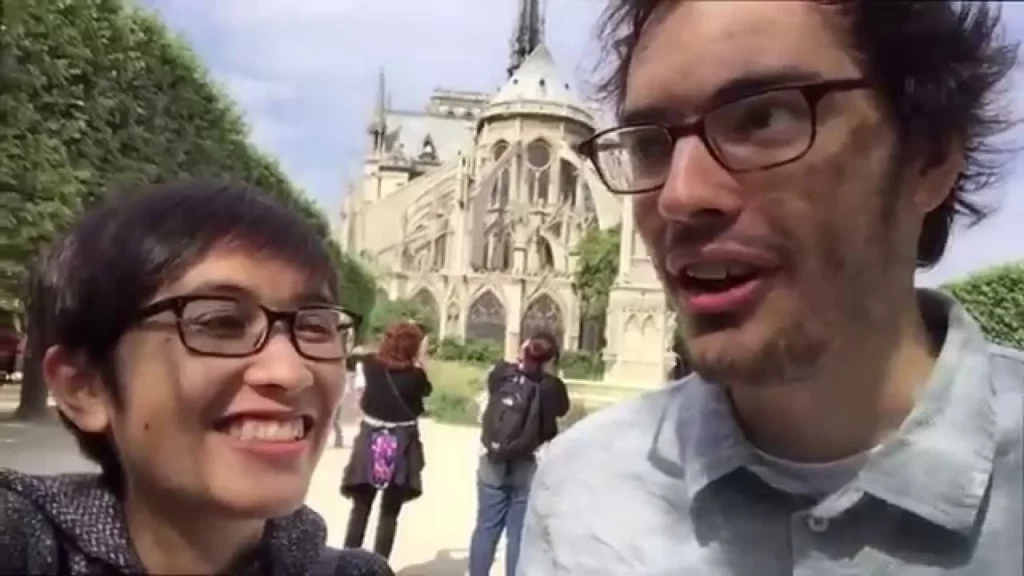
In this Scratch video update, Rick Rose and Eric, known as Speak Visually, share highlights from the Scratch conference in Amsterdam, including a keynote by author Linda Lucas, who emphasizes the importance of clear instructions in programming through her character Ruby. They also showcase innovative projects like a communication device using Scratch, an early demo of Scratch for tablets, and Beetle Blocks for 3D printing, while encouraging viewers to explore custom blocks in the new Scratch Design Studio. The conference underscored the significance of coding as a means of self-expression and creativity, inspiring attendees to see themselves as creators capable of making a difference.
Scratch Video Update: Episode 12
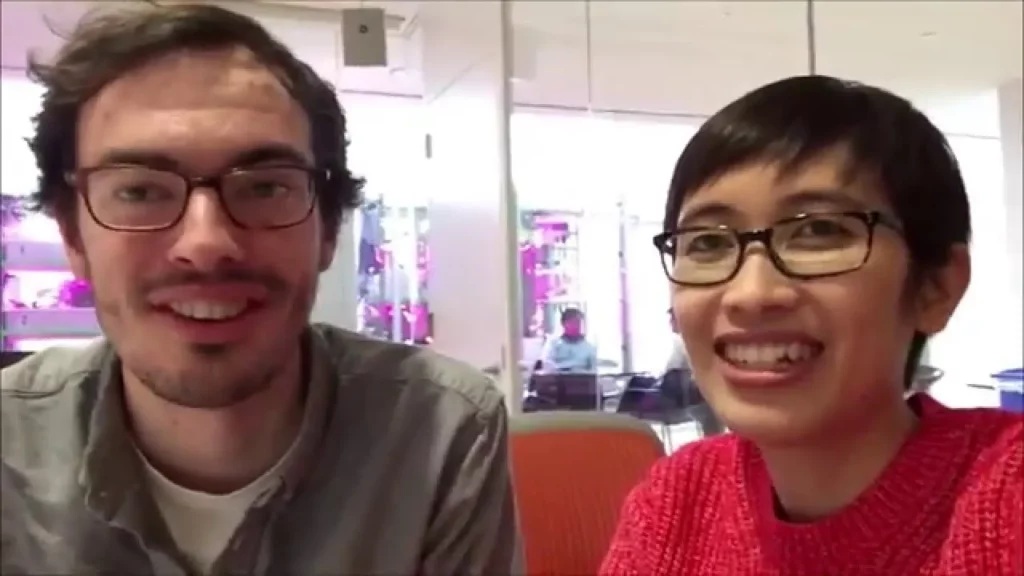
In Episode 12 of the Scratch video update, hosts Rick and Erica share exciting projects from the Scratch community, including a humorous infomercial titled “Rudy Pets and Potato Cat” and a dance tutorial for Michael Jackson’s “Thriller.” They also discuss the upcoming “Hour of Code” event, featuring engaging activities like an “Alice in Wonderland” project and a hide-and-seek game with characters from “We Bare Bears.” The episode concludes with highlights from Members Week at MIT’s Media Lab, showcasing innovative projects in city planning and programming tools.
Scratch My Blocks, Part 3: Custom Blocks with Parameters | Tutorial
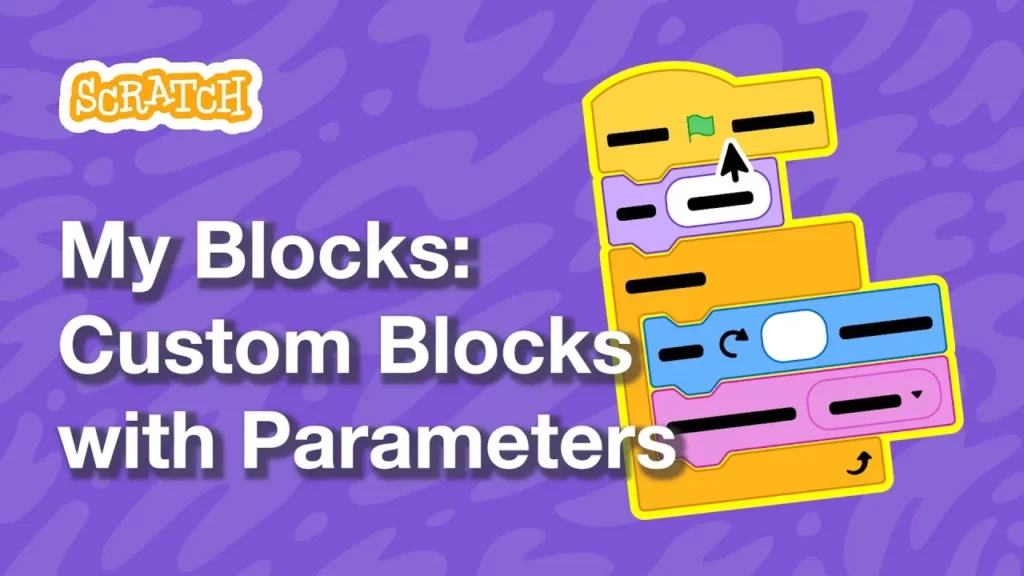
In this lesson, students learn how to create custom blocks in Scratch that can perform different functions by using parameters. Custom blocks help organize code, allow for code reuse, and simplify complex scripts, making projects more manageable and versatile. By incorporating parameters, users can customize the behavior of their blocks, enabling dynamic interactions such as changing what a character says or where it moves on the screen.
How to Make a Clicker Game in Scratch | Tutorial
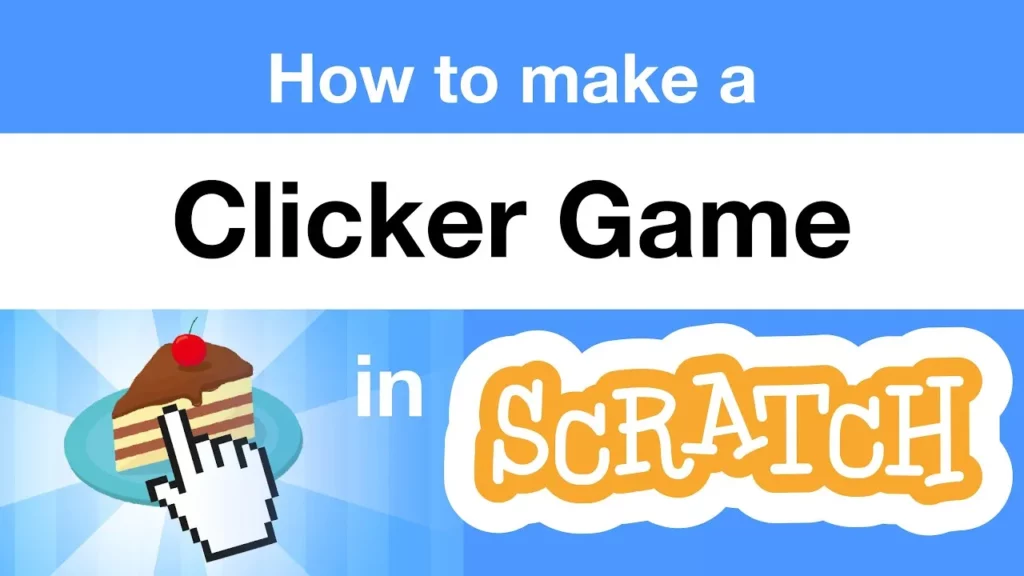
In this lesson, you learned how to create a clicker game in Scratch, where players earn points by clicking on objects, such as an apple, and can use those points to purchase additional items that generate points automatically. The lesson covered selecting sprites, adding sound effects, tracking points with variables, and implementing animations to enhance the clicking experience. By following the steps outlined, you can expand your game with various items and features, making it more engaging and fun to play.
How to Make a Pong Game in Scratch | Tutorial
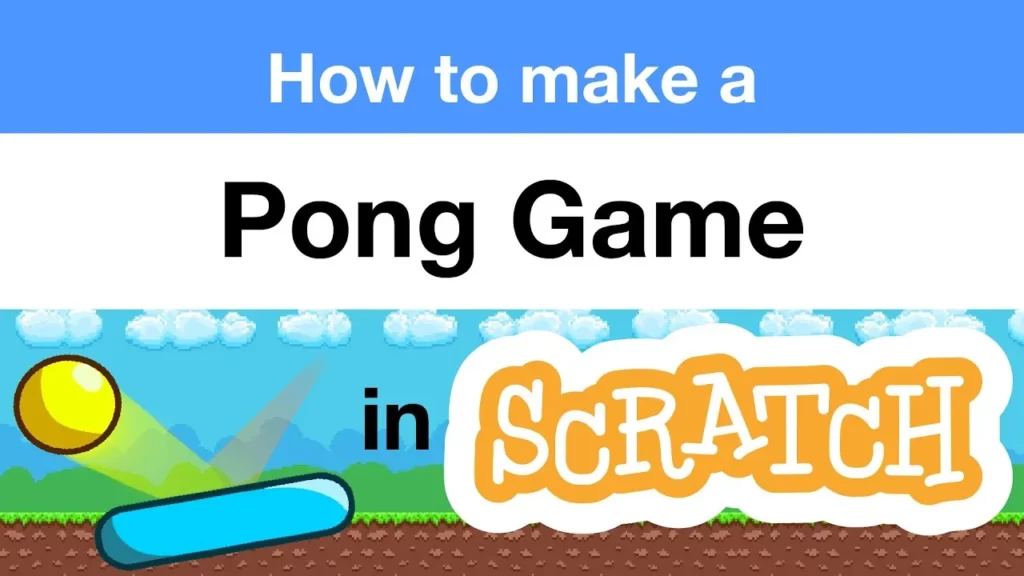
In this lesson, you will learn how to create a Pong game using Scratch, where you’ll control a paddle to prevent an object from falling off the screen. The guide covers selecting game pieces, making the object move, adding a paddle, implementing collision detection, and ending the game, as well as introducing multiple levels to enhance gameplay. By the end, you’ll have the skills to design your own unique game and explore additional features like sound effects and challenges.