
Course 1 – Maze Debugging
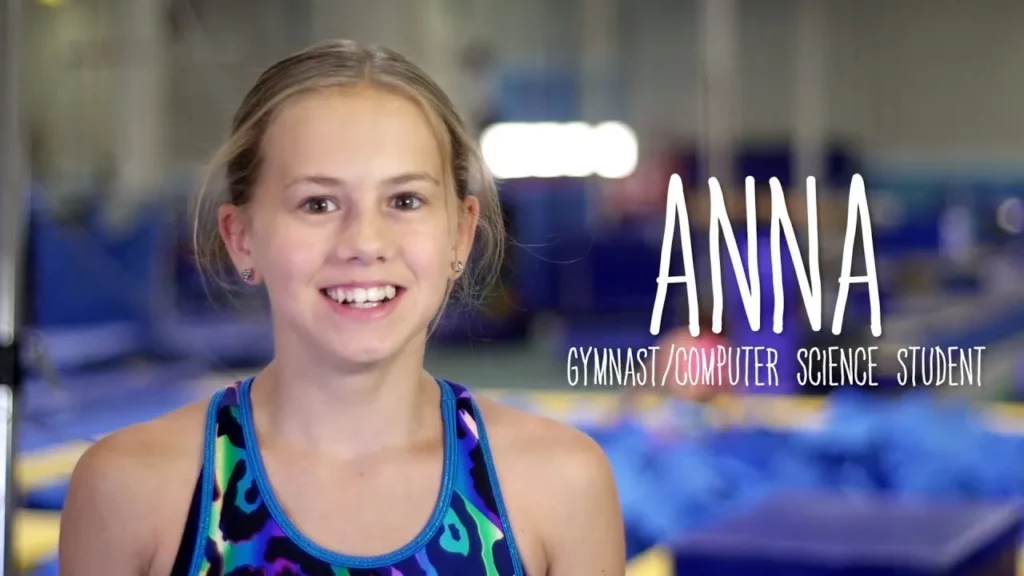
The lesson on Maze Debugging introduces the concept of debugging as a problem-solving process similar to being a detective. It emphasizes the importance of carefully analyzing each step to identify and fix mistakes, using relatable examples like perfecting a back handspring and navigating a maze. Ultimately, the lesson highlights that debugging is a valuable skill that helps us learn from our errors and improve our abilities.
CSA: The Equals() Method
In this lesson, we explored the importance of the `equals()` method in object comparison within software engineering. We learned that while the default behavior of the `equals()` method checks for reference equality, we can override it to compare the actual values of objects, such as two dime objects representing the same monetary value. By implementing a custom `equals()` method, we can enhance our programs’ functionality by allowing meaningful comparisons based on object attributes.
My Name is Aracely
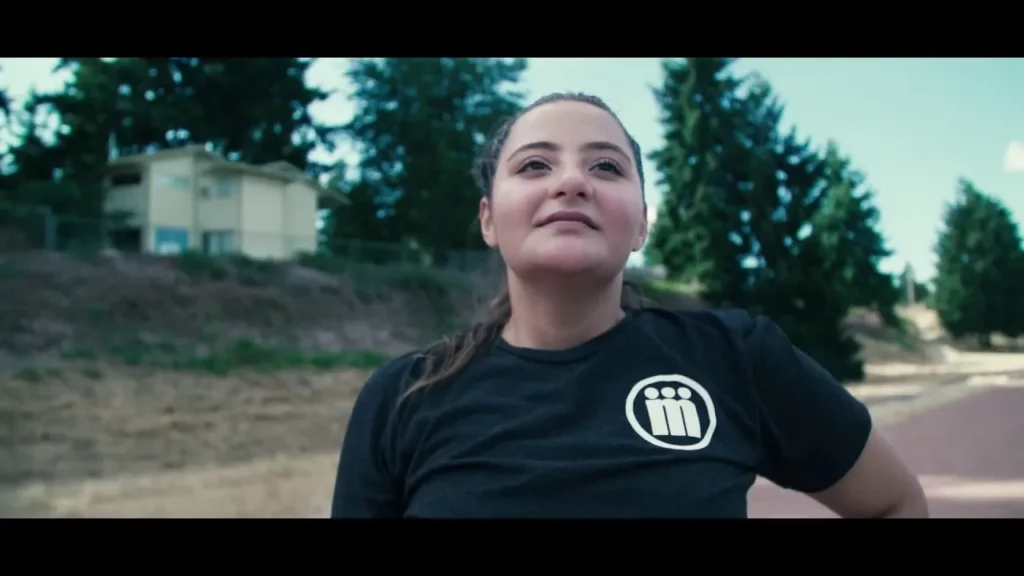
In the lesson “My Name is Aracely,” Aracely Casillas shares her journey as the eldest in her family, navigating the challenges of pursuing higher education without parental guidance. Through her experience in a Computer Science Principles class, she discovered her passion for computer science and the importance of accessibility in technology, motivating her to inspire other Latinas and girls to pursue careers in this field. Aracely emphasizes that with determination and support, anyone can overcome obstacles and make a positive impact in the world.
CSA: Equals and Aliases
The lesson on “Understanding Aliases and Equality in Programming” explains the concept of aliases, where multiple reference variables can point to the same object in memory, illustrated through the analogy of sharing a pair of shoes. It emphasizes the difference between using the equality operator (`==`), which checks if two references are aliases, and the `equals` method, which can be overridden to compare the state of objects meaningfully. Understanding these concepts is essential for effective programming, particularly in object-oriented contexts.
Game Lab: Adding Colors
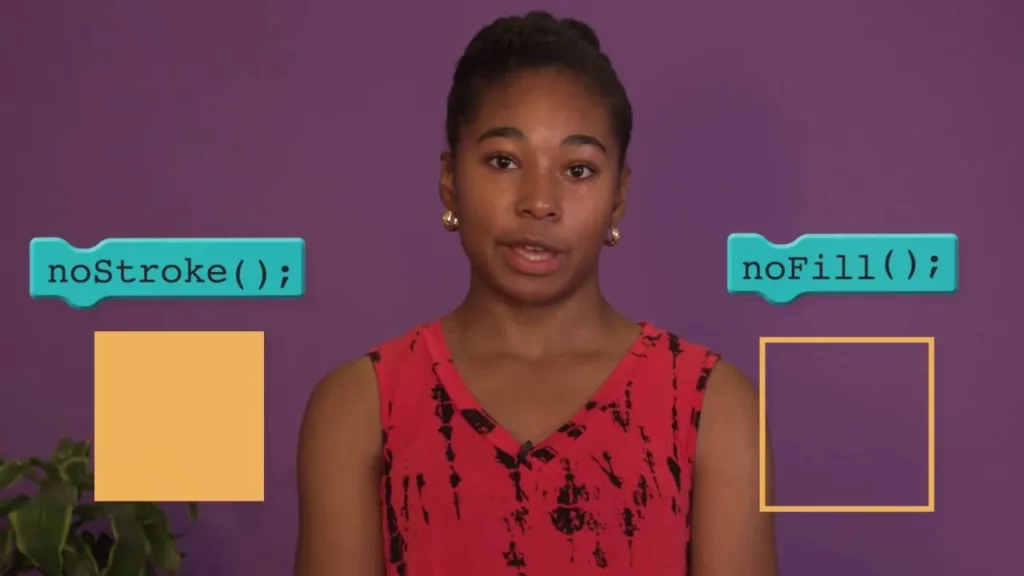
In this lesson, students learn how to enhance their drawings in Game Lab by adding colors to shapes, specifically focusing on the stroke (outline) and fill (interior) colors. They discover how to change these colors before drawing shapes, use commands to remove strokes or fills, and understand the importance of the order of commands in their artwork. The lesson encourages experimentation and creativity, emphasizing that practice will improve their skills in creating vibrant designs.
Disney Infinity Play Lab – Repeat
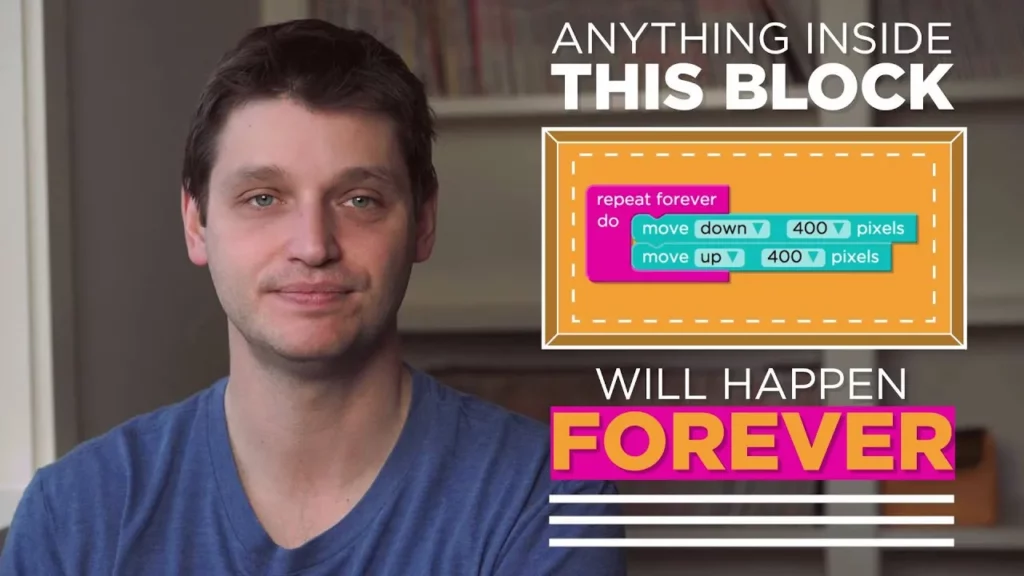
In this lesson, students learn about the “repeat forever” block in coding, which allows actions to be executed continuously without manual input. By using this block, programmers can automate repetitive tasks, making their code more efficient and easier to manage. The lesson encourages students to experiment with this concept by creating simple games or animations that utilize the “repeat forever” block to see its effects in action.
Cory Booker’s message to computer science teachers
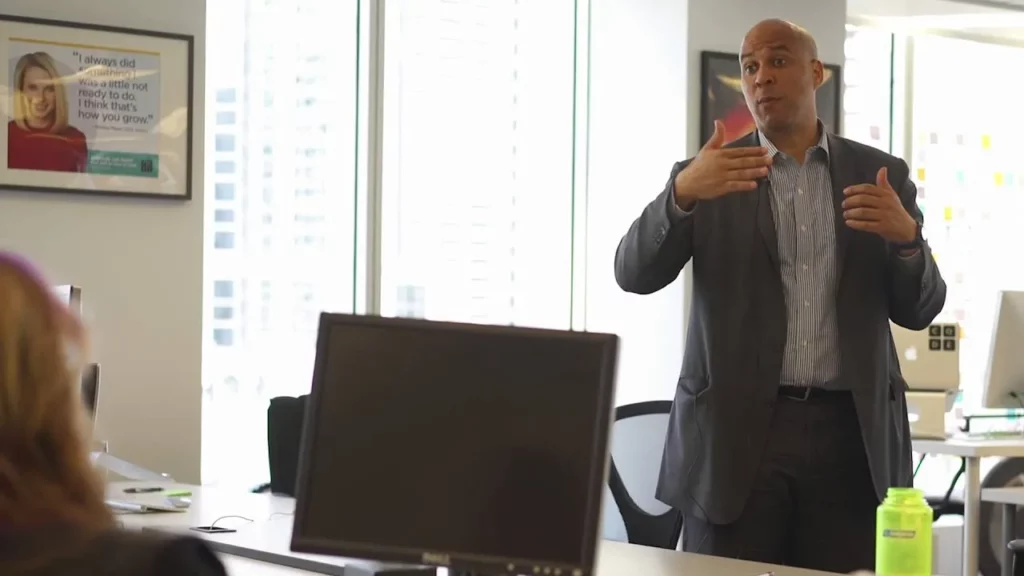
Cory Booker delivered an inspiring message to computer science teachers, emphasizing the need to expand access to computer science education and address the low enrollment in Advanced Placement courses. He advocates for creating resources and support systems to empower educators, thereby encouraging more students to engage with this vital field. By celebrating successes in computer science education, Booker believes we can inspire further participation and ensure that students are equipped with essential skills for the future.
Join us for Hour of Code 2020!
The lesson emphasizes the importance of computer science in shaping a better future, highlighting how it enables us to solve real-world problems and fosters creativity across various fields. It reflects on the unique experiences of 2020, such as adapting to new ways of learning and connecting, while also recognizing the disparities in technology access. The invitation to participate in the Hour of Code encourages students to explore coding and discover the potential of technology in making a positive impact.
Dance Party 2019 – Warm Up
In the “Dance Party 2019 – Warm Up” lesson, participants are introduced to the intersection of computer science and creativity by programming their own dance party. Guided by Miral Kotb, learners will use blocks of code to select dancers, customize their movements, and synchronize them with music, all while navigating a user-friendly interface divided into play space, toolbox, and workspace. The lesson encourages exploration and creativity, culminating in a fun and interactive dance experience.
Sign up for Exploring Computer Science
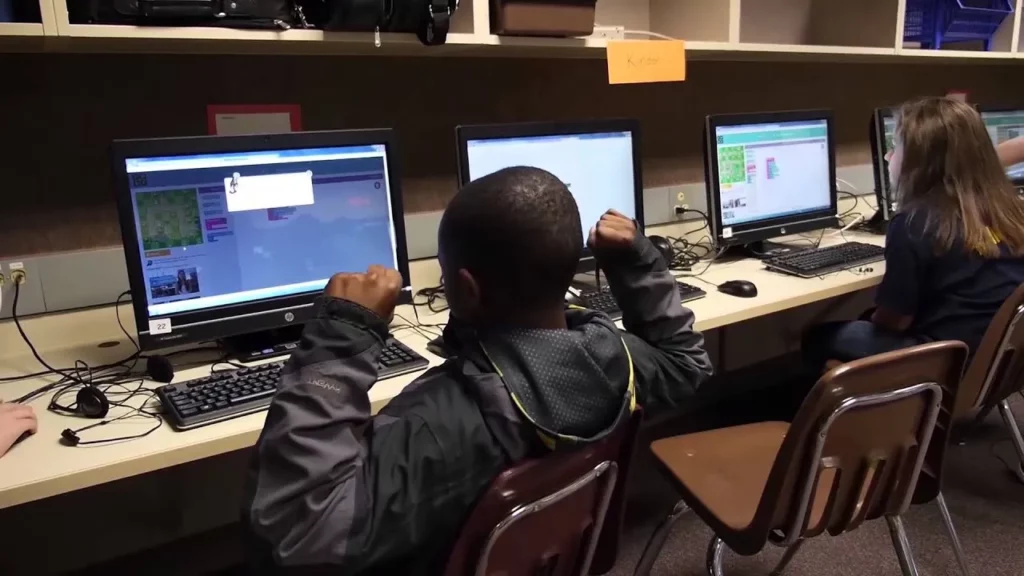
The lesson introduces the exciting field of computer science, emphasizing its creative and problem-solving aspects. It encourages students to explore programming as a way to bring their ideas to life, such as creating their own games, and highlights the broader impact of computer science in various sectors like healthcare and education. Ultimately, it invites everyone to consider studying computer science to shape their future and make a meaningful contribution to the world.