
Web Development: Using a Stylesheet
In this lesson on web development, we explored the role of CSS (Cascading Style Sheets) in styling web pages through the use of rule sets stored in a separate file known as a stylesheet. We learned how to connect this stylesheet to an HTML document using a `` tag, enabling the browser to apply the defined styles. The lesson emphasized the advantages of using stylesheets, such as maintaining clean HTML and simplifying the process of updating the website’s appearance.
Using computer models in scientific inquiry SCI PD 5
In this lesson, Melody Hageman introduces the concept of using computer models and simulations as essential tools in scientific inquiry. She explains that models simplify complex systems by focusing on key elements, allowing for experimentation through simulations that can mimic real-world behaviors. By utilizing both deterministic and stochastic models, students can explore various scenarios efficiently, making it easier to gather data and analyze outcomes without the constraints of traditional lab experiments.
Data Visualizer in App Lab – Part 1
In this lesson, students learn how to utilize the Data Visualizer tool in App Lab to explore and visualize datasets effectively. The session covers importing datasets, accessing metadata for detailed information, and creating various visualizations such as bar charts and histograms to analyze data, specifically focusing on the percentage of female AP Computer Science test takers across states. The lesson emphasizes the importance of different visualization types in uncovering insights and answering specific questions about the data.
Game Lab: Sprites

In this lesson, students learn how to simplify animation in Game Lab by using sprites instead of managing multiple variables for each shape. Sprites are introduced as versatile objects with built-in properties that can be easily manipulated using commands like `createSprite` and `drawSprites()`. By utilizing dot notation, students can control various attributes of sprites, enhancing their animations and making them more dynamic.
Brina Lee teaches Functions
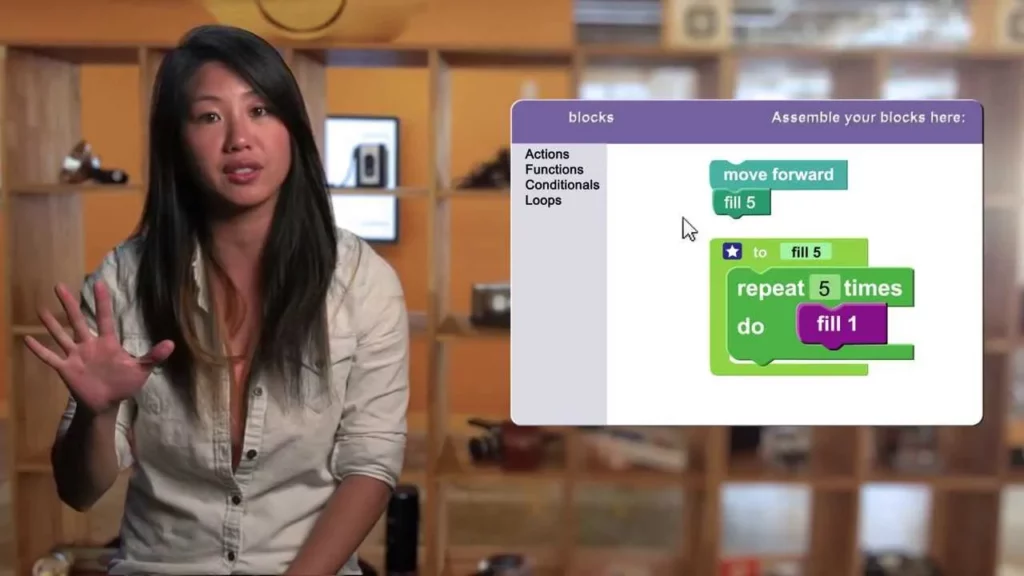
In this lesson, Brina Lee introduces the concept of functions as sets of instructions that dictate how tasks are performed, using the example of a toy car’s movements. Students learn how to define functions by naming them and describing their actions, and they discover that functions must be activated in their workspace to work. The lesson emphasizes the fun and creative potential of using functions in projects, including their application in video games.
CS in Algebra: Big Game Update Player
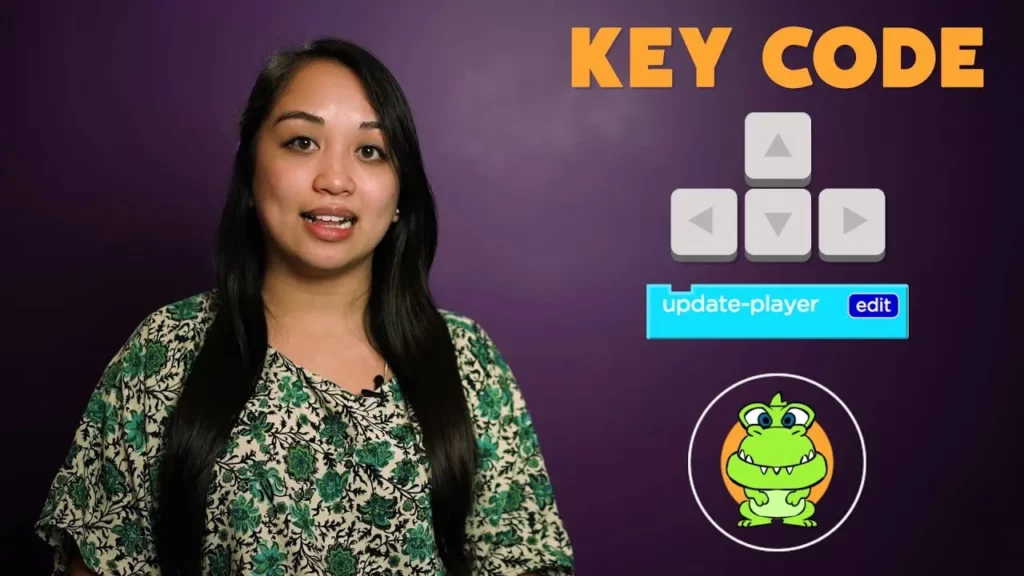
In this lesson, we explored how to enhance game interactivity using conditionals and key codes. By creating a function called “update-player,” we learned how to move a game character (sprite) up or down based on keyboard inputs, specifically the up and down arrow keys. This foundational knowledge allows you to experiment with different keys to customize player movement in your game.
CS in Algebra: Conditionals

In this lesson on conditionals in programming, students learn how computers make decisions by asking Boolean questions and following a set of instructions based on the answers. Conditionals allow programs to execute specific actions when certain conditions are met, and the use of “else statements” ensures that all scenarios are accounted for. Understanding the order of questions is essential, as it determines which instructions the computer will follow, enabling students to create programs that mimic logical decision-making.
Dance Party with Amazon Future Engineers
The lesson highlights the intersection of creativity and technology through the Amazon Future Engineer program, where interns use the p5.js library to design engaging backgrounds for a dance party as part of the Hour of Code initiative. It emphasizes that computer science is accessible to everyone, regardless of their background or interests, and encourages individuals to explore this transformative field as a means to pursue their passions and solve real-world problems. The lesson concludes by inviting participants to take their first step into computer science with an Hour of Code.
Every School Should Teach Computer Science
The lesson emphasizes the critical importance of teaching computer science in schools, highlighting its role in leveling the playing field and fostering creativity regardless of background. It underscores the necessity of diversity in technology and the foundational skills that computer science provides for success across various careers. Additionally, the lesson advocates for encouraging young girls in tech, noting the significant impact of platforms like code.org in increasing participation and shaping the future of education.
Game Lab: Velocity
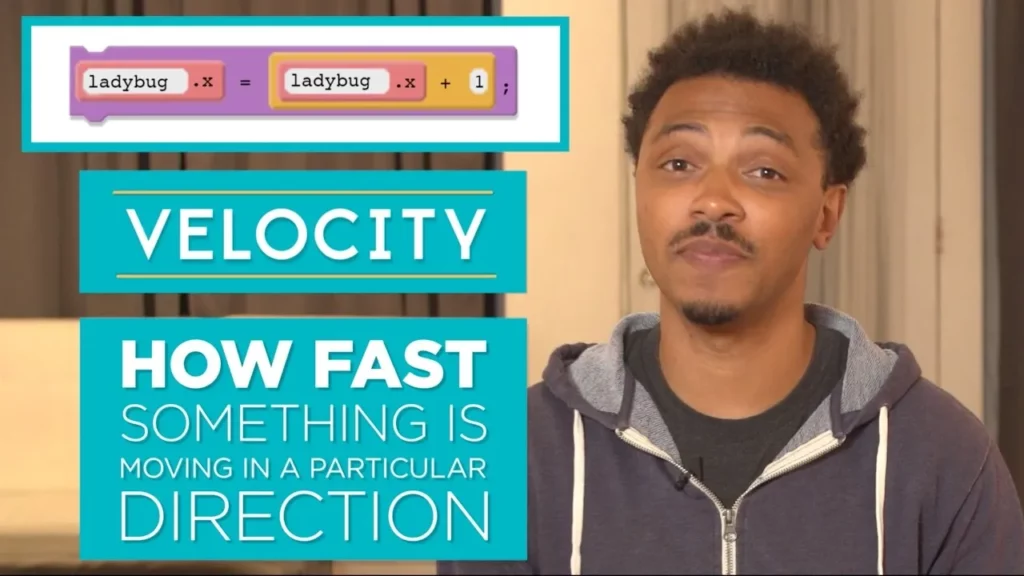
In this lesson, students learn about velocity in coding, which refers to the speed and direction of movement for sprites in a game. By utilizing the counter pattern and properties like `velocityX` and `velocityY`, students can control how sprites move across the screen, creating smooth animations and dynamic gameplay. The lesson encourages experimentation with different velocity settings to enhance game design.