
Teaching CS Fundamentals: Closing & Next Steps
The lesson emphasizes the importance of community and continued learning for educators who have completed the Teaching Computer Science Fundamentals course. It encourages teachers to engage with resources like the Code.org forum and social media platforms to enhance their teaching strategies and connect with fellow educators. By incorporating interactive activities and being receptive to student feedback, teachers can create an inspiring and effective learning environment that fosters creativity and critical thinking in computer science.
Helpful Hints: Lesson 11.3 Part 2 – If At Flower Then Get Nectar
In this lesson, students learn to use coding blocks to guide a bee in collecting nectar from flowers, emphasizing the use of the “if” block to make decisions based on the presence of flowers. The lesson encourages exploration and problem-solving by challenging students to streamline their code for efficiency. Overall, it combines fun with foundational coding concepts, simulating a treasure hunt for flowers.
CS Discoveries: Calling and Defining Functions
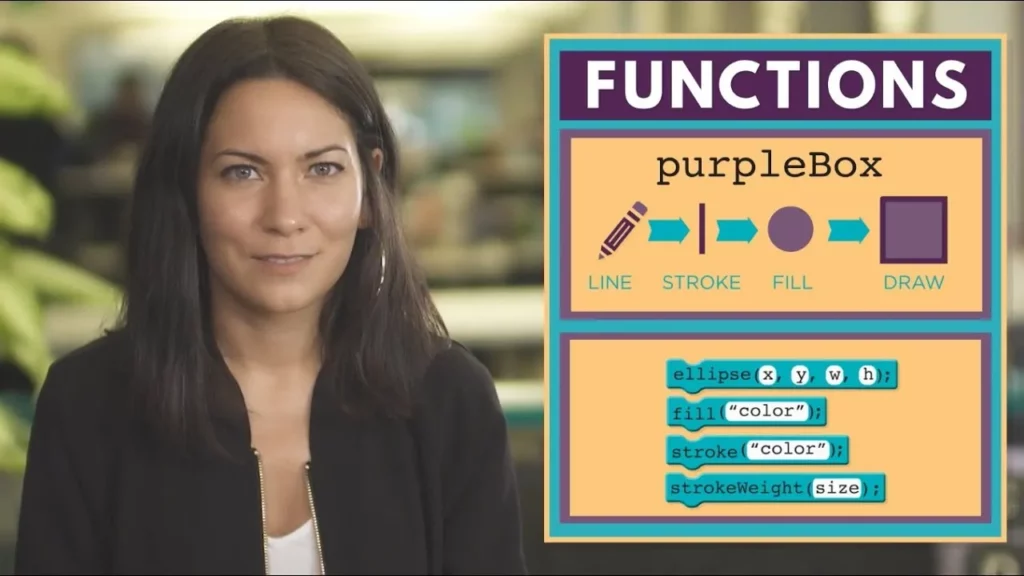
In this lesson on JavaScript, students learn the essential concepts of defining and calling functions, which are fundamental for organizing and executing code. By defining a function, programmers can encapsulate a set of actions under a specific name, and calling that function allows the program to execute those actions. The lesson emphasizes the importance of organizing function definitions for better code readability and introduces the special draw function, which is automatically called by the programming environment to facilitate animations.
Course 1 – Maze Loops

In the lesson “Maze Loops,” students learn about the concept of loops in programming, which allow computers to repeat actions efficiently without getting tired. By using a “repeat block,” programmers can simplify tasks, such as moving a character multiple steps in a game, by condensing repetitive commands into a single instruction. This lesson emphasizes the power and fun of using loops to enhance productivity in coding projects.
Minecraft – Hour of Code: BUILD YOUR OWN & SHARE
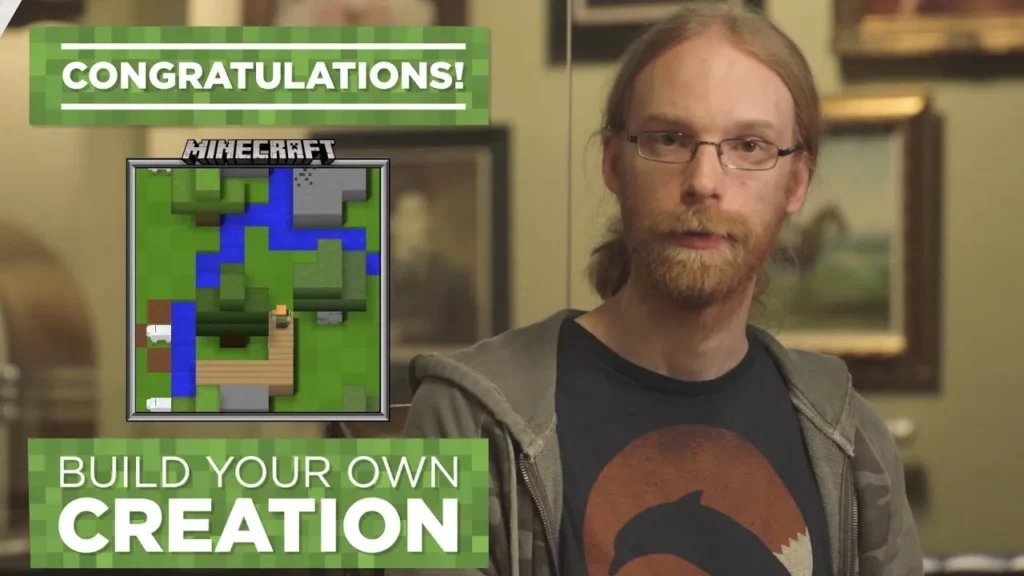
In this lesson, students are introduced to the world of Minecraft coding, where they can unleash their creativity by building anything they imagine without any specific instructions. After creating their masterpieces, they have the opportunity to share their work with friends, fostering inspiration and collaboration. The lesson emphasizes the fun of learning through exploration and creativity in Minecraft, highlighting its role in developing problem-solving and teamwork skills.
What is Creativity? (with Sheryl Sandberg, Serena Williams, Jeff Wilke and Scott Forstall)
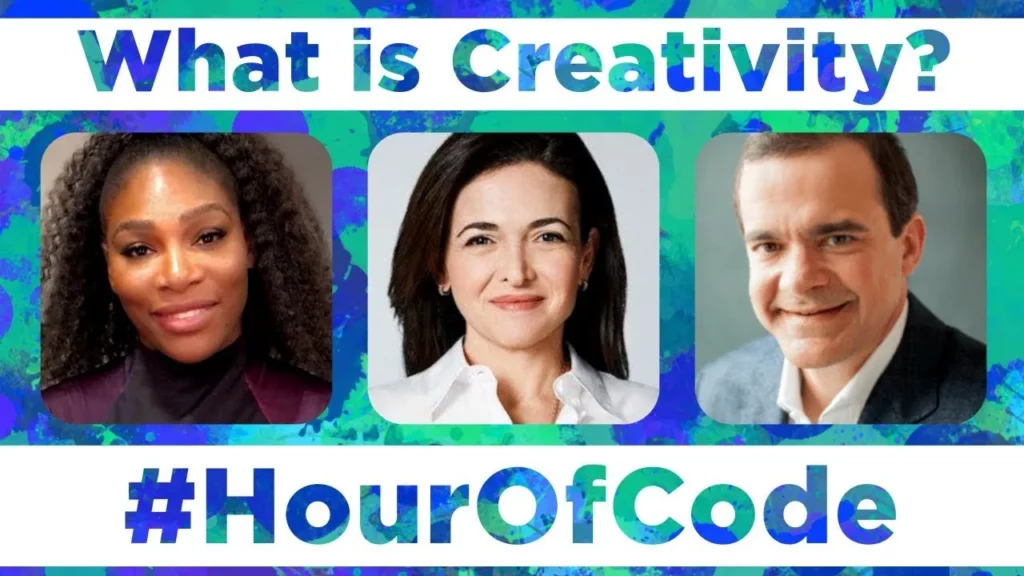
The lesson on creativity explores its multifaceted nature, emphasizing that it involves imagining the impossible, questioning the status quo, and connecting seemingly unrelated ideas. Insights from various thought leaders highlight that creativity is not just about thinking differently but also about building mental models and remaining dynamic in our approaches. Ultimately, embracing creativity empowers us to unlock new possibilities and innovate for a better future.
CSA: Two-Dimensional (2D) Arrays
This lesson introduces two-dimensional (2D) arrays, which can be visualized as a table where each row represents a student’s answers to quiz questions and each column corresponds to a specific question. It explains how 2D arrays are structured with outer and inner arrays, allowing for efficient data organization and access, similar to a spreadsheet. Additionally, the lesson touches on the concept of higher-dimensional arrays for managing more complex data sets.
CSA: Private Methods
The lesson on “Understanding Private Methods in Java” illustrates the concept of private methods through a restaurant analogy, comparing public methods to menu items that can be ordered without knowing the details of their preparation. Private methods, on the other hand, serve as internal helper methods that simplify complex tasks by breaking them down into manageable parts, ensuring that only complete processes are accessible from outside the class. This encapsulation enhances code readability, maintainability, and flexibility, allowing developers to modify internal processes without affecting the overall functionality.
Debugging with the Bee
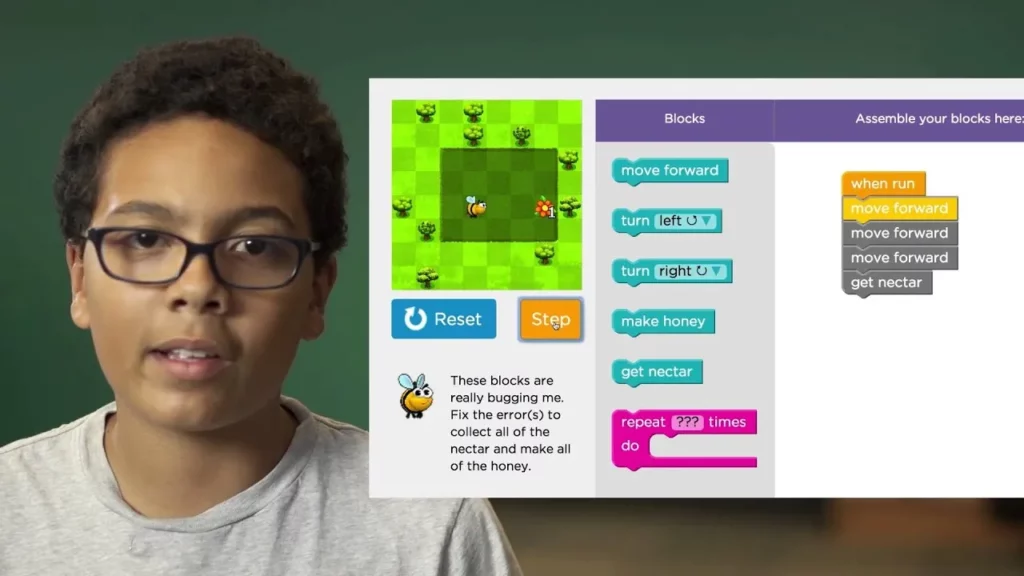
The lesson on debugging introduces the concept of identifying and fixing errors in computer programs using a fun analogy involving a bee. By utilizing a “step button” to examine each instruction closely, learners can pinpoint mistakes and make necessary adjustments, such as adding missing commands, to ensure the program functions correctly. Debugging is emphasized as a crucial skill for anyone involved in programming, likened to solving a puzzle that enhances the overall effectiveness of their projects.
Learn to Code at Home
The lesson emphasizes the opportunity for kids to learn coding at home, highlighting its fun and creative aspects as a problem-solving tool. It introduces various resources such as Code Break interactive sessions, the Hour of Code activities, inspiring videos, and App Lab for creating apps, all available on Code.org. The lesson encourages everyone, regardless of their background, to explore coding and discover their potential to create amazing projects.