
How Not To Get Hacked: Authentication and Device Locks
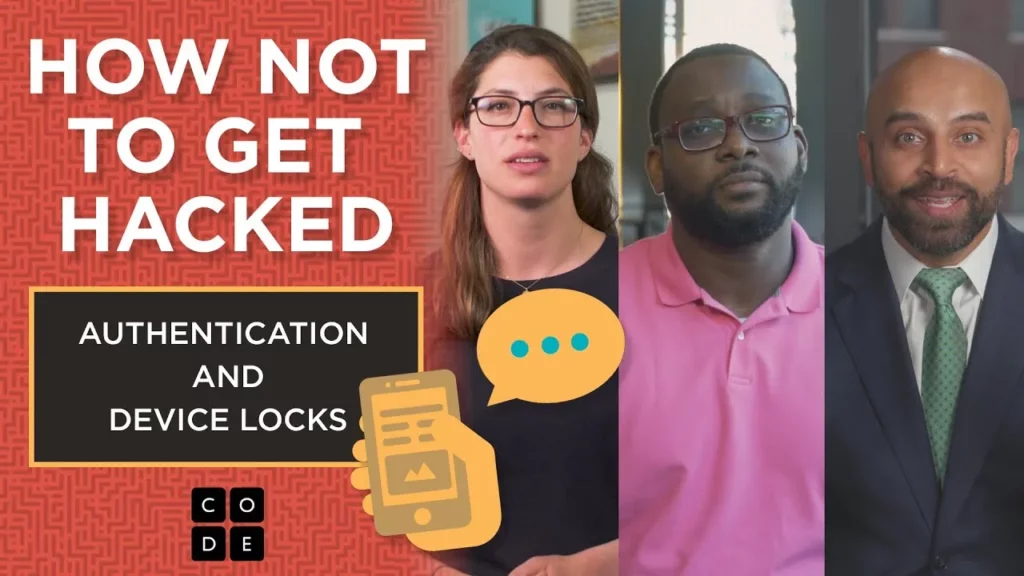
In this lesson on “How Not To Get Hacked: Authentication and Device Locks,” the importance of securing online accounts and devices is emphasized, particularly for critical accounts like banking and email. Key strategies include implementing two-factor authentication (2FA) for enhanced security, using strong passwords for devices, and ensuring emergency contact information is accessible even when devices are locked. By adopting these practices and staying informed about cybersecurity threats, individuals can significantly reduce the risk of unauthorized access to their accounts.
The Internet: Cybersecurity & Crime

In this lesson, Jenny Martin and Parisa, experts in cybersecurity, explore the pervasive issue of cybercrime, highlighting its impact on personal, financial, and national security. They discuss various forms of cyber threats, including computer viruses, botnets, and phishing scams, emphasizing that many attacks exploit human error rather than technical vulnerabilities. The lesson concludes with a call to action for individuals to remain informed and proactive in safeguarding their digital environments, as the sophistication of cybercriminals continues to grow.
How Not To Get Hacked: Install Updates

The lesson emphasizes the importance of installing updates to protect devices from vulnerabilities that hackers can exploit. Manufacturers release security patches to address these weaknesses, and users are urged to install updates promptly to safeguard their personal information. Additionally, the lesson highlights other safety measures, such as using strong passwords and being cautious online, to further enhance security.
Dispositions and Classroom Culture SCI PD 7
The lesson emphasizes adopting a programmer’s mindset to enhance the learning process in programming, highlighting the importance of learning from mistakes, cultivating curiosity, utilizing resources, practicing persistence, and sharing achievements. It also provides strategies for overcoming programming challenges, such as reviewing code, experimenting, collaborating, acknowledging the complexity of programming, and taking breaks. Ultimately, the lesson encourages educators to guide students in their learning journey rather than positioning themselves as the sole experts.
The Problem Solving Process with Zipline

In this lesson, Ryan from Zipline explains the Problem Solving Process, which consists of four steps: Define, Prepare, Try, and Reflect. This structured approach helps Zipline address challenges in delivering medical supplies via drones to remote areas in Africa, allowing them to identify problems, brainstorm solutions, test their ideas, and evaluate their effectiveness. The process is applicable to various situations, making it a valuable tool for tackling a wide range of problems.
Introducing the Artist

In this lesson, students learn about the intersection of technology and creativity by exploring how to draw with code. They discover how to use “move forward” and “turn” blocks to control a virtual pencil, allowing them to create various shapes and designs on the screen. The lesson encourages experimentation and highlights the fun of combining coding skills with artistic expression.
Karlie Kloss explains how to use math with the artist in Code Studio

In this lesson, Karlie Kloss explains how to use math and variables to instruct a computer to draw shapes, specifically a rectangle. By defining a variable for height and using it to calculate the width, students learn how to simplify their coding process and make their programs more flexible and efficient. This approach allows the computer to handle calculations, enabling users to easily modify their designs.
How Not To Get Hacked: Passwords
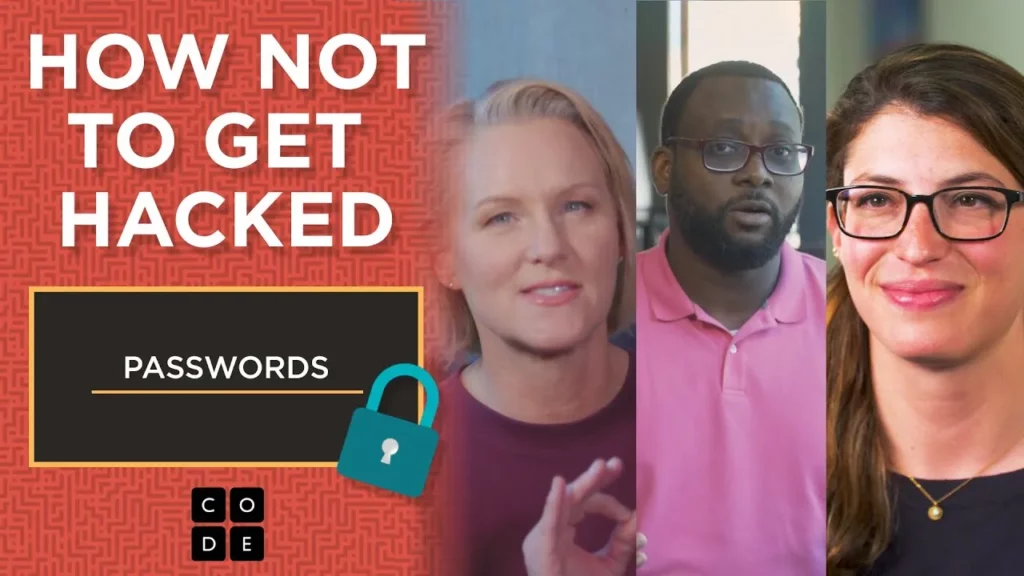
In this lesson on online security, the focus is on the importance of creating strong and secure passwords to protect your accounts from hacking. Key strategies include using long passphrases, avoiding easily guessable information, and employing unique passwords for each account. Additionally, utilizing password managers and implementing multi-factor authentication can further enhance your security and safeguard your digital information.
The Artist: Counter Loops

In this lesson, students learn about counter loops, a fundamental concept in computer-based art creation that allows for the efficient repetition of shapes with incremental changes. By using a counter loop to draw progressively larger squares, learners can streamline their design process, enabling them to create intricate patterns and designs quickly. The lesson encourages creativity and experimentation, highlighting the importance of counter loops in various artistic and technological applications.
Minecraft – Hour of Code – REPEAT LOOPS

In this lesson, Lydia Winters introduces the concept of repeat loops in coding through the context of Minecraft. She explains how repeat loops simplify repetitive tasks, such as moving forward and placing blocks, making it easier to build structures efficiently in the game. By using repeat loops, players can execute multiple actions with a single command, enhancing their coding experience while creating in Minecraft.