
Hour of Code – Introduction
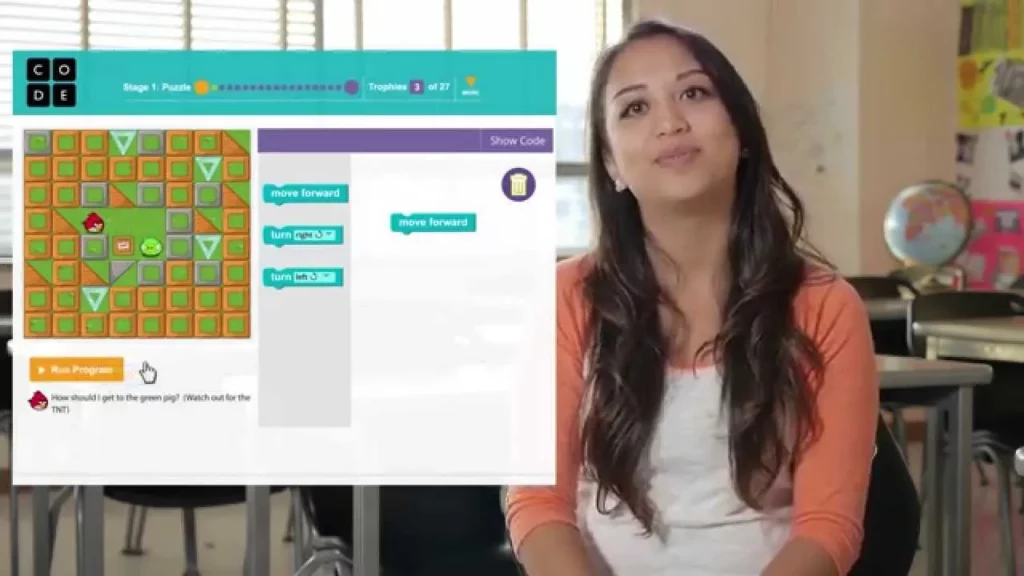
In this lesson, students are introduced to programming through a fun and interactive game using Blockly, a visual programming tool that allows them to create code by dragging and dropping blocks. They will help a bird navigate a maze to retrieve its eggs, learning the basics of coding by snapping together commands and running their programs. This engaging approach emphasizes that programming is not only about writing text but also about problem-solving and creativity, making it feel like a superpower.
What is the Internet?
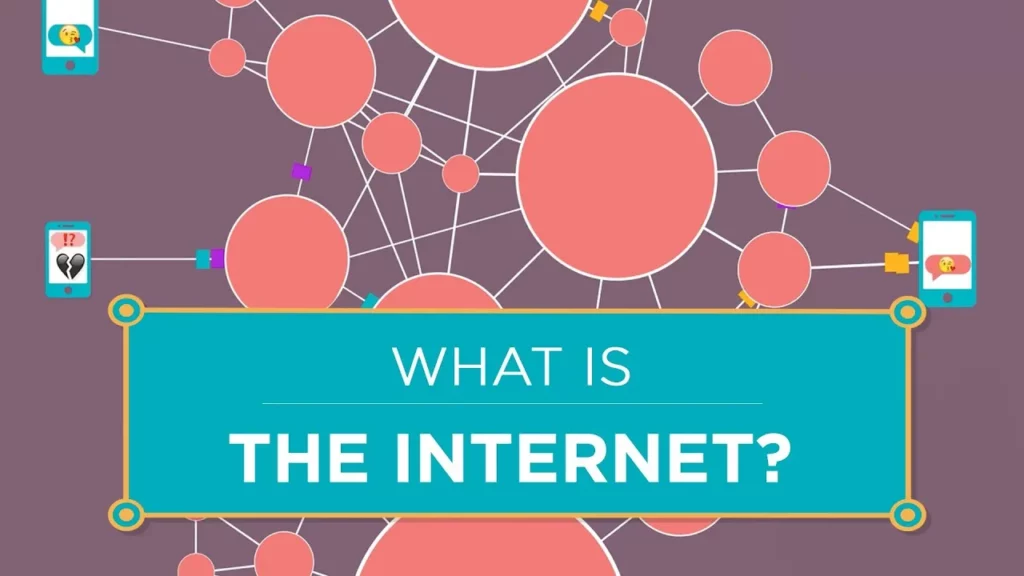
The internet is a vast network that connects devices globally, allowing for the seamless exchange of information, much like a cloud or plumbing system. Its origins trace back to the 1970s with the development of ARPANET by pioneers like Bob Kahn and Vint Cerf, who aimed to create a resilient communication system. Unlike a centralized entity, the internet operates through a collaborative network of independent systems, empowering users to share knowledge and innovate continuously.
How Computers Work: Binary & Data
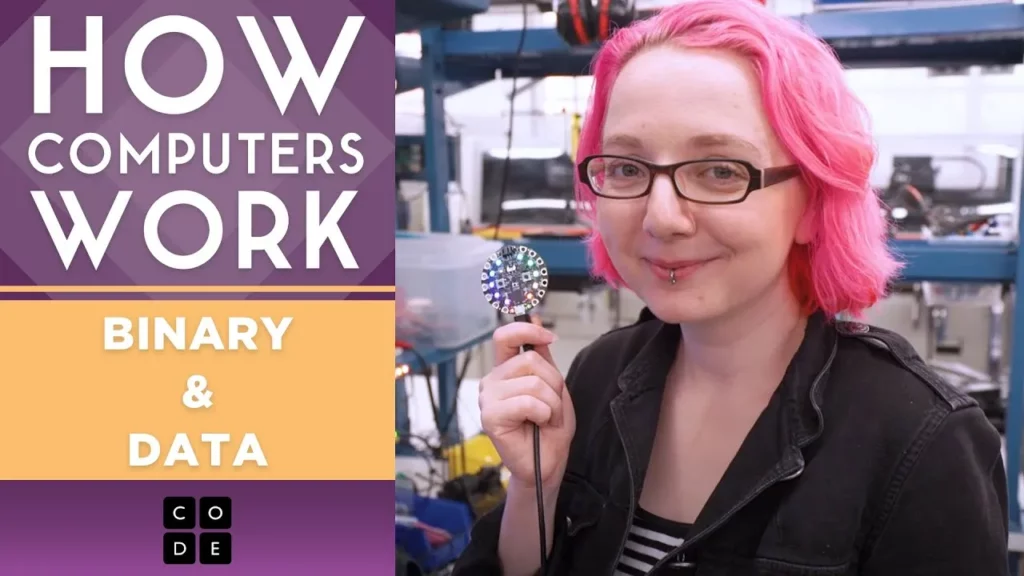
In this lesson, we explored the fundamental concept of binary, which is the basis of how computers operate using only two states: ON (1) and OFF (0). We learned that binary allows computers to represent and process various types of data, including numbers, text, images, and sound, by converting them into sequences of 1s and 0s. This simple yet powerful system underpins all computer functions, demonstrating how complex technology is built from basic principles.
Game Lab: Intro To Drawing

In the “Game Lab: Intro to Drawing” lesson, students are introduced to the Game Lab platform, where they can create drawings, animations, and games using JavaScript. The lesson emphasizes the use of basic shapes like rectangles and ellipses, teaching students how to manipulate their position and size through code. By combining block-based and text-based coding, learners can easily experiment and refine their projects while gaining foundational skills in computer science.
Web Development: Intro to CSS

In this lesson on CSS, students learn how to enhance the visual appeal of their websites by applying style rules to HTML elements. By using CSS, specifically through creating rule sets that define properties like color and font size, developers can customize the look and feel of their webpages, allowing for a unique user experience. The lesson encourages creativity and experimentation with various CSS properties to effectively convey the desired message of the website.
Web Development: Intro to Web Lab
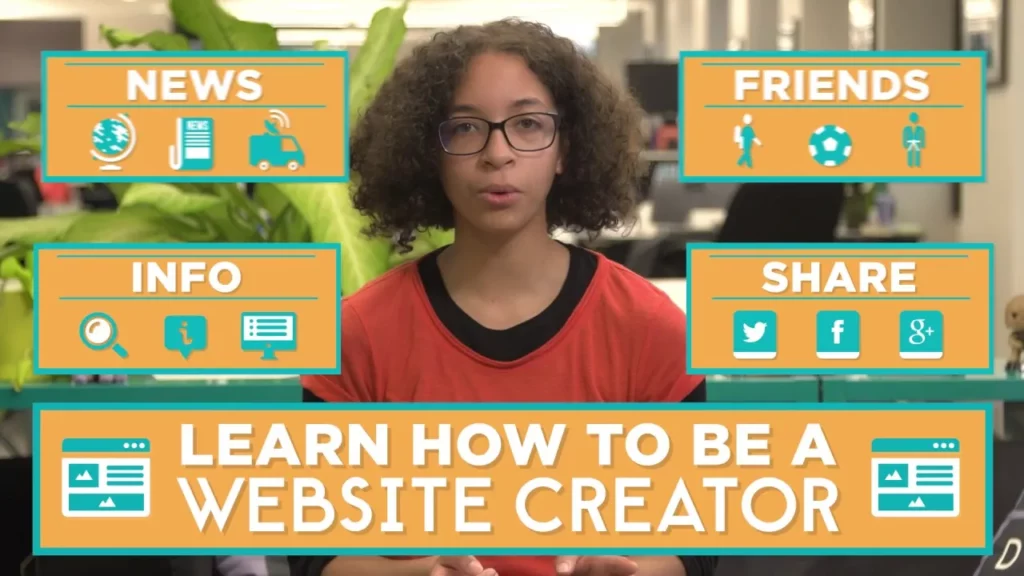
In this introductory lesson on web development, students are welcomed to the world of creating websites using Web Lab, a tool that mimics professional web development environments. They will learn to build their first web page by starting with an index.html file, adding content, and enhancing the layout to make their websites visually appealing. This lesson emphasizes the empowerment that comes with web development skills, allowing students to express their unique ideas and share their passions online.
Ethics & AI: Equal Access and Algorithmic Bias
The lesson on “Ethics & AI: Equal Access and Algorithmic Bias” emphasizes the importance of addressing biases in AI systems, particularly as they increasingly influence critical decisions in fields like education, healthcare, and science. It highlights the necessity of including diverse perspectives, especially from marginalized communities, in the development of AI to ensure fairness and inclusivity. Additionally, the lesson advocates for democratizing access to AI technology, aiming to amplify the voices of those affected by its implementation to foster positive change.
What is a Computer?
In this lesson, Nat explores the concept of computers, tracing their evolution from simple mechanical tools to the advanced machines we use today. He highlights the transition from early computers, which were large and slow, to modern devices that facilitate a wide range of activities, emphasizing the potential for future innovations. Nat encourages students to envision their role in shaping the future of technology, inspiring them to think creatively about the possibilities ahead.
Unplugged – What is Computer Science?
In this lesson, students are introduced to the fundamentals of computer science and programming, likening programming to following a recipe or creating art. They learn that computer programming involves writing instructions for computers to create various applications, and they explore the impact of computer science on global connectivity and innovation. The lesson culminates in a hands-on activity where students create their own code using binary, setting the stage for their journey into the world of technology and creativity.
Intro to Pixelation Encoding B & W

In this lesson, Lydia Choi introduces the pixelation widget, a tool for encoding black and white images by manually inputting binary code. Participants learn how to set image dimensions using the first 16 bits of data, define pixel colors with binary values, and utilize formatting options to organize their code effectively. The lesson emphasizes the simplicity and creativity involved in digital art, encouraging experimentation with the pixelation widget to create unique images.