
Pencil Code: A Free Coding Tool That Checks a Lot of Boxes
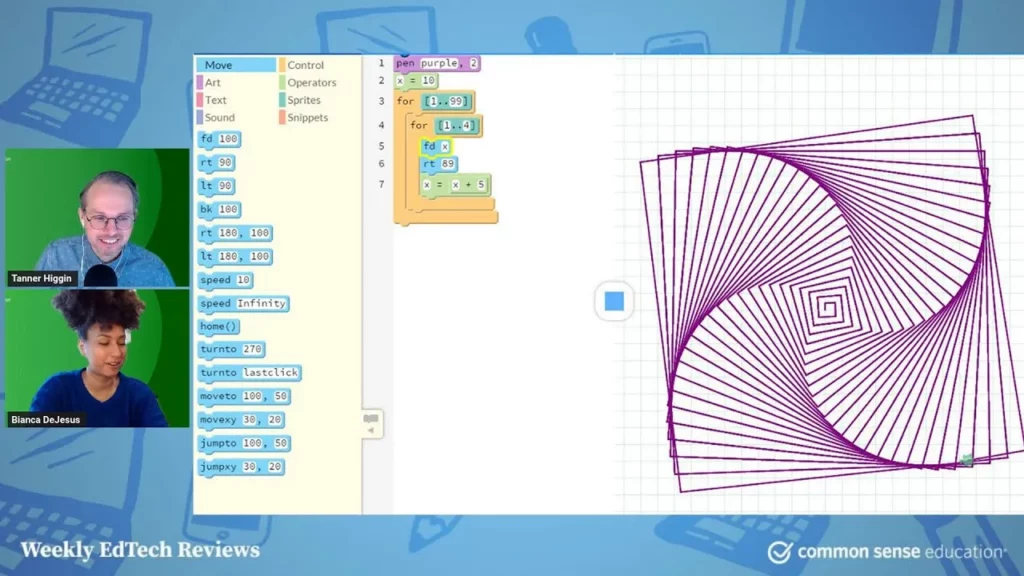
Pencil Code is a free and engaging tool designed to help beginners learn coding through a combination of block and text coding. It encourages creativity by allowing users to create various projects, such as games and music, while promoting a DIY learning approach without a strict curriculum. Although it may present some challenges, it fosters collaboration and exploration, making it an excellent starting point for anyone interested in coding.
Show Students How Machine Learning Works With Teachable Machine
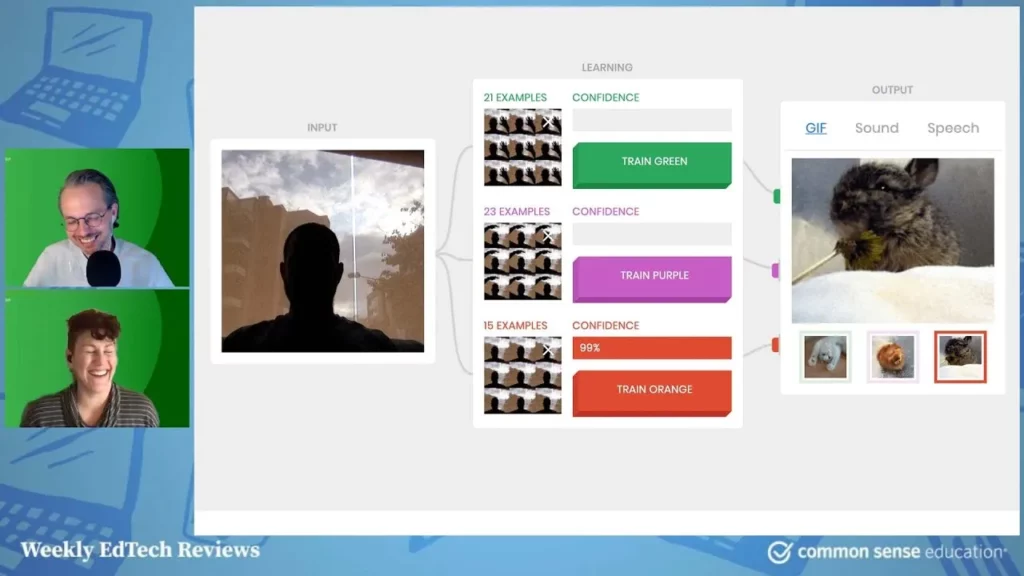
In this lesson, students are introduced to Teachable Machine, a user-friendly tool by Google that demonstrates the principles of machine learning. By using their webcam or microphone, students can input data, such as images or sounds, to train the machine to recognize and predict based on the features of the data. This interactive experience not only enhances understanding of machine learning concepts but also encourages exploration of more advanced applications in technology.
Best Middle and High School Science Games for NGSS
In this lesson, we explored three engaging science games—Possible Worlds, the Radix Endeavor, and SimCity EDU: The Pollution Challenge—that align with the Next Generation Science Standards (NGSS) to enhance learning. Each game offers unique features, such as vocabulary building, critical thinking, and real-world applications of scientific concepts, making them valuable tools for students in grades 4 to 12. These interactive resources not only make science more enjoyable but also foster a deeper understanding of essential topics.
E-rate and CIPA: Toolkit For Teachers
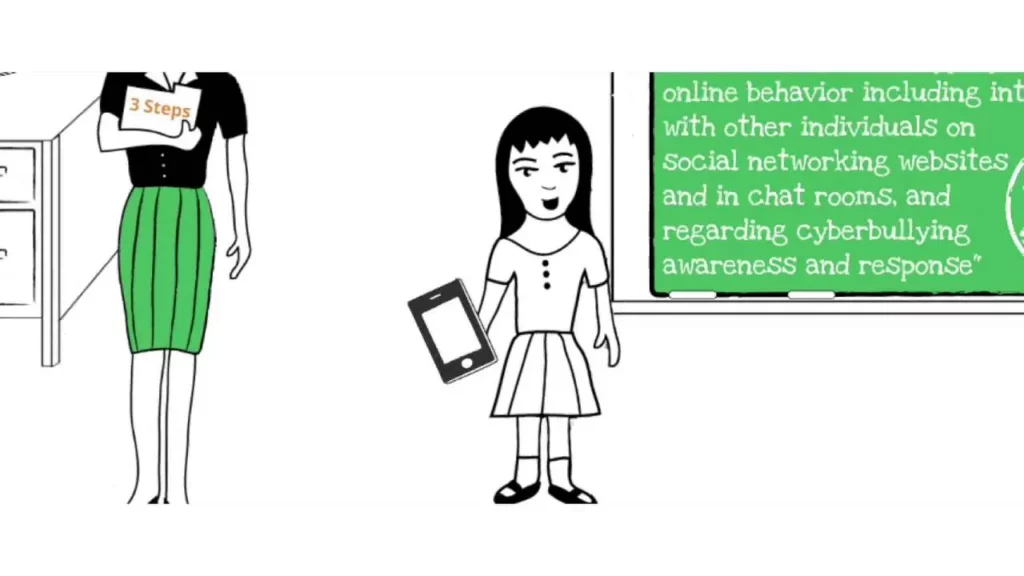
The lesson on “E-rate and CIPA: Toolkit For Teachers” emphasizes the importance of integrating technology in education while adhering to compliance requirements set by the E-Rate program and the Children’s Internet Protection Act (CIPA). It provides educators with a free toolkit from Common Sense Media, which includes resources for teaching students responsible technology use and digital citizenship, ensuring they are prepared for a media-rich environment. Teachers are encouraged to determine their roles in implementing these lessons, utilize the available resources, and focus on fostering a safe and informed online experience for students.
Early Childhood Digital Literacy
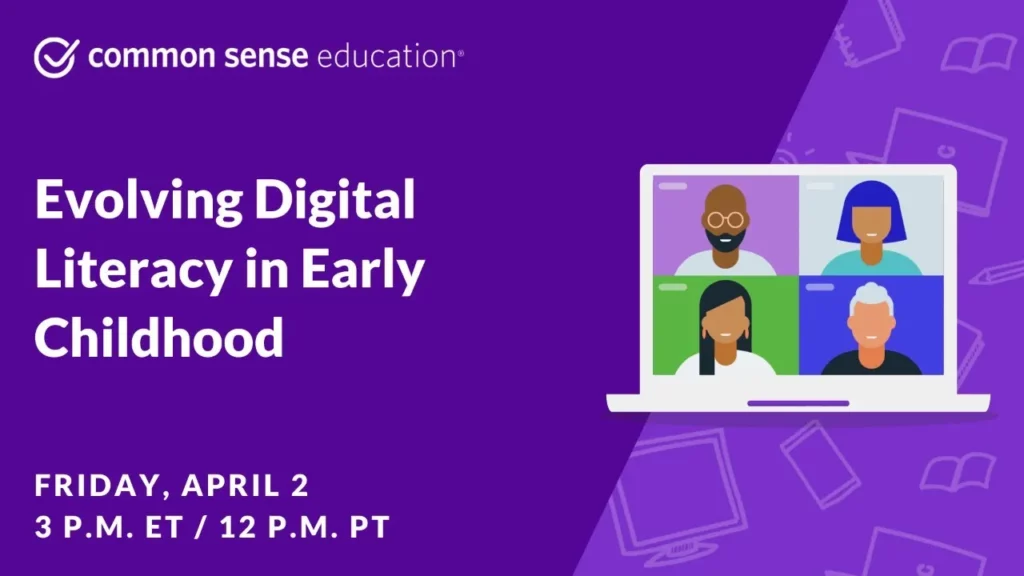
The lesson on Early Childhood Digital Literacy emphasizes the critical role of technology in enhancing learning experiences for young children while advocating for active engagement rather than passive consumption. It highlights the importance of adult modeling in technology use, the need for a balanced media diet, and the application of Bloom’s Taxonomy to foster higher-order thinking skills. The discussion also addresses the challenges faced during the pandemic and encourages educators to leverage technology as a tool for creativity and language development.
Digital Citizenship for Every School
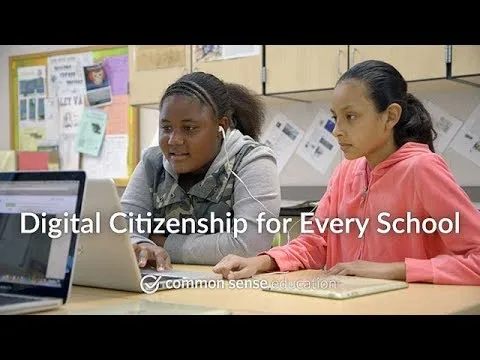
The lesson on “Digital Citizenship for Every School” emphasizes the importance of teaching students how to navigate the online world safely and responsibly, particularly in light of issues like cyberbullying and inappropriate content. It highlights the role of educators in guiding students to make informed choices about their online behavior and introduces resources from Common Sense Education to support this learning. Ultimately, the goal is to empower students to become responsible digital citizens who can enjoy the benefits of the internet while minimizing its risks.
Lesson Flow in Action – Middle School
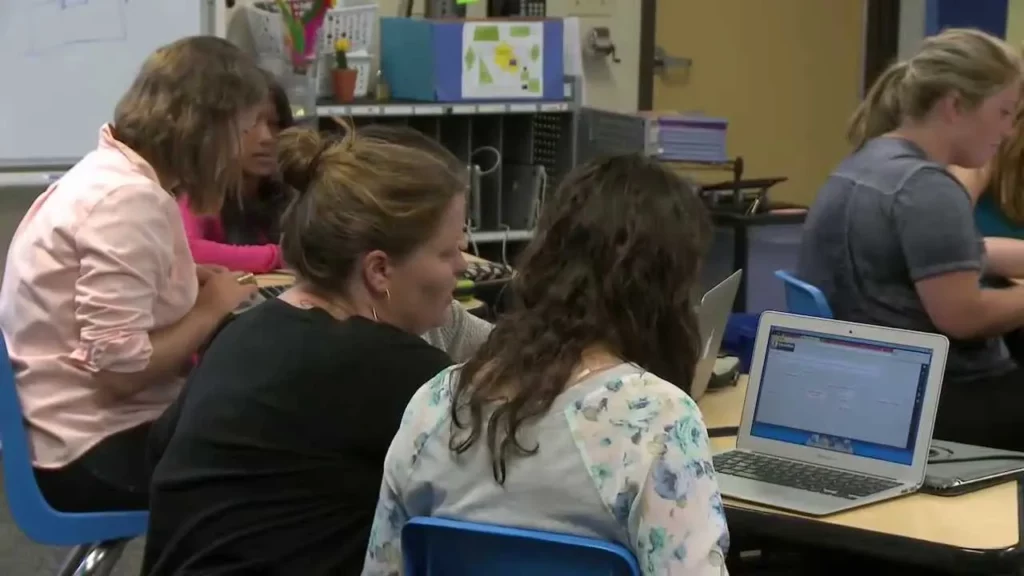
In today’s lesson, students explored the concept of mood in grammar through interactive activities and technology tools. They engaged with a Nearpod presentation, collaborated on writing examples, created skits, and recorded monologues using Telami, all while learning to identify different moods in sentences. The lesson emphasized the importance of using technology thoughtfully to enhance understanding and retention of the material.
Flocabulary in 30 Seconds
Flocabulary is an innovative educational platform that utilizes hip-hop music to make learning engaging and enjoyable for students of all ages. It offers a variety of educational videos covering subjects like history, science, and language arts, along with interactive activities and additional resources to reinforce learning. With features like the “Week in Rap” for current events and customizable video options, Flocabulary effectively combines entertainment with education, making complex topics more relatable and memorable.
Get Students to Self-Assess After a Quiz with Kahoot!
The lesson emphasizes the importance of using Kahoot’s survey feature to facilitate self-assessment among students after a quiz. By creating a separate survey with simple questions, teachers can encourage students to reflect on their performance and identify areas for improvement, enhancing their engagement in the learning process. Timing the survey immediately after the quiz ensures that students can provide accurate feedback while the material is still fresh in their minds.
Digital Compass Product Video

In this lesson, students are introduced to Digital Compass, an interactive tool designed to enhance their understanding of internet safety and responsible online behavior. Through engaging storylines and decision-making scenarios, learners explore the consequences of their digital choices, fostering skills in responsible decision-making and relationship-building. By participating in this choose-your-own-adventure experience, students can navigate the complexities of the online world while having fun.