
VOXPOP: No Fuss Spin on Student Debate and Roleplay
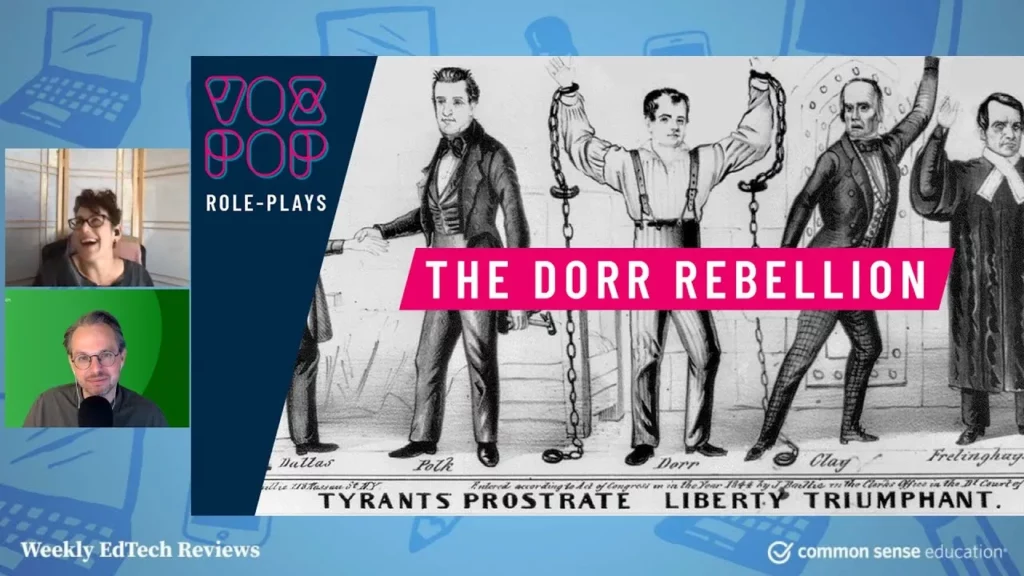
The lesson introduces Vox Pop, an interactive online tool that allows middle and high school students to engage in historical role plays and debates, making history more exciting and relatable. By stepping into the shoes of historical figures and discussing real past issues, students can develop critical thinking and debating skills while gaining a deeper understanding of historical contexts. The platform is user-friendly and offers a variety of topics, enhancing the learning experience through engaging discussions and multimedia resources.
Lesson in Action: Super Digital Citizen
In today’s lesson, students learned about becoming super digital citizens by understanding the importance of online safety, respect, and responsibility. They explored the concept of digital citizenship, created their own digital superhero characters to illustrate these principles, and participated in a gallery walk to share and reflect on each other’s creations. The lesson emphasized that everyone has the power to make positive choices online, reinforcing the idea that with great power comes great responsibility.
Helping Students Cope with Social Media in Uncertain Times
The lesson focuses on helping students navigate the challenges posed by social media, particularly in the context of emotional and academic growth during uncertain times. It emphasizes the importance of teaching critical thinking skills, understanding misinformation, and encouraging positive action, while also recognizing the impact of distressing content on students’ mental health. Educators are urged to engage students in meaningful discussions about their social media experiences and to promote media literacy to foster resilience and informed decision-making.
Top 3 SEL Tools You Need in the Classroom (So Demure, So Mindful!) | Monday Morning Momentum
This lesson highlights three essential tools for enhancing social-emotional learning (SEL) in the classroom: Kori, Pika Pack, and Harmony SEL. Each tool offers unique features that facilitate the integration of SEL into teaching practices, such as ready-to-use lessons, storytelling, and goal tracking, making them effective and engaging resources for educators. By utilizing these tools, teachers can better support their students’ social-emotional development and create a more dynamic learning environment.
Digital Life Dilemmas
In the lesson “Digital Life Dilemmas,” Talia and Sue from Common Sense Education discuss the complexities of navigating tricky situations that arise in our digital lives, emphasizing the importance of critical thinking and collaborative problem-solving. They introduce a structured thinking routine to address dilemmas, using a relatable scenario involving a video posted without consent, which encourages students to consider different perspectives, brainstorm solutions, and communicate effectively. The lesson aims to foster social and emotional skills while providing resources for further exploration of digital dilemmas.
Most Likely Machine: This Gorgeous Site Teaches Algorithmic Literacy in a Flash
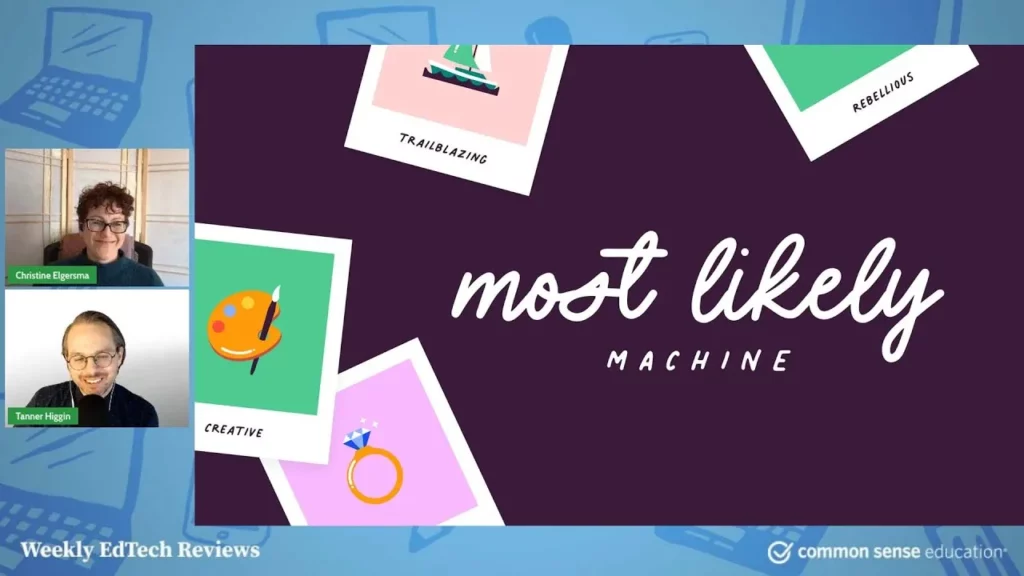
In this lesson, students explore the concept of algorithms through an interactive tool called the “Most Likely Machine,” which allows them to rank traits for class awards and see how algorithms make decisions based on their inputs. This hands-on experience highlights the potential biases and inaccuracies in algorithmic decision-making, fostering discussions about their real-world implications, particularly in social media. While the tool is engaging and educational, it is important to be aware of its limitations, such as a lack of privacy policy and a focus on algorithmic problems.
Young Kids & Screens: Healthy Development in the Digital Age
The lesson “Young Kids & Screens: Healthy Development in the Digital Age” emphasizes the importance of guiding families in navigating media and technology for the healthy development of children aged 0 to 8. It highlights the critical role of early engagement in discussions about screen time and media quality, focusing on nurturing executive functioning skills through a balanced approach that includes both online and offline activities. The workshop provides practical strategies, such as the “MEALS” framework, to help parents foster essential life skills while ensuring children thrive in a tech-driven world.
Cyberbullying: What’s Crossing The Line
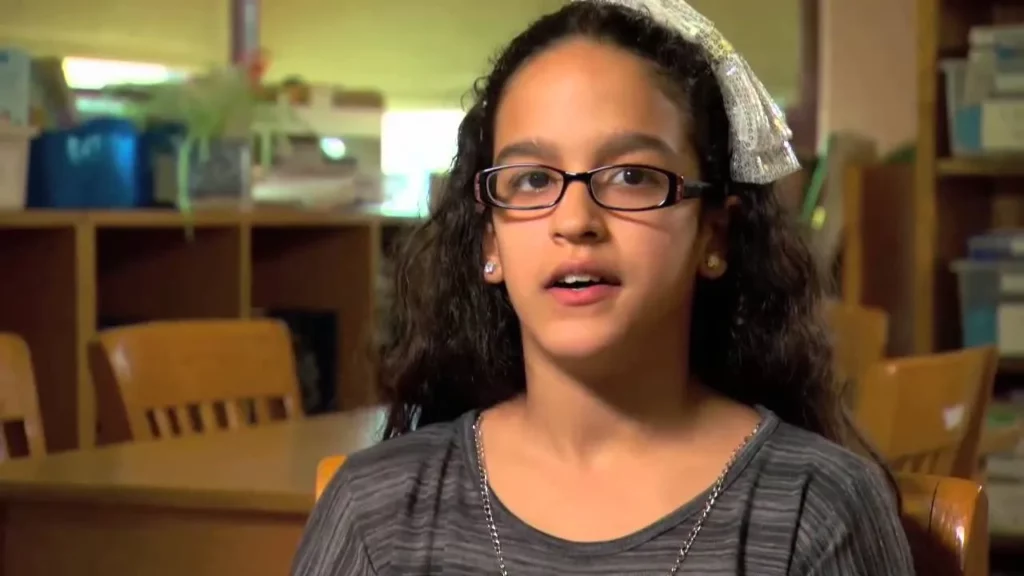
In this lesson on cyberbullying, students will learn to identify when online behavior becomes harmful and the various forms it can take, such as harassment. Through a video case study and group discussions, they will explore the emotional impact of cyberbullying, consider different perspectives on reporting incidents, and emphasize the importance of honesty and integrity in online interactions. Ultimately, the lesson aims to equip students with the knowledge and tools to recognize and address cyberbullying effectively.
Internet Traffic Light
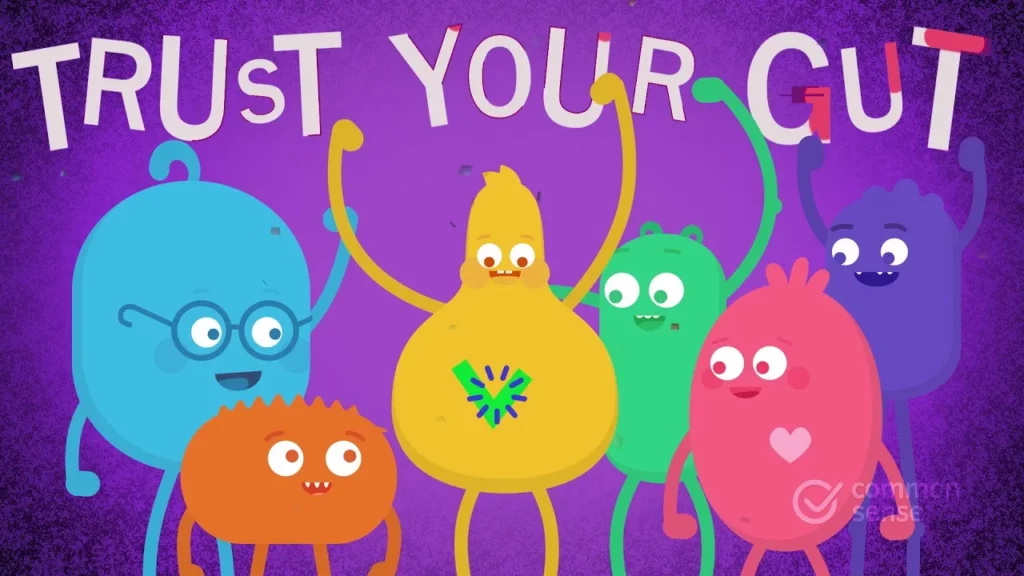
The “Internet Traffic Light” lesson teaches children how to navigate the internet safely using a color-coded system. Green indicates safe websites that are trusted, yellow serves as a caution to slow down and verify the safety of unfamiliar sites, and red signals to stop and seek help if something feels uncomfortable. Emphasizing the importance of trusting their instincts, the lesson encourages kids to make smart online choices while exploring.
Pilot Light: The Way to the Brain Is Through the Stomach
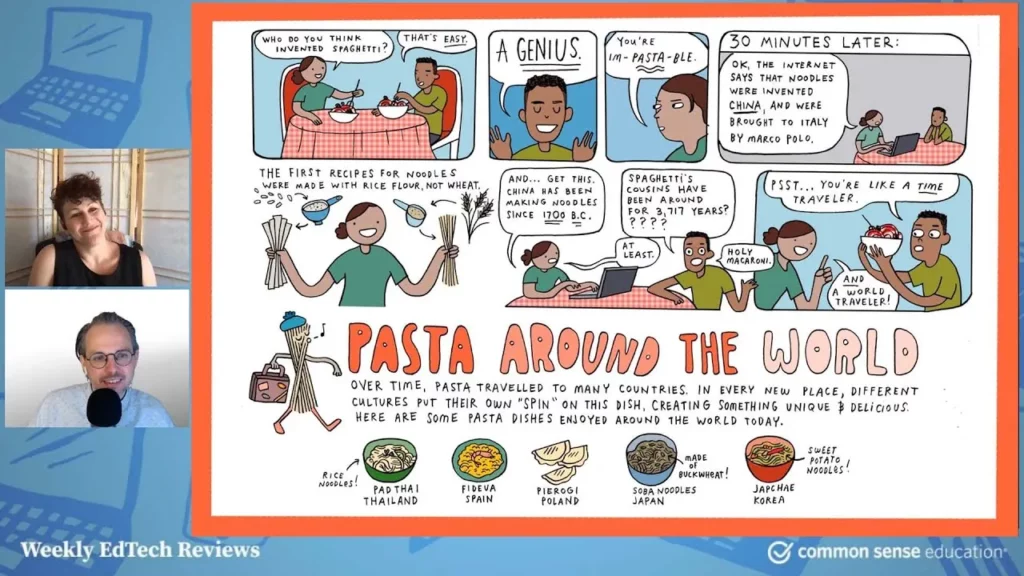
The lesson introduces Pilot Light, a creative educational resource that connects food with various school subjects for students from kindergarten to high school. It emphasizes the importance of hands-on learning through food activities, while also addressing critical topics like food equity and environmental conservation. With engaging lessons and additional resources, Pilot Light makes learning relatable and enjoyable, encouraging students to explore the connections between food, culture, and the environment.