
1-to-1 Essentials – Supporting Teachers

The lesson emphasizes the importance of supporting teachers during the implementation of a one-to-one technology program in schools, addressing their resistance to change and concerns about their roles. By fostering a growth mindset, encouraging teacher leadership, and providing tailored support, educators can effectively integrate technology into their teaching practices, ultimately enhancing the learning experience for both teachers and students. Building a collaborative environment through persuasion and encouragement is crucial for successful technology integration.
Simple Ways Teachers Can Protect Student Data Privacy
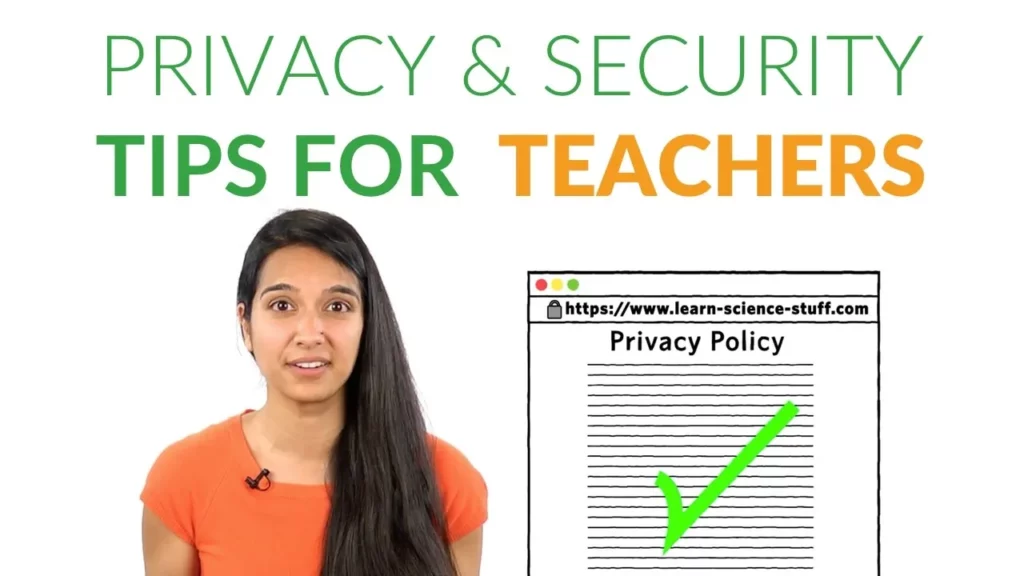
The lesson emphasizes the importance of protecting student data privacy in the digital age, highlighting simple yet effective strategies for teachers. Key actions include checking for secure connections in URLs, reviewing privacy policies of websites, consulting with technology and privacy experts, and exploring additional resources for further guidance. By implementing these practices, educators can significantly enhance the security of student information while using online educational tools.
Expert Article: Nichole Pinkard and Akili Lee, Digital Youth Network

The Digital Youth Network is a dynamic program that empowers young people to express their knowledge and passions through various media, enhancing engagement and creativity in learning. By incorporating media-based projects, students can collaborate, leveraging each other’s strengths and fostering a more inclusive educational environment. This approach not only makes learning enjoyable but also equips students with essential communication and teamwork skills for their future.
Historias Para Armar Shows Elementary Students the Magic Behind Their Favorite Media
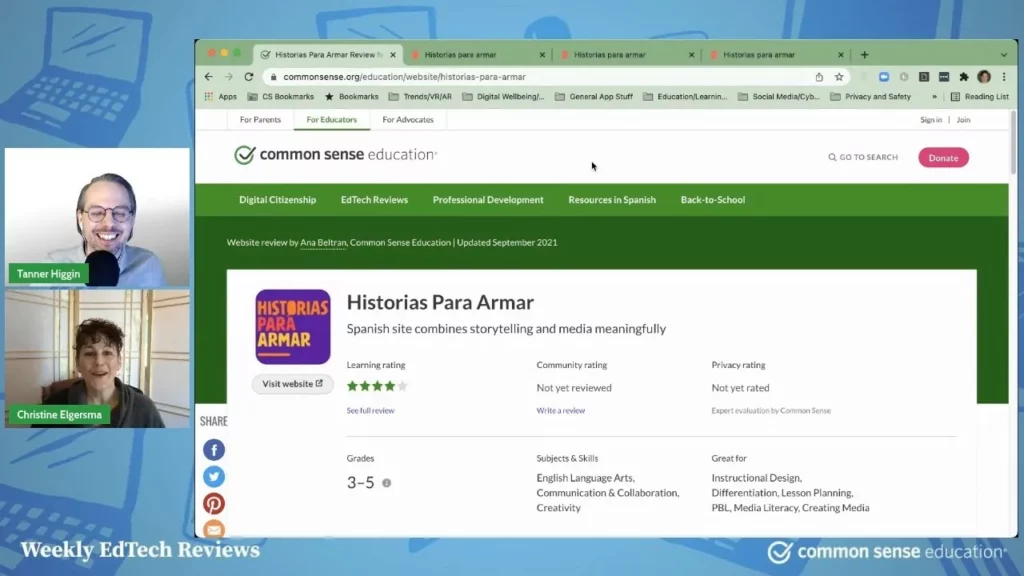
In today’s lesson, we explored “Historias Para Armar,” a free website designed to help kids learn the art of storytelling in Spanish. The site features three main sections—Explore, Create, and Tell—where users can watch educational videos, develop their own stories, and share them through various creative formats like comics and animations. This engaging platform not only fosters creativity but also teaches valuable skills in digital media, making it a great resource for students in third to fifth grade.
How to Deal with Technical Difficulties
The lesson on “How to Deal with Technical Difficulties” emphasizes the importance of having a backup plan when technology fails, as unexpected issues can disrupt learning. It encourages students to understand the problems, work collaboratively to find solutions, and remain calm while troubleshooting. Additionally, practical tips such as checking connections, restarting devices, and having offline activities ready can help students navigate technical challenges effectively.
How To Use Curriculum Videos

The lesson emphasizes the benefits of using curriculum videos as engaging educational tools that simplify complex ideas and encourage discussion among peers. By watching these videos, students can enhance their understanding, feel more comfortable participating in conversations, and learn collaboratively. The lesson also provides tips for effectively utilizing these videos, such as paying attention, relating content to prior knowledge, and actively engaging in discussions.
EdTech Showdown: Zaption vs. EdPuzzle
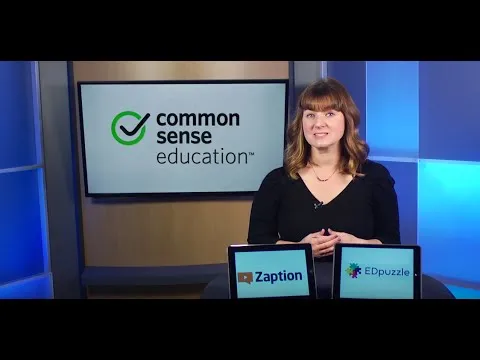
The lesson compares two educational technology tools, Zaption and EdPuzzle, that enhance video learning through interactive elements. EdPuzzle is user-friendly and ideal for straightforward video annotation, while Zaption offers advanced features, including the ability to create “learning tours” with multiple videos and detailed analytics. Ultimately, the choice between the two tools depends on the specific needs of the lesson and the desired level of student engagement.
How Districts Can Support Schools in Digital Citizenship
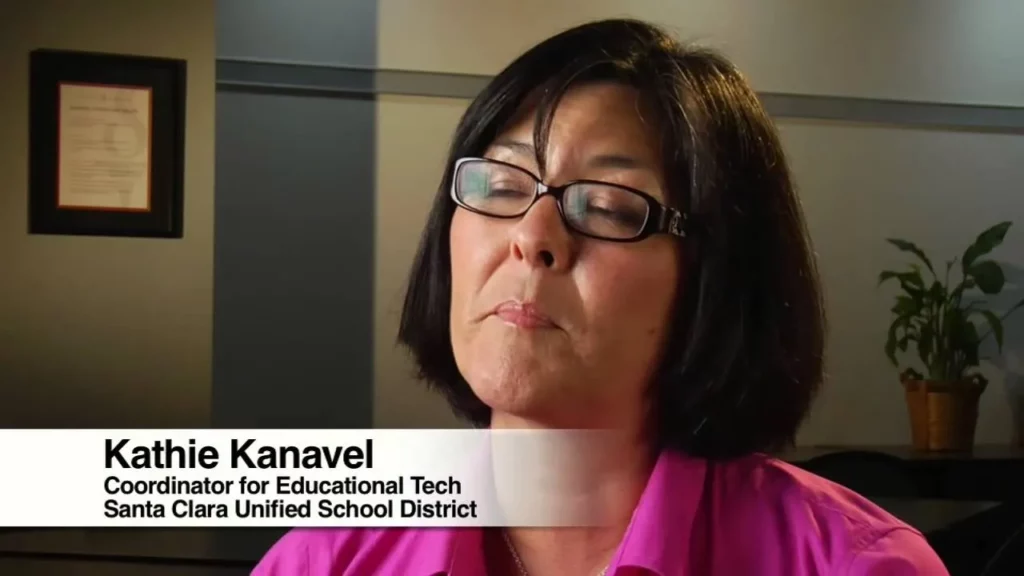
The lesson emphasizes the importance of equipping students with digital citizenship skills in today’s online environment and outlines several strategies districts can use to support schools in this endeavor. Key approaches include providing comprehensive training and resources for educators, facilitating model lessons for classroom observation, integrating the Common Sense Media program, and fostering collaborative discussions among teachers. By implementing these strategies, districts can enhance the effectiveness of digital citizenship education and prepare students to navigate the digital world responsibly.
Curriculum Integration Ideas

This lesson highlights the collaborative approach taken by CMadera School to enhance student learning through curriculum integration. By forming a team of diverse educators, the school implemented an anti-bullying campaign and a digital citizenship curriculum, ensuring that important topics like online safety and social dynamics were woven into various subjects, such as language arts and science. This strategy not only made the lessons more impactful but also provided students with a comprehensive education that prepares them for future challenges.
Make It Easy for Students and Parents to Sign up With Seesaw

The lesson provides a comprehensive guide for educators on how to effectively sign up students and parents for the Seesaw platform, which facilitates documentation of student work and feedback. It outlines two methods for student sign-up using class codes or QR codes, and offers strategies for inviting parents through handouts and customizable emails. By integrating Seesaw into their workflow and maintaining regular communication, teachers can enhance engagement and support throughout the academic year.