
What Is the SAMR Model?
The SAMR model, developed by Dr. Ruben Puentedura, provides educators with a framework to evaluate and enhance the integration of technology in teaching, categorizing it into four levels: Substitution, Augmentation, Modification, and Redefinition. By reflecting on their use of technology through this model, teachers can transform traditional learning experiences into dynamic, engaging tasks that foster higher-order thinking skills and collaboration among students. Ultimately, the SAMR model encourages educators to aim for deeper technology integration, leading to more meaningful and impactful learning outcomes.
Read to Lead Is One of Our Favorite ELA Games for Middle School
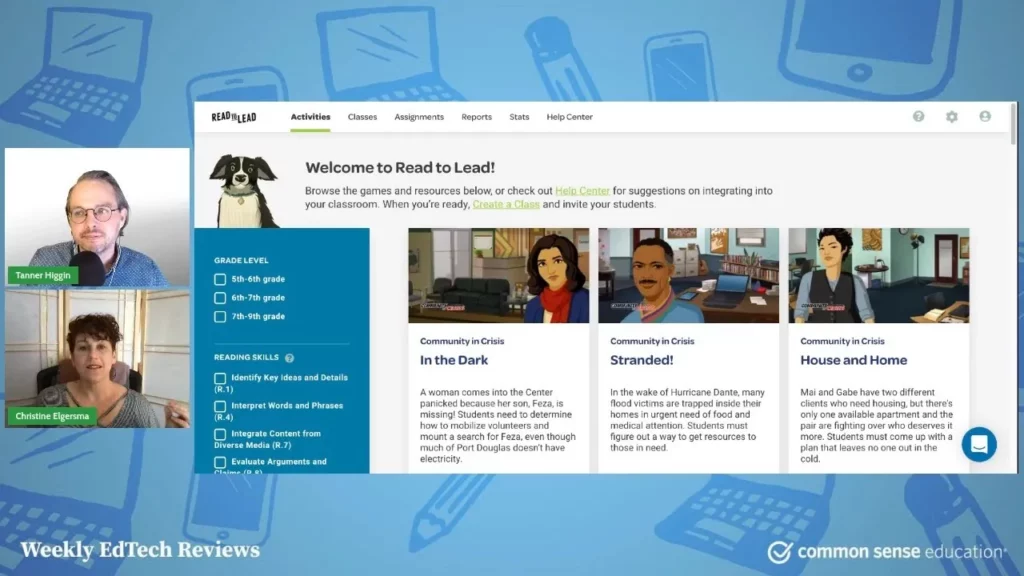
The lesson introduces “Read to Lead,” a free educational tool designed for middle school students that combines reading with engaging simulations to enhance social-emotional learning and career exploration. The platform offers various games that allow students to make choices and improve their literacy skills in realistic scenarios, while also providing teachers with valuable resources like lesson plans. Overall, “Read to Lead” presents a fun and effective way for students to develop essential skills in a practical context.
Oversharing: Think Before You Post
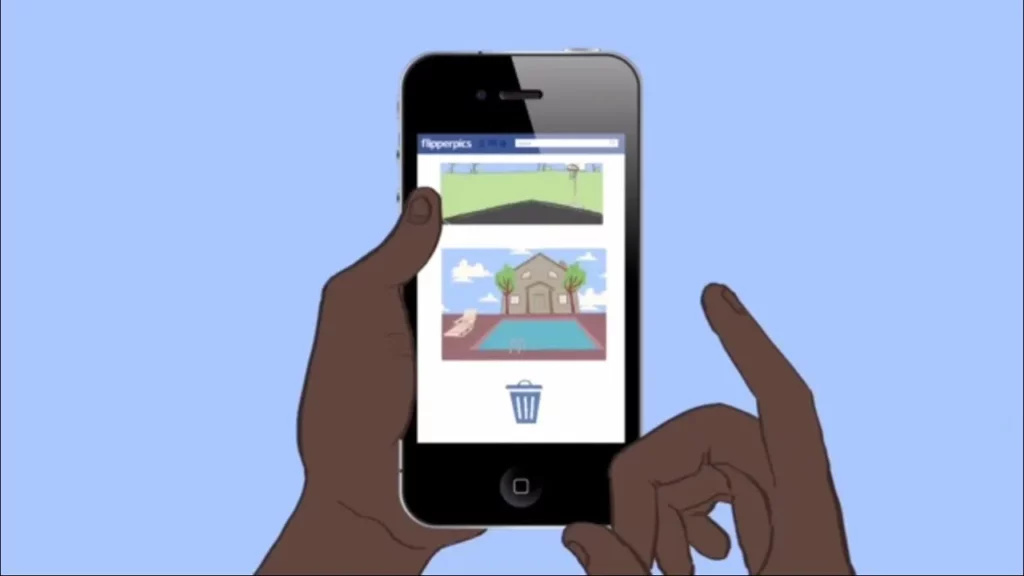
The lesson “Oversharing: Think Before You Post” emphasizes the importance of being mindful about what you share on social media. It provides practical tips to help individuals make informed decisions, such as considering if they would say something in person, avoiding vanity posts, and maintaining privacy regarding personal health and relationships. Ultimately, the lesson encourages users to think twice before posting to ensure a positive and safe online presence.
Closegap: Start Each School Day With an Emotional Health Check-in
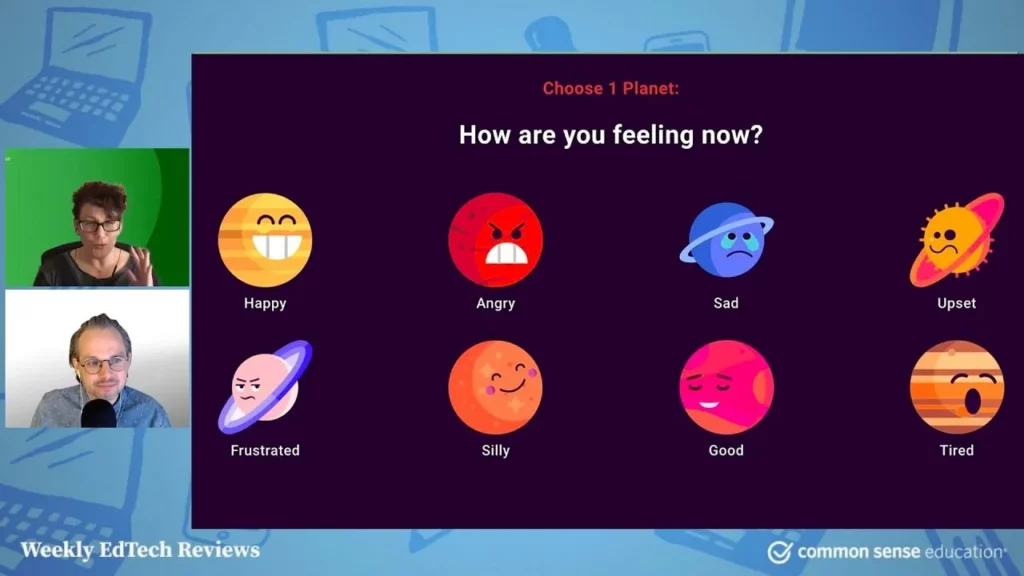
The lesson introduces Closegap, a free digital platform designed to enhance emotional well-being in classrooms by allowing students to express their feelings through daily check-ins. With a user-friendly interface and a metaphorical character to guide students, Closegap helps educators monitor emotional health and provides self-guided strategies for managing feelings. Successful implementation requires careful facilitation by teachers to ensure student comfort and privacy, making it a valuable resource for fostering emotional support in educational settings.
Our Digital Lives
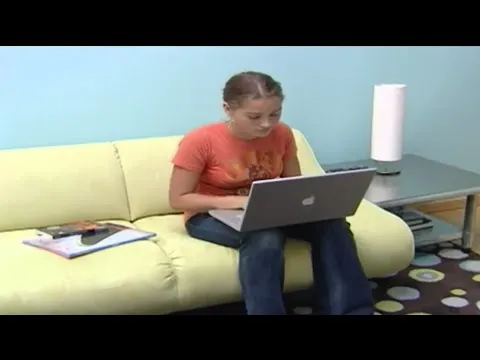
The lesson “Our Digital Lives” explores the complexities of navigating online interactions, highlighting the balance between the benefits and drawbacks of digital communication and identity. It emphasizes the importance of privacy, the impact of social media on personal relationships, and the potential for both positive feedback and conflict in online spaces. Additionally, it underscores the responsibility that comes with sharing content and the need for individuals to be mindful of their digital presence.
Sutori: A Compelling Spin on Presentations and Timelines
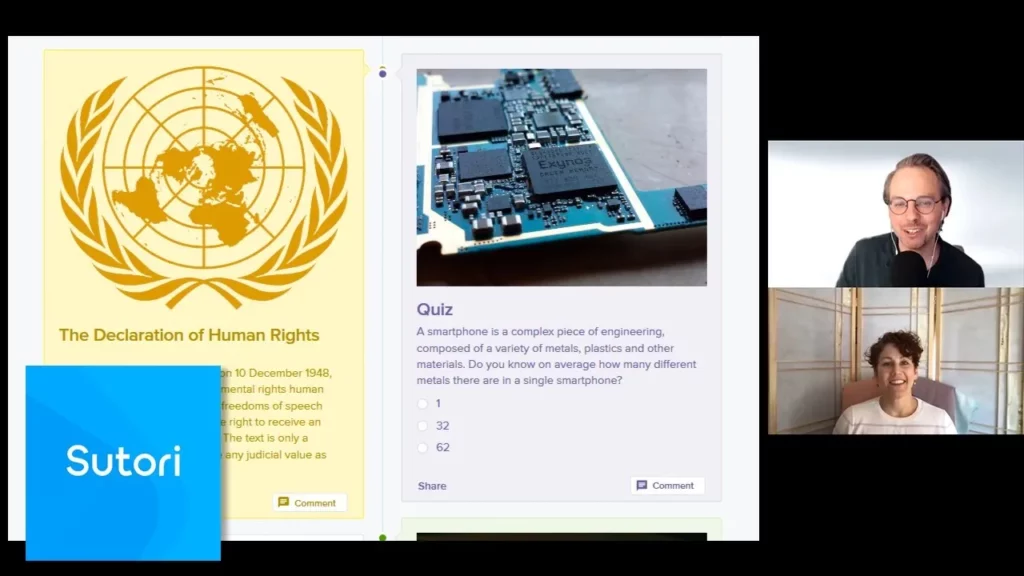
Sutori is an innovative educational tool that allows users to create interactive timelines and presentations by incorporating various content types such as text, images, videos, and quizzes. Its user-friendly design and seamless integration with platforms like Google Classroom enhance collaboration among educators and students, making it ideal for interdisciplinary projects. While the free version has limitations, the full version offers extensive features that many educators find valuable for enriching the learning experience.
Use TeachingBooks.net to Diversify the Books You Teach
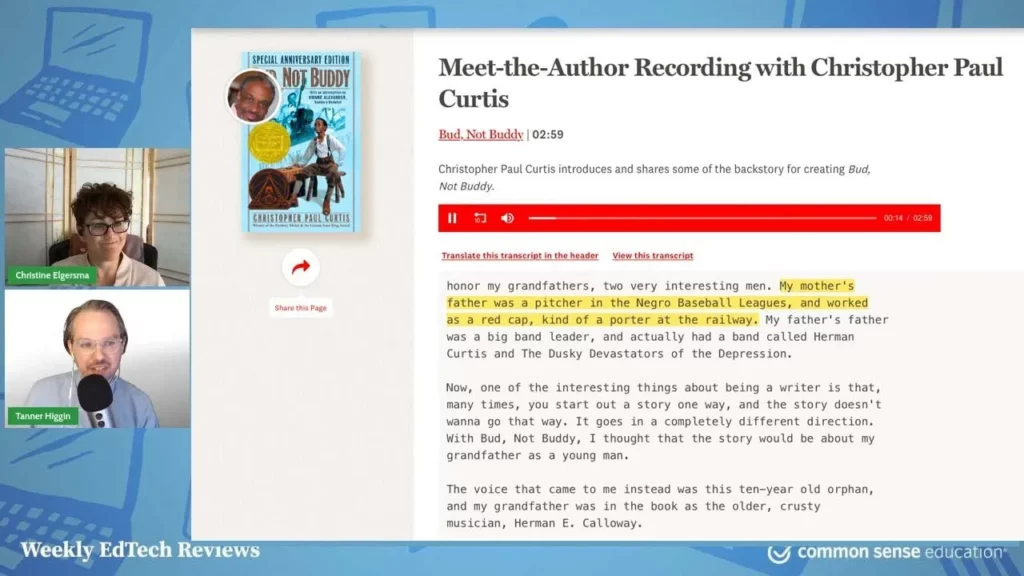
The lesson on TeachingBooks.net highlights its value as a resource for educators, particularly in enriching and diversifying curricula. The platform has been updated to enhance user experience, offering both free and paid access to a wealth of resources, including author interviews and curated book guides. Notably, the Diverse Books Toolkit is a key feature for educators aiming to incorporate diverse content into their teaching, making TeachingBooks.net a valuable tool for enhancing educational objectives.
How to Assign Kahoot Quizzes as Homework
This lesson explains how to assign Kahoot quizzes as homework using the Kahoot app and website, highlighting the “challenges” feature that allows students to play games outside of class. Teachers can create quizzes on the website and assign them as challenges, setting due dates for completion, while students can participate at their convenience, tracking their progress and competing with peers. Despite some limitations, such as the inability to create games on the app, the challenge feature enhances the Kahoot experience by promoting flexibility and friendly competition among students.
Teachers, Meet Graphite
The lesson introduces Graphite, a centralized platform designed to help educators discover, utilize, and share high-quality educational resources, thereby simplifying the decision-making process for lesson planning. It emphasizes the importance of collaboration among teachers, featuring expert evaluations and firsthand experiences to foster a supportive community. By consolidating valuable insights, Graphite aims to enhance the educational landscape and save teachers time and money.
1-to-1 Essentials – Reality Check: Rolling Out a 1-to-1 Program
The lesson on rolling out a 1-to-1 program highlights the initial vision of providing each student with their own device to enhance learning, contrasted with the reality of challenges such as students struggling with responsible usage and digital citizenship. Despite these hurdles, the program ultimately transformed teaching methods and increased student engagement, demonstrating the potential of technology as a powerful educational tool when properly integrated and supported. The experience underscored the importance of adaptability and teaching students how to navigate their digital environments responsibly.