
Media Balance Is Important
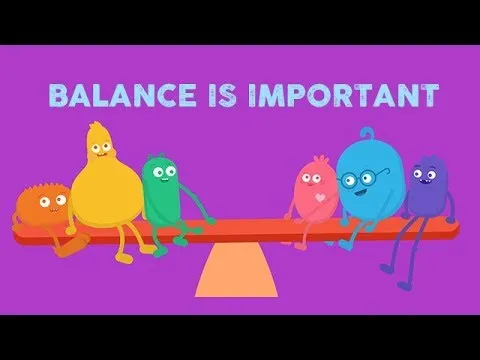
The lesson emphasizes the importance of maintaining a balance in our use of technology to promote overall well-being. It encourages engaging with friends, enjoying outdoor activities, and being mindful of our feelings to ensure a healthy balance for both body and mind. By following simple guidelines and remembering a fun balance song, we can navigate our media consumption while fostering happiness and connection.
Kennedy Center Education: Your Ticket to Arts Integration?
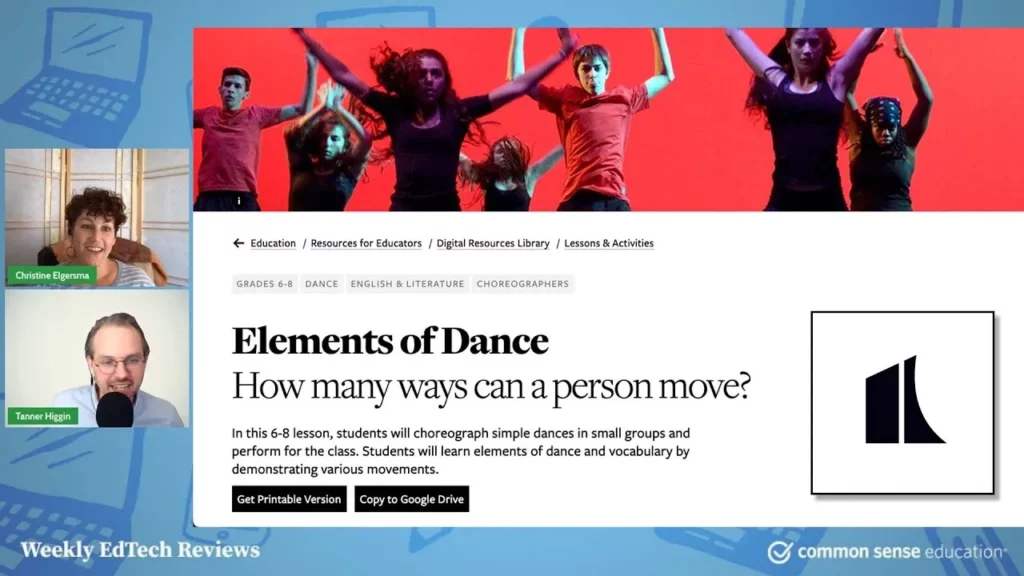
The Kennedy Center Education platform serves as a valuable resource for integrating arts into K-12 education, offering a diverse range of engaging materials suitable for both classroom and home learning. While it features a wealth of high-quality content, including video resources and professional development opportunities, users may encounter challenges with navigation and search functionality. Overall, it stands out as a free tool that enhances the educational experience by blending arts with various subjects, making it particularly beneficial for schools with limited arts programs.
LAUSD Digital Citizenship Week 2014
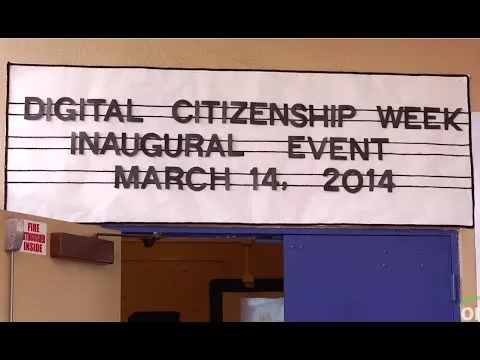
Digital Citizenship Week at Western Avenue Elementary kicked off with a focus on teaching students how to use technology safely and responsibly. The event featured a visit from Disney Channel star Rainy Rodriguez, who emphasized the importance of kindness and respect online. Throughout the week, all students in the Los Angeles Unified School District engaged in lessons about digital literacy and citizenship, culminating in a celebration that highlighted their enthusiasm for becoming responsible digital citizens.
CTRL-F: This Is How You Teach Fact-Checking in the 21st Century
The lesson “CTRL-F: Learning to Fact-Check in the 21st Century” introduces a valuable tool called Control F, designed to enhance news literacy and help students verify information. Created by the Canadian non-profit Civics, the program includes four comprehensive lessons that utilize real-world examples and expert guidance to teach critical fact-checking skills. By engaging with this resource, students will develop essential abilities to identify fake news and understand the motivations behind various sources of information.
How to Encourage Active Viewing with Popplet
The lesson introduces Popplet, a digital tool designed to enhance active viewing by allowing users to organize their thoughts and ideas while watching videos. By creating mind maps, users can visually connect concepts, collaborate with peers, and deepen their understanding of the content. The lesson also suggests additional tools for note-taking and brainstorming, promoting an interactive and engaging learning experience.
Follow the Digital Trail
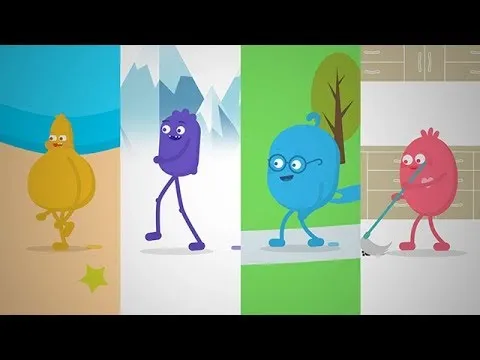
The lesson “Follow the Digital Trail” emphasizes the importance of understanding digital footprints, which are the traces we leave online through our activities. It highlights that these footprints are difficult to erase, making it crucial to be cautious about what we share on the internet. The lesson encourages safe, responsible, and respectful online behavior, urging individuals to think carefully before posting and to seek guidance from trusted adults when in doubt.
Teaching Strategies: Using Tablets when Teaching Sensitive Subjects
In this lesson, students explore the sensitive topic of sexting through anonymous participation using tablets, which fosters a safe and open learning environment. By utilizing tools like Screen Chomp, students can express their thoughts without fear of judgment, encouraging deeper engagement and discussion about the implications of privacy, consent, and digital responsibility. This approach not only promotes maturity in handling sensitive subjects but also ensures that all voices are heard, allowing for a comprehensive understanding of the topic.
Help Kids See the World Like Historians With History’s Mysteries
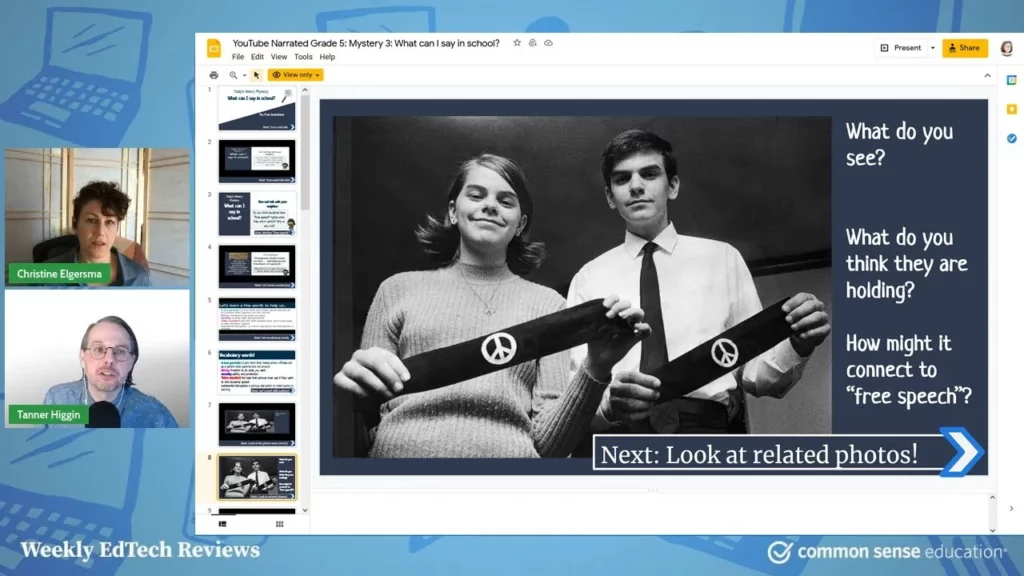
The lesson introduces “History’s Mysteries,” an engaging educational tool designed to help kids think like historians by exploring real historical documents and sources. Through a series of Google Slides and narrated videos, students learn to ask questions and draw conclusions, fostering critical thinking and a deeper understanding of history. The tool emphasizes inclusivity and diverse perspectives, making history accessible and relevant while also connecting these skills to broader areas like media literacy.
Lesson in Action: Talking Safely Online
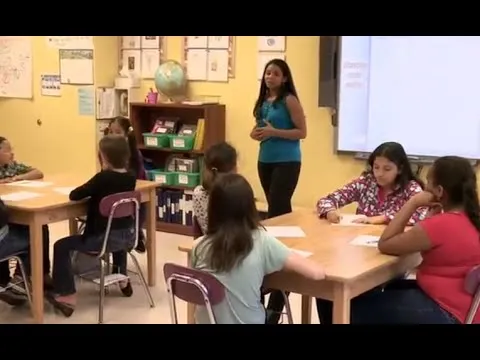
In this lesson, Kayla Cordo teaches students about the differences between online friends and real-life friends, emphasizing the importance of online safety. Students learn to recognize warning signs when interacting with strangers online, understand what constitutes personal information, and develop safe online habits through a checklist and contract. The lesson encourages students to be cautious, avoid sharing personal details, and seek help from adults if they feel uncomfortable in online interactions.
What is the TPACK Model?
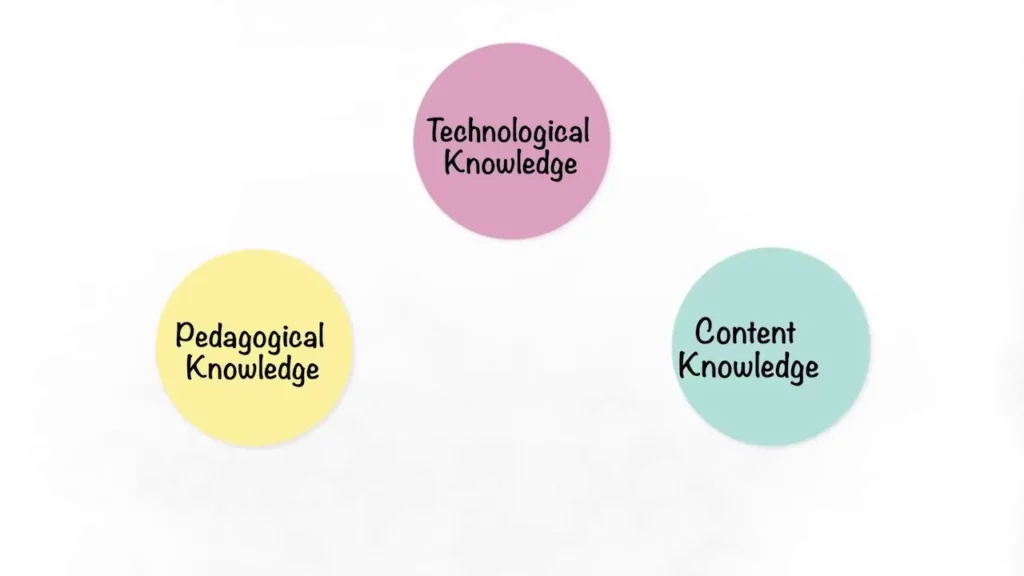
The TPACK model, which stands for Technological Pedagogical Content Knowledge, helps educators understand the intersection of content knowledge, pedagogical knowledge, and technological knowledge to enhance teaching and learning. By integrating these three domains, teachers can create effective and engaging learning experiences that leverage technology while remaining focused on educational objectives. Ultimately, TPACK emphasizes that successful teaching involves a thoughtful combination of content, pedagogy, and technology tailored to the unique needs of each classroom.